AuthoredUp Review (2026) + The Best Alternative for LinkedIn Growth
If you’ve been posting consistently on LinkedIn, you already know the struggle. The native editor feels basic and formatting can be frustrating, making it challenging to stay consistent on the platform. That’s exactly where tools like AuthoredUp come in.
It helps you write cleaner, better-structured posts. But that’s only one part of the bigger picture. As your content strategy grows, you’ll likely need more than just formatting.
You’ll need scheduling, analytics, and a smoother workflow overall. Because of that, you will likely need a tool like OnlySocial.
In this guide, we’ll take a closer look at AuthoredUp and show you why OnlySocial is a better choice for long-term LinkedIn growth.
Table of Contents
- 1 What is AuthoredUp?
- 2 AuthoredUp Key Features
- 3 AuthoredUp Pricing
- 4 Pros and Cons of AuthoredUp
- 5 OnlySocial: The Best AuthoredUp Alternative
- 6 AuthoredUp vs OnlySocial: Quick Comparison
- 7 5 More AuthoredUp Alternatives Also Worth Considering
- 8 Grow Your Audience with OnlySocial
- 9 FAQs
What is AuthoredUp?
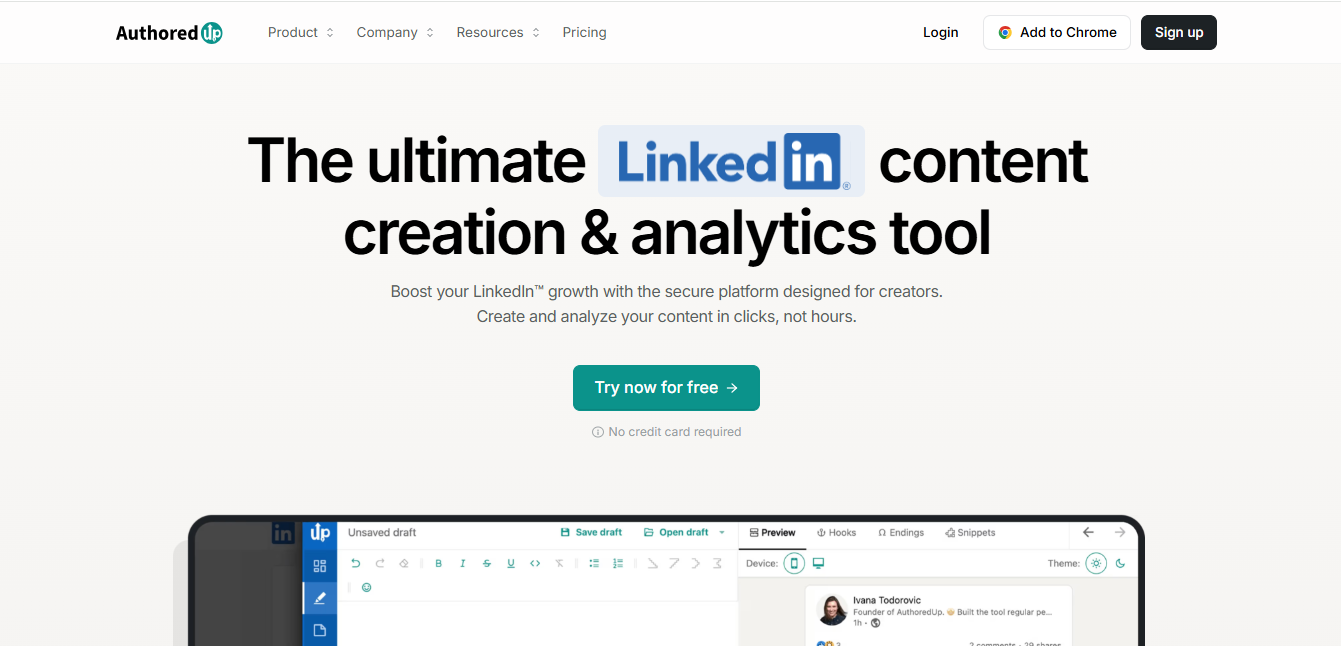
AuthoredUp is a Chrome extension built to improve the way you create content on LinkedIn. Instead of being a full platform, it works directly inside LinkedIn’s native editor, adding extra tools to make writing and formatting easier.
It became popular because it fixes some of LinkedIn’s biggest frustrations. Things like messy spacing, lack of formatting options, and limited control over how posts appear.
With AuthoredUp, you can:
- Format posts with better spacing, line breaks, and styling
- Save drafts and organize content ideas
- Use templates to speed up writing
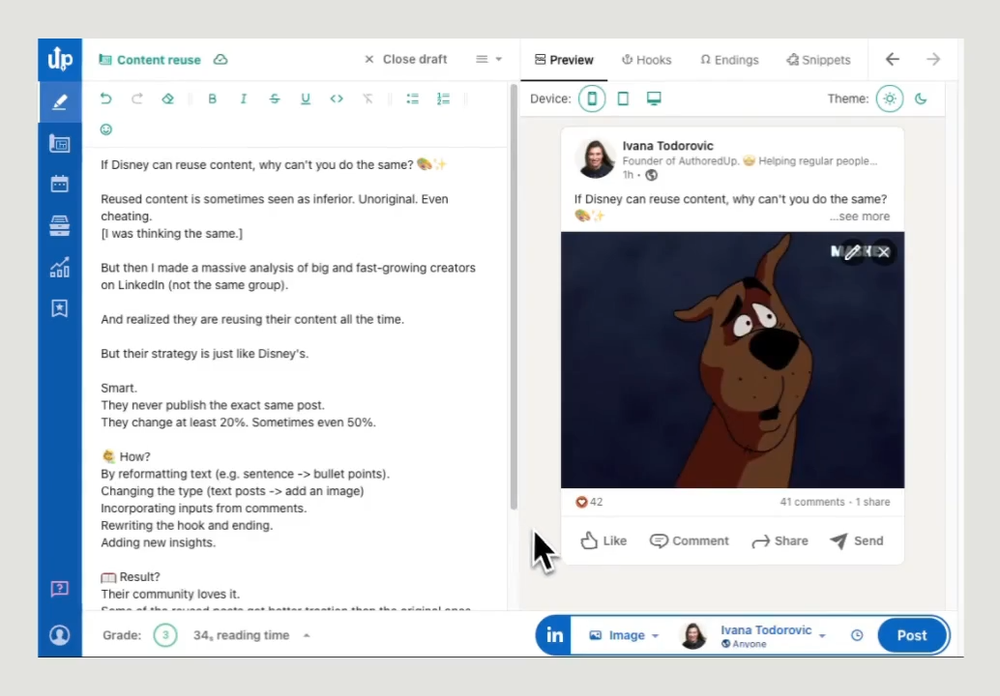
- Preview how your post will look before publishing
- Track basic post performance
- Schedule posts using LinkedIn’s native system
- Work with others on content (with limited collaboration features)
It’s mainly built for people who live on LinkedIn. Think founders, marketers, consultants, recruiters, and anyone focused on building a personal brand there.
That said, its strength is also its limitation. It focuses almost entirely on writing and formatting, which means it doesn’t fully cover scheduling, analytics, or managing content at scale. That’s where alternatives like OnlySocial start to offer more flexibility.
AuthoredUp Key Features
AuthoredUp is built with one goal in mind. That is make LinkedIn posts look better and easier to write. It doesn’t try to be an all-in-one platform. Instead, it focuses on improving the writing experience inside LinkedIn itself.
Here’s what that looks like in practice.
Enhanced post formatting
This is where AuthoredUp shines.
It gives you more control over how your posts appear. You can manage spacing properly, add clean line breaks, and use styling options that make your content easier to read.
If you’ve ever struggled with LinkedIn’s clunky editor, this feels like a big upgrade. Your posts look cleaner, more structured, and more intentional.
That said, you’re still working within LinkedIn’s environment. So while it improves things, it doesn’t give you full creative freedom.
Content management and templates
AuthoredUp lets you save drafts and build templates for your posts. This is useful if you have repeat formats. For example, storytelling posts, list-style content, or hooks you use often. You can store them and reuse them without starting from scratch each time.
It helps with consistency. But compared to full social media tools, the organization side is quite basic.
Basic scheduling
Scheduling is available, but it’s limited.
AuthoredUp works with LinkedIn’s native scheduling feature, so you can plan posts ahead. It adds a bit of convenience, but it’s not a full scheduling system.
There’s no bulk scheduling, no content queues, and no support for other platforms. If you’re posting beyond LinkedIn, you’ll need another tool.
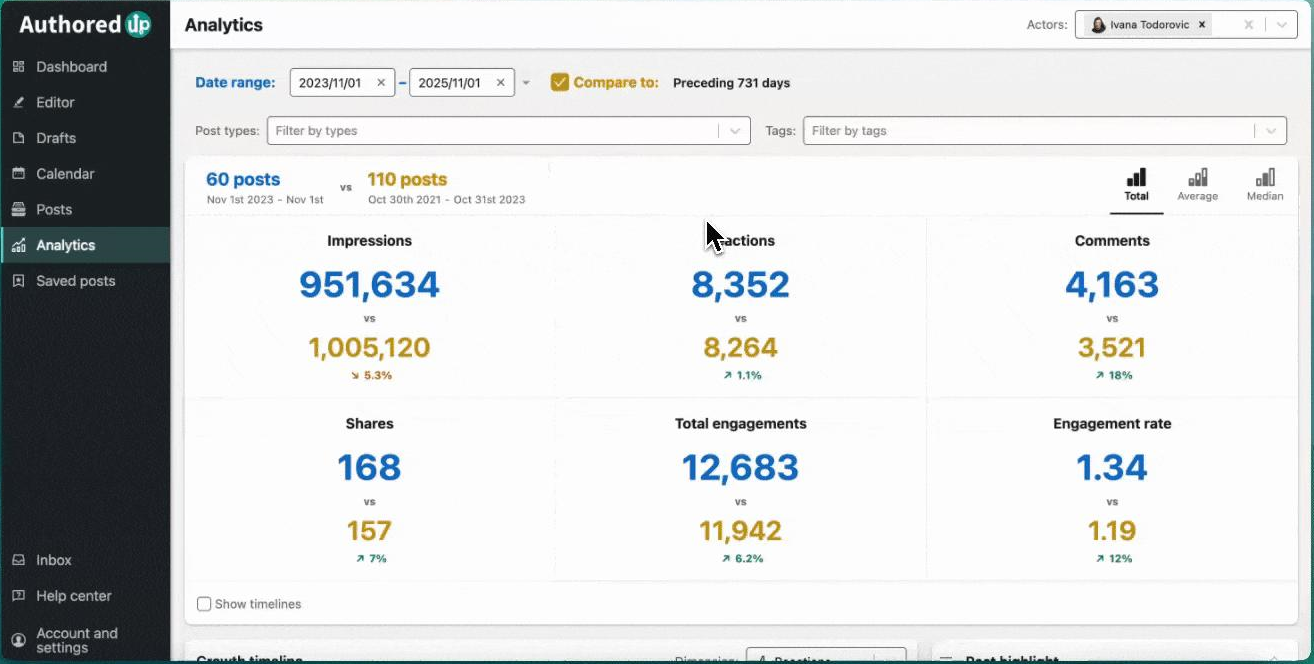
Performance analytics
AuthoredUp includes a simple analytics view to track how your posts are doing. You can see engagement metrics and get a rough idea of performance. But the way it pulls data can feel clunky. Sometimes you need to scroll through your LinkedIn activity to refresh the numbers.
So while it’s helpful at a glance, it’s not built for deep insights or long-term analysis.
Team collaboration
There is some level of team support, but it’s quite restricted. You can connect multiple profiles on higher plans, but there’s no proper system for sharing drafts, leaving comments, or managing approvals. That makes it harder for teams or agencies to work together smoothly.
AuthoredUp Pricing
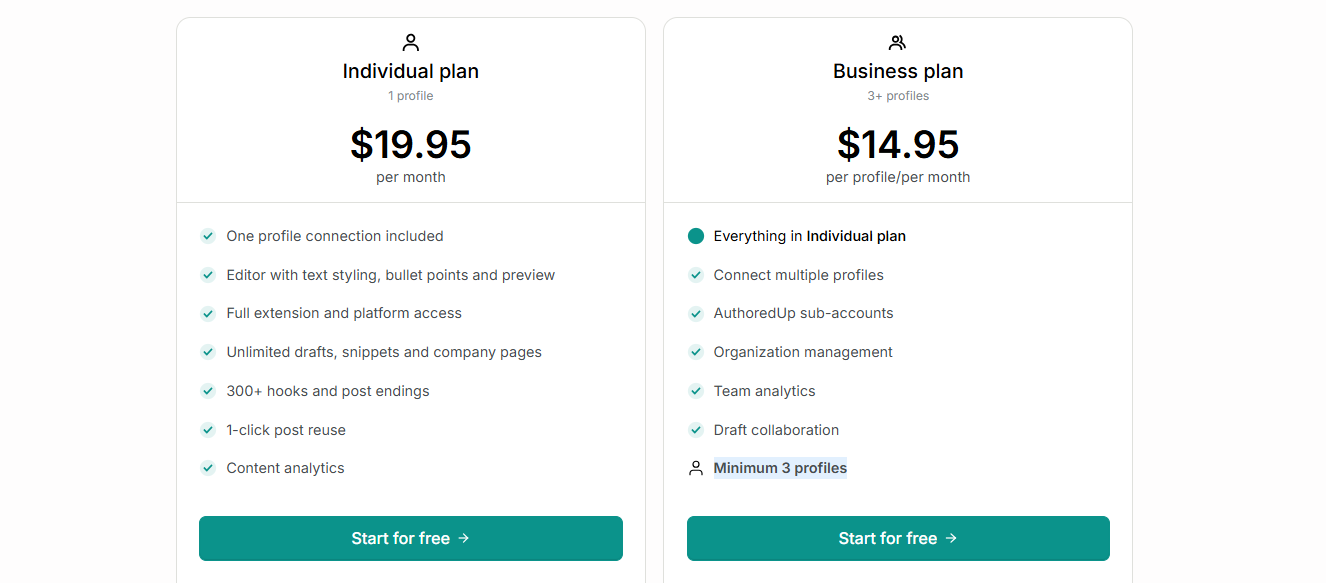
AuthoredUp keeps things fairly simple when it comes to pricing. There are two main plans, depending on whether you’re working solo or with a team.
Individual Plan – $19.95/month
This plan is built for solo LinkedIn creators.
You get access to the core writing and formatting tools, including the enhanced editor, post previews, and templates. It also includes unlimited drafts and snippets, which is helpful if you like to build content ahead of time.
You can connect one LinkedIn profile and track basic performance through the built-in analytics. There’s also a library of hooks and post endings to speed up your writing process.
In short, it covers everything you need to improve how your posts look and feel.
Business Plan – from $44.85/month (minimum 3 users)
This plan is designed for teams. It includes everything in the Individual plan, but adds support for multiple profiles and basic team features. You can manage sub-accounts, access team-level analytics, and collaborate on drafts to some extent.
However, the collaboration side is still quite limited compared to full social media tools like OnlySocial. It works, but it’s not built for complex workflows or larger teams.
Quick take
AuthoredUp’s pricing is reasonable for what it offers. But it’s worth remembering that you’re mainly paying for a better LinkedIn writing experience.
Once you need scheduling at scale, deeper analytics, or full team collaboration, you may find yourself needing more than what these plans provide.
Pros and Cons of AuthoredUp
Like most tools, AuthoredUp does some things really well, and a few things not so well. It depends a lot on what you’re actually looking for.
Pros of AuthoredUp
- Built specifically for LinkedIn: AuthoredUp is focused entirely on LinkedIn. If that’s your main platform, it feels tailored to your needs rather than trying to do too many things at once.
- Seamless LinkedIn integration: Because it works as a Chrome extension, you don’t need to learn a new system. It simply enhances the LinkedIn editor you already use.
- Better formatting control: This is its biggest strength. You get cleaner spacing, better structure, and more control over how your posts look in the feed.
- Template system for consistency: You can save and reuse templates, which makes it easier to stay consistent with your content style and speed up your workflow.
Cons of AuthoredUp
- Limited by being a browser extension: Since it runs as a Chrome extension, it depends heavily on your browser and LinkedIn’s interface. That can sometimes lead to performance issues or limitations you wouldn’t get with a standalone platform.
- Basic scheduling features: Scheduling works, but it’s quite simple. There’s no bulk scheduling, no queues, and no support for other platforms. Compared to tools like OnlySocial, it feels quite restricted.
- No comment scheduling: You can’t schedule a first comment with your post, which is something many LinkedIn creators rely on for links or extra context.
- Weak collaboration features: Team features are minimal. You can’t properly share drafts, leave comments, or manage approvals in a structured way. This makes it less useful for teams or agencies.
- Tied to LinkedIn’s limitations: Because it enhances LinkedIn rather than replacing it, any limitations in LinkedIn’s editor still apply.
- No built-in AI writing tools: Unlike many newer tools, AuthoredUp doesn’t offer AI assistance for generating or improving content.
OnlySocial: The Best AuthoredUp Alternative
Once you start hitting the limits of AuthoredUp, especially around scheduling, analytics, and teamwork, you naturally begin looking for something that does more than just improve how your posts look.
That’s where OnlySocial comes in.
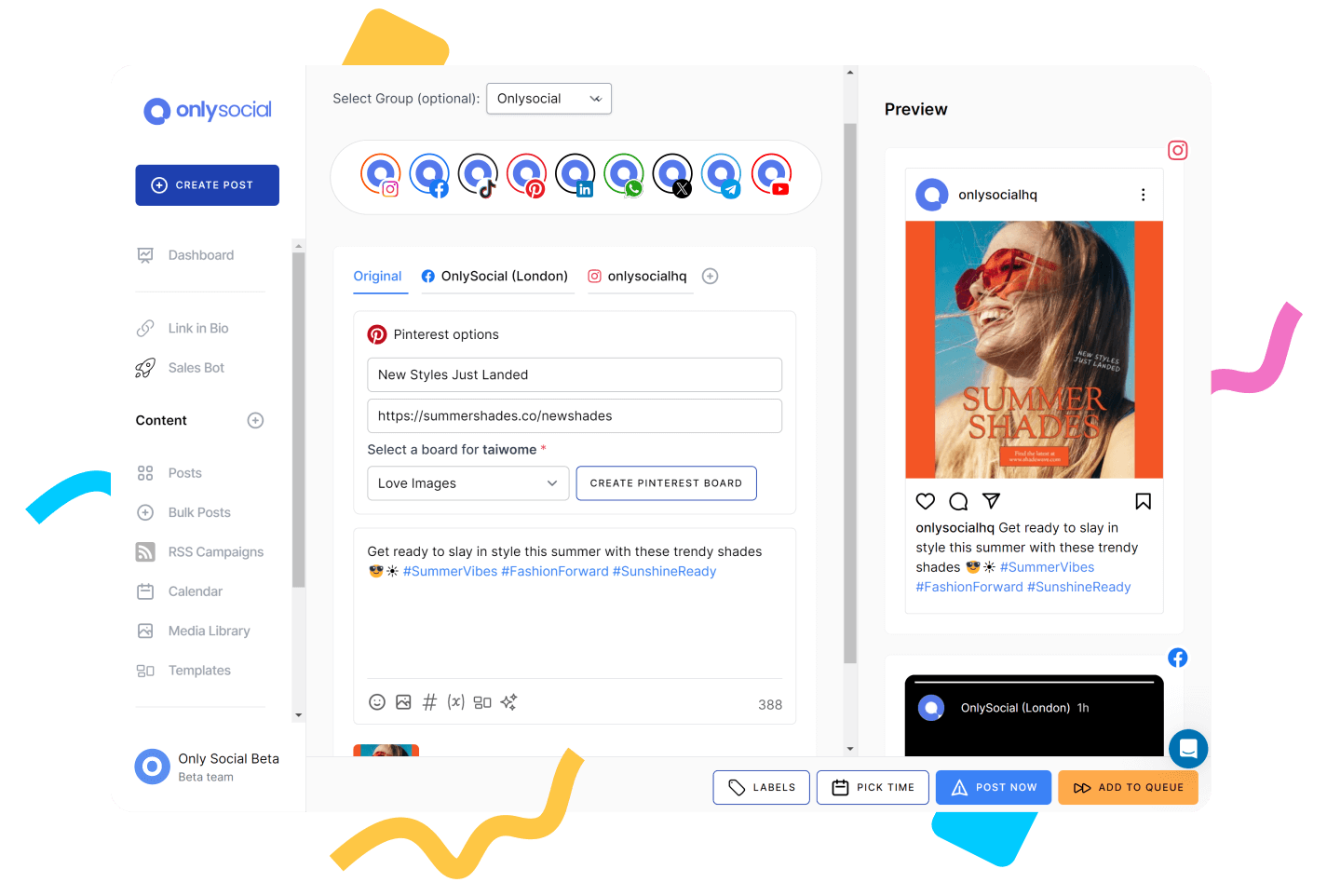
OnlySocial isn’t just a writing tool. It’s a complete system for managing your LinkedIn content from start to finish. You can plan, create, schedule, publish, track performance, and even manage engagement, all from one place.
Instead of fixing just one part of the process (like formatting), OnlySocial connects the entire workflow. So rather than jumping between tools for writing, scheduling, and analytics, everything sits in one clean setup.
That’s what makes it a strong step up from AuthoredUp, especially if you’re serious about growing on LinkedIn consistently.
Key Features (and how it compares to AuthoredUp)

- Full LinkedIn scheduling
OnlySocial lets you schedule LinkedIn posts with a proper calendar, bulk upload, and content queues. With AuthoredUp, scheduling depends on LinkedIn’s native system. It works, but it’s limited. With OnlySocial, you can plan weeks or even months of content in one go without friction.
- Multi-platform publishing
OnlySocial supports 15+ platforms, including LinkedIn, X, Instagram, Facebook, TikTok, YouTube, Threads, and more. AuthoredUp is LinkedIn-only. So if you repurpose content or manage multiple channels, OnlySocial saves you from using multiple tools.
- AI-powered content creation
OnlySocial includes built-in AI tools that help you generate captions, ideas, and even visuals. AuthoredUp doesn’t offer AI writing support. This means, instead of just formatting your posts, OnlySocial helps you create them from scratch. - All-in-one inbox
OnlySocial offers a unified inbox that allows you to manage messages, comments, and conversations from one place – something AuthoredUp doesn’t offer at all. With OnlySocial, you don’t just post content. You manage interactions too. - Team collaboration and approvals
OnlySocial allows you to assign roles, set approval workflows, and organize your content process. AuthoredUp’s does offer collaboration features, too. But they are minimal and quite limited. So, if you’re an agency looking for a way to keep everything structured, you will appreciate OnlySocial a lot. - Advanced analytics and reporting
AuthoredUp offers basic analytics, and even those can feel clunky. But OnlySocial gives you deeper insights into performance, helping you understand what’s working and why. - Visual content calendar
OnlySocial’s drag-and-drop calendar makes planning content simple and visual. If you have used AuthoredUp well enough, you will know it doesn’t offer a full content calendar. So if you like seeing your entire content plan at a glance, OnlySocial is far more practical.
Pricing
OnlySocial offers flexible pricing based on your needs:
Freelancer – $29/month
- 15 social profiles
- Unlimited scheduling
- AI captions and images
- Unified inbox
- Analytics and reports
Entrepreneur – $49/month
- 40 social profiles
- More AI credits
- Increased storage and broadcasts
Unlimited Pro – $99/month
- Unlimited social profiles
- Unlimited AI usage
- Full access to all features
Compared to AuthoredUp, you’re paying for a complete system, not just a writing tool.
Pros and Cons of OnlySocial
Pros
- All-in-one platform for content, scheduling, engagement, and analytics
- Supports LinkedIn and multiple other platforms
- Strong collaboration features for teams
- Built-in AI tools for faster content creation
- Easy-to-use calendar and bulk scheduling
Cons
- May feel like overkill if you only need basic LinkedIn formatting
- No forever free plan
If your only goal is to make LinkedIn posts look cleaner, AuthoredUp does the job.
But if you want to grow on LinkedIn consistently, manage content at scale, and avoid juggling multiple tools, OnlySocial is the better choice. It gives you everything in one place, which makes your workflow smoother and more efficient.
AuthoredUp vs OnlySocial: Quick Comparison
| Feature | OnlySocial | AuthoredUp |
| Primary Focus | Full social media management | LinkedIn content formatting |
| Platform Support | 15+ platforms (LinkedIn, Instagram, X, TikTok, etc.) | LinkedIn only |
| Content Creation | AI-powered captions, ideas, and images | Manual writing with templates |
| Post Formatting | Basic formatting tools | Advanced LinkedIn formatting |
| Scheduling | Advanced (bulk upload, queues, calendar) | Basic (LinkedIn native scheduling) |
| Content Calendar | Drag-and-drop visual calendar | Not available |
| Analytics | Advanced reporting and insights | Basic, limited analytics |
| Engagement Tools | Unified inbox (comments, DMs, messages) | Not supported |
| Team Collaboration | Roles, approvals, workflows | Very limited |
| AI Features | Yes (content + visuals) | No |
| Best For | Creators, teams, agencies, multi-platform users | Solo LinkedIn creators focused on writing |
| Starting Price | $29/month | $19.95/month |
5 More AuthoredUp Alternatives Also Worth Considering
AuthoredUp is great for formatting, but if you want more control over your LinkedIn workflow, there are other tools worth exploring. These options go beyond just writing and bring in features like AI content creation, scheduling, and performance tracking.
1. Supergrow
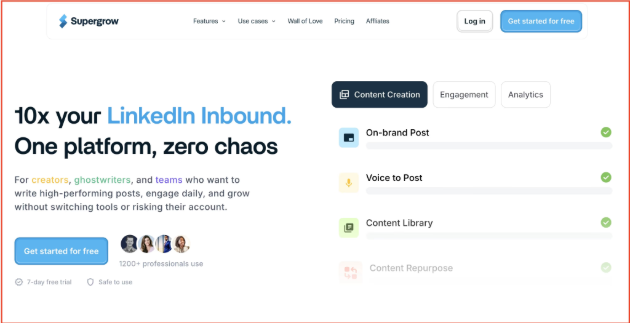
Supergrow is a LinkedIn-first platform built for creators who want a complete content workflow in one place. Instead of just helping you write posts, it covers everything from idea generation to publishing and analysis.
Key Features
- AI Post Generator – Creates LinkedIn posts based on your writing style, so the output feels more personal and less robotic.
- Content Calendar & Kanban Board – Lets you plan, organize, and track your content pipeline visually, which makes staying consistent easier.
- Carousel Maker – Helps you design LinkedIn carousel posts without needing external design tools, keeping your content visually consistent.
- First-Comment Scheduler – Allows you to schedule a follow-up comment (for links or CTAs), which can improve reach and engagement.
- Voice-to-Post – Converts spoken ideas into structured posts, useful when you want to capture thoughts quickly.
- Analytics – Tracks performance metrics like engagement and follower growth so you can refine your content strategy.
Pricing
- Starter – $19/month
- Pro – $39/month
Pros
- AI adapts to your writing style
- Strong content repurposing tools
- Built-in carousel creation
- Clean and easy-to-use workflow
Cons
- Limited to LinkedIn only
- No mobile app yet
2. Taplio
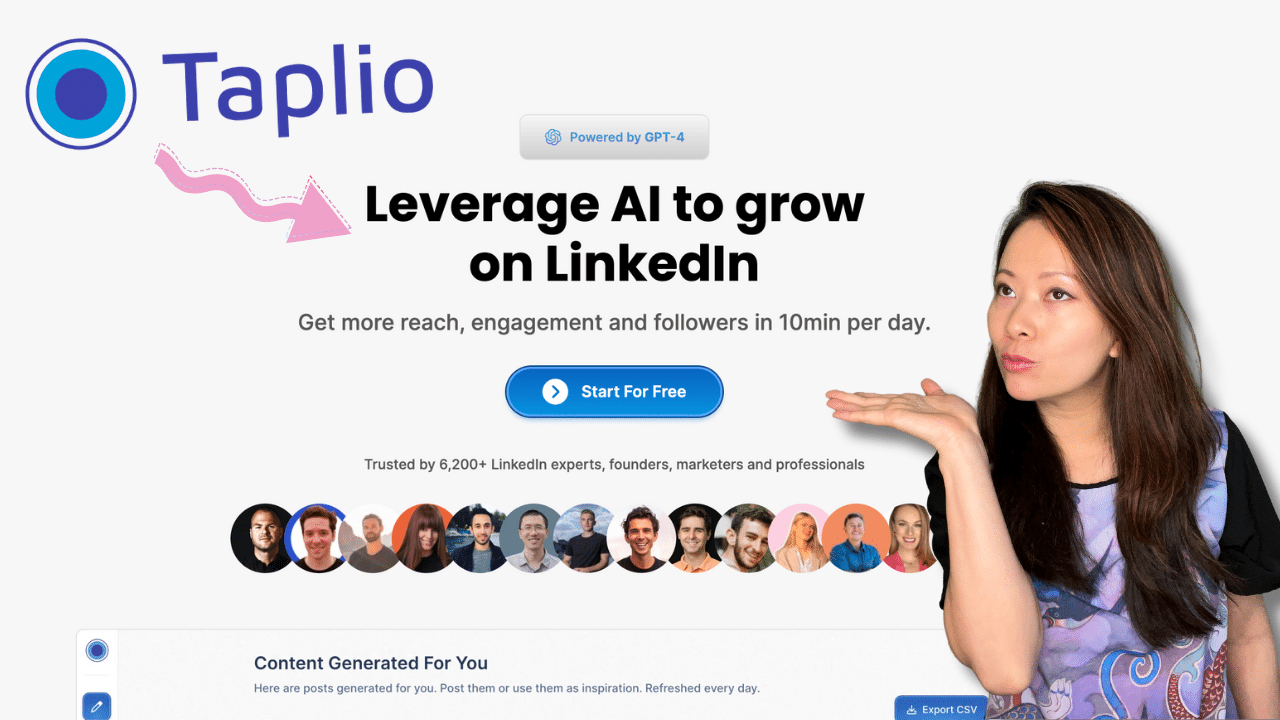
Taplio is one of the most popular LinkedIn growth tools, designed to help you create content, stay consistent, and improve engagement.
It focuses on combining AI content creation with performance insights so you can post with more confidence.
Key Features
- AI Content Creation – Generates LinkedIn posts based on your style and past content, helping you maintain consistency without starting from scratch.
- Hook Generator – Suggests strong opening lines to grab attention and improve engagement on your posts.
- Viral Content Finder – Identifies trending topics in your niche so you can create content that’s more likely to perform well.
- Smart Scheduling – Recommends the best times to post based on your audience’s activity patterns.
- Engagement Management – Highlights important interactions and suggests responses, helping you focus on conversations that matter.
Pricing
- Starter – $39/month
- Standard – $65/month
- Pro – $199/month
Pros
- Strong AI writing capabilities
- Helpful engagement insights
- Built for LinkedIn growth
Cons
- Expensive compared to alternatives
- Slight learning curve for new users
3. Typefully
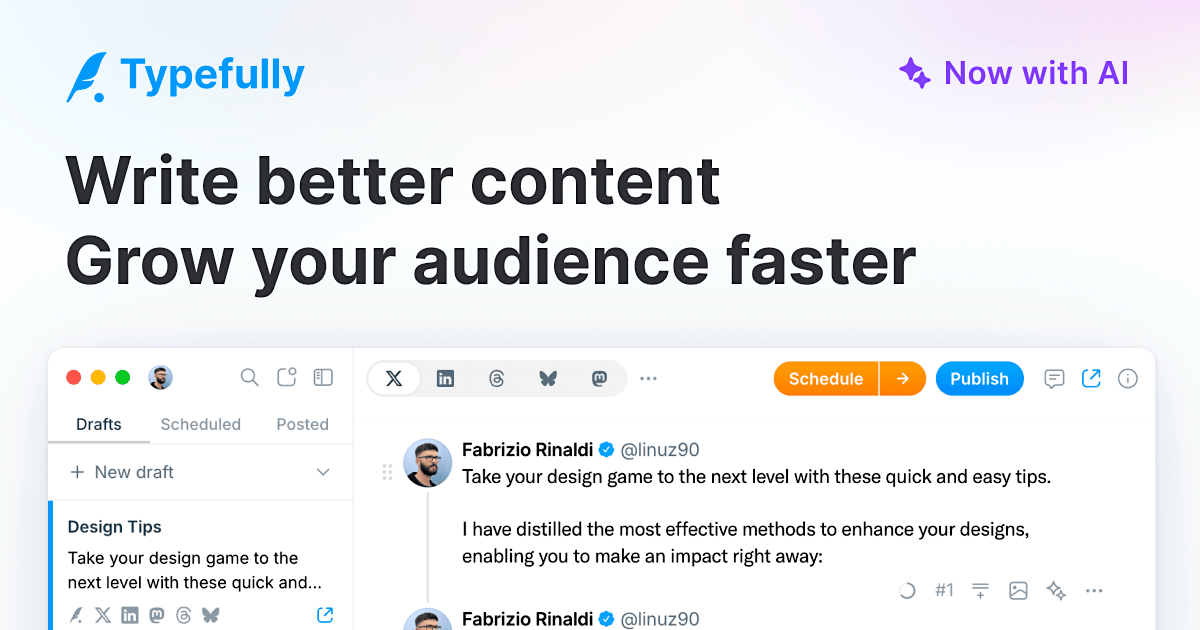
Typefully is a writing-focused platform that works across multiple text-based platforms. It started with X (Twitter) but now supports LinkedIn, Threads, Bluesky, and more.
If you’re someone who posts across platforms, it helps you keep everything in one place instead of juggling tools.
Key Features
- Multi-platform publishing – Write once and post across LinkedIn, X, Threads, and other platforms without rewriting everything.
- Distraction-free editor – A clean writing space that helps you focus on content without clutter.
- AI writing assist – Helps expand ideas and refine drafts, especially useful when you’re stuck.
- Content calendar – Lets you schedule and organize posts across different platforms.
- Team collaboration – Work with others on drafts and share feedback before publishing.
Pricing
- Free plan available
- Paid plans from $12.50/month
Pros
- Great for cross-platform creators
- Simple and clean writing experience
- Generous free plan
Cons
- No carousel creation tools
- AI isn’t tailored to your personal voice
- Limited LinkedIn-specific analytics
4. Kleo
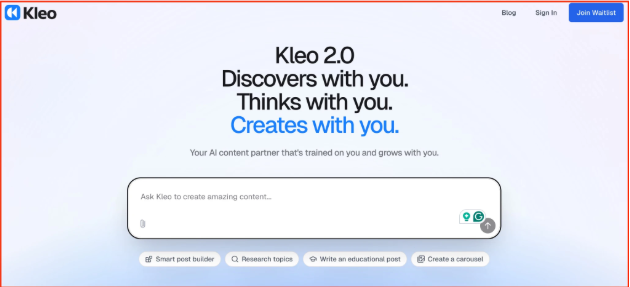
Kleo is a free Chrome extension built for one main purpose: helping you understand what works on LinkedIn. Instead of helping you write or schedule posts, it focuses on research and content inspiration.
Key Features
- Content discovery – Find high-performing LinkedIn posts based on engagement, date, or topic.
- Creator analysis – Study other LinkedIn profiles to see what content performs best for them.
- Advanced search filters – Quickly find specific types of posts or topics within your niche.
- Post preview tool – See how your content will look before posting.
- Formatting assistance – Improve readability with simple formatting tweaks.
Pricing
- Free to use
Pros
- Completely free
- Great for research and inspiration
- Works directly within LinkedIn
Cons
- No scheduling features
- No collaboration tools
- Limited to Chrome extension use
5. MagicPost
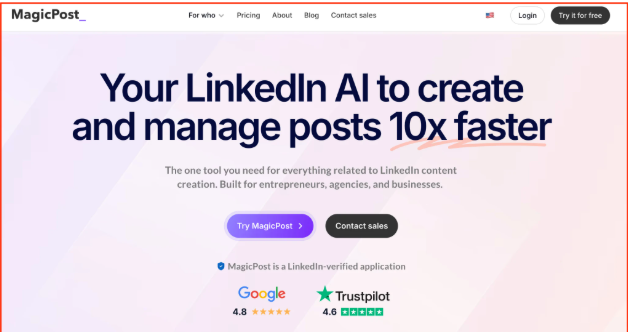
MagicPost is an AI-driven LinkedIn tool focused on making content creation fast and easy. It’s designed for people who want to go from idea to published post in minutes. It combines writing, scheduling, and media tools in one place.
Key Features
- AI post generator – Turns ideas or drafts into structured LinkedIn posts quickly.
- URL-to-post conversion – Converts blogs or videos into LinkedIn-ready content.
- Calendar scheduling – Plan and queue posts for future publishing.
- Media integration – Add images, GIFs, and carousels directly within the editor.
- Media library – Store and organize visuals, including AI-generated images.
Pricing
- Starter – $29/month
- Creator – $39/month
- Enterprise – $99/month
Pros
- Fast content creation
- Easy-to-use interface
- Strong repurposing features
Cons
- Limited customization for advanced users
- Fewer integrations
- Pricing can feel high for individuals
Grow Your Audience with OnlySocial
Building a strong LinkedIn presence takes more than just writing good posts. You need consistency, a clear content plan, and the ability to track what’s working so you can improve over time. That’s where OnlySocial makes a real difference.
Instead of focusing on just one part of the process, it brings everything together. You can plan your content, create posts faster with AI, schedule them in advance, and manage engagement without switching tools.
Over time, that kind of setup compounds. You spend less time figuring things out and more time actually showing up and posting. Whether you’re growing a personal brand or managing multiple accounts, OnlySocial gives you the structure to stay consistent and the insights to keep improving. And that’s what really drives growth on LinkedIn.
FAQs
Is AuthoredUp worth it for LinkedIn creators?
AuthoredUp can be worth it if your main focus is improving how your LinkedIn posts look. It helps with formatting, templates, and writing structure. But if you need scheduling, analytics, or multi-platform management, you may outgrow it quickly.
What is the best alternative to AuthoredUp?
The best alternative depends on what you need. If you want a complete system for LinkedIn and beyond, OnlySocial is a strong option because it covers content creation, scheduling, engagement, and analytics in one place. Tools like Typefully and Supergrow are also good if your focus is mainly on writing.
Can I schedule LinkedIn posts with AuthoredUp?
Yes, but it’s limited. AuthoredUp relies on LinkedIn’s native scheduling feature, so you don’t get advanced options like bulk scheduling, content queues, or cross-platform publishing.
Do I need a separate tool for LinkedIn analytics?
In many cases, yes. AuthoredUp offers basic analytics, but it’s not very detailed. If you want deeper insights into performance and audience behavior, you’ll likely need a more advanced tool or an all-in-one platform like OnlySocial.