10 Best Flick Alternatives for Effective Social Media Management in 2026
Flick is a great tool, especially when it comes to researching hashtags. But the tool is limited to just four social platforms, comes with basic AI capabilities, and allows only 30 posts per month on the starter plan. That’s exactly why more users are now exploring alternatives.
In this guide, we’ll walk you through 8 of the best Flick alternatives for 2026. These are tools that go beyond hashtags and help you manage your entire social media workflow more effectively.
Whether you want more automation, better insights, or simply more room to scale, you’ll find something here worth considering.
Table of Contents
Why People Consider a Flick Alternative
Flick does a lot of things right, especially if you’re focused on Instagram growth and hashtag strategy. But once your workflow gets a bit more serious, you start to notice where it falls short. And that’s usually the point where people begin exploring other options.
Here are some of the most common reasons users move away from Flick:
Limited platform coverage
Flick supports Instagram, Facebook, TikTok, and LinkedIn, which is fine for many users. But the moment you expand beyond that, things get tricky.
If your strategy includes platforms like X (Twitter), Pinterest, YouTube, Threads, or even newer channels like Bluesky, you’ll likely need a second tool. That split workflow can quickly become frustrating.
Restrictions on the entry plan
The Solo plan looks affordable at first, but the 30-post monthly limit can feel tight pretty quickly. If you’re posting daily or managing more than one platform, you’ll hit that ceiling faster than expected. For active creators or small teams, this becomes more of a limitation than a benefit.
Basic AI features
Flick’s AI tools are helpful, but they’re fairly basic. The caption assistant can give you ideas, but it doesn’t go much further than that. There’s no AI image generation or deeper automation built in. If you’re looking for a more complete AI-powered workflow, you’ll likely find yourself wanting more.
Top Flick Alternatives Worth Considering
1. OnlySocial
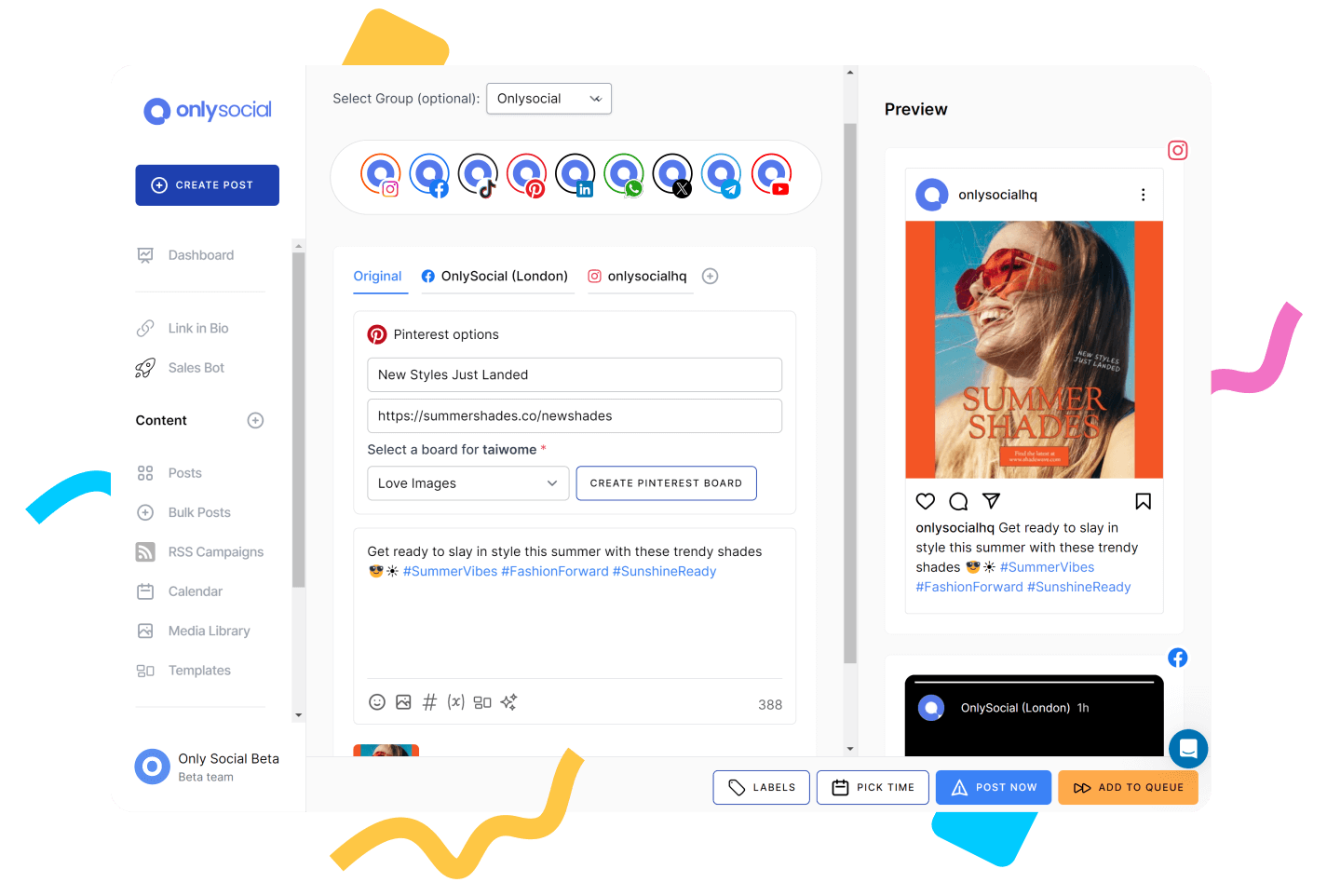
Unlike Flick, that tend to focus on Instagram and hashtags, OnlySocial is more like a complete system. It’s designed to handle the full lifecycle of your social media – planning, publishing, engagement, and even content creation – without needing extra tools.
One thing that stands out immediately is how it handles scale. You’re not boxed into a handful of platforms or limited posting caps. You can plan content across multiple networks, batch-schedule in bulk, and manage everything from a single dashboard.
The unified inbox also changes how you interact with your audience. Instead of jumping between apps, you can respond to messages and comments in one place, which saves a surprising amount of time.
Then there’s the AI layer. Unlike Flick’s more basic caption helper, OnlySocial goes further with AI-generated captions, images, and even chatbot-style automation. It’s not just about writing posts, but about speeding up your entire workflow. For creators or teams trying to do more without burning out, that difference is noticeable.
Pros
- Handles multiple platforms beyond just the basics
- No strict limits on how much content you can schedule
- Unified inbox makes engagement easier to manage
- Strong AI tools that go beyond captions
- Works well for both solo creators and growing teams
Cons
- No permanently free plan available
- Analytics, while useful, may not be as deep as specialized tools
Pricing
OnlySocial keeps things fairly flexible, depending on how far you want to go:
Freelancer – $29/month
A solid entry point if you’re managing a handful of accounts. You get access to core features like scheduling, inbox, analytics, and AI tools without heavy restrictions.
Entrepreneur – $49/month
This is where it starts to feel more scalable. More profiles, more AI credits, and higher limits across storage and messaging make it suitable for small teams or growing brands.
Unlimited Pro – $99/month
The name says it all. Unlimited profiles, unlimited AI usage, and higher limits across the board. For agencies or anyone managing multiple clients, this removes most of the typical constraints you’d expect from tools in this category.
Compared to Flick, OnlySocial feels less restrictive and more future-proof, especially if you plan to grow beyond a single platform.
2. Buffer
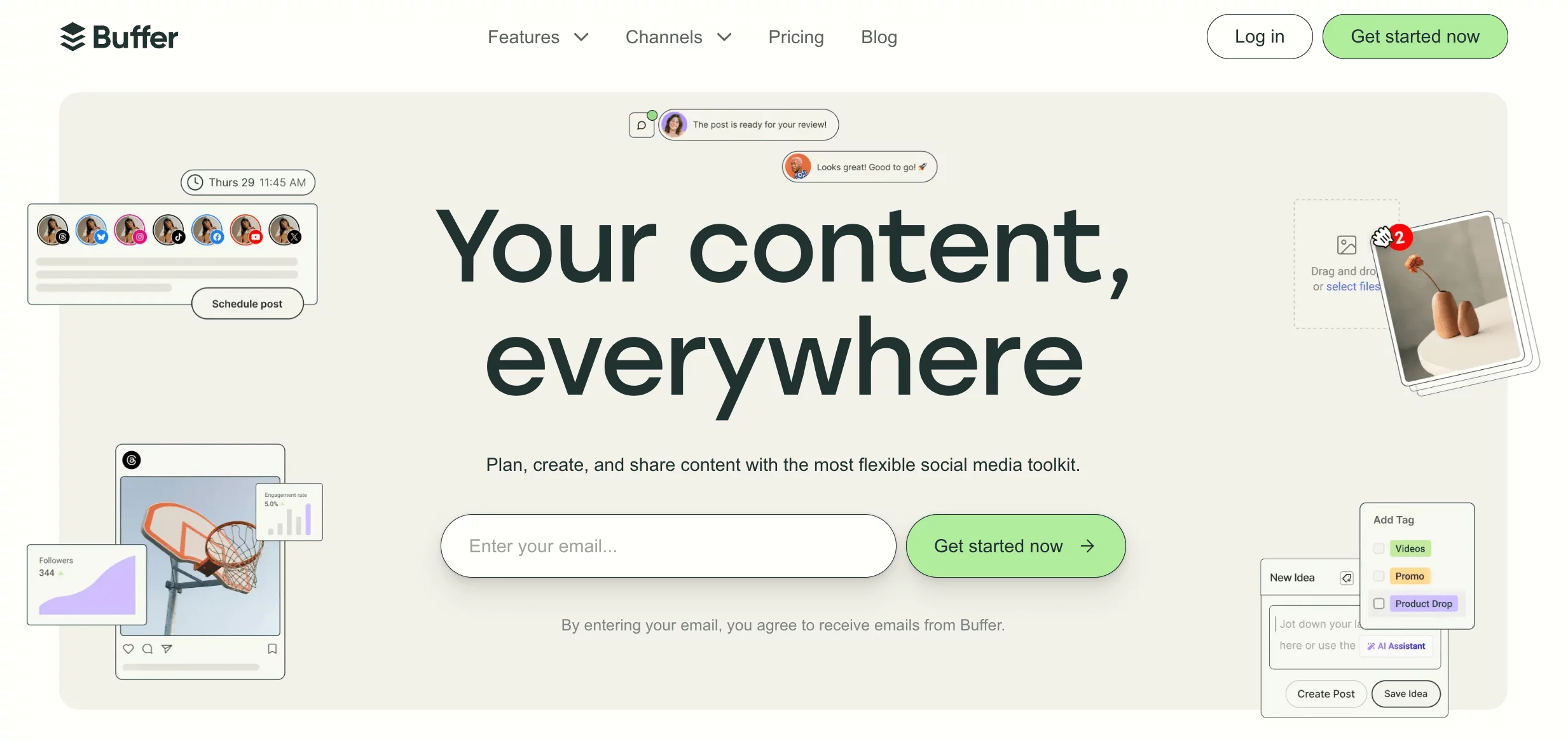
Buffer is the kind of tool you use when you’re tired of overcomplicated dashboards. It strips social media management back to the essentials – clean scheduling, simple planning, and just enough analytics to know what’s working. If Flick feels a bit too niche with its hashtag-heavy approach, Buffer feels more balanced and easier to live with day-to-day.
What makes Buffer stand out is how frictionless everything feels. You can queue posts in seconds, organize your content without thinking too hard, and keep things moving consistently. It also quietly supports more platforms than Flick, so you’re not boxed into just a few networks.
And while its AI tools aren’t overly flashy, they’re practical, helping you write faster rather than trying to do everything for you.
Pros
- Very easy to use with almost no learning curve
- Clean interface that keeps things simple
- Supports more platforms beyond Flick’s core options
- Flexible scheduling with queue-based posting
- Free plan available for getting started
Cons
- Limited automation compared to more advanced tools
- Analytics are fairly basic
- No deep AI features beyond simple assistance
- Not ideal for large teams or complex workflows
Pricing
Buffer’s pricing is one of its biggest advantages:
- Free Plan
A great starting point for individuals. You can connect a few accounts and schedule posts, though features are limited. - Essentials Plan – around $6–$12/month per channel
This unlocks more scheduling, analytics, and engagement tools. The per-channel pricing can be affordable at small scale, but adds up as you grow. - Team Plans – higher tiers available
Designed for collaboration, these plans add more users and features, though they can become costly if you manage many accounts.
Compared to Flick, Buffer gives you more flexibility with fewer restrictions, especially at the entry level. But if you’re looking for deeper automation or AI-powered workflows, it may feel a bit too lightweight.
3. Loomly
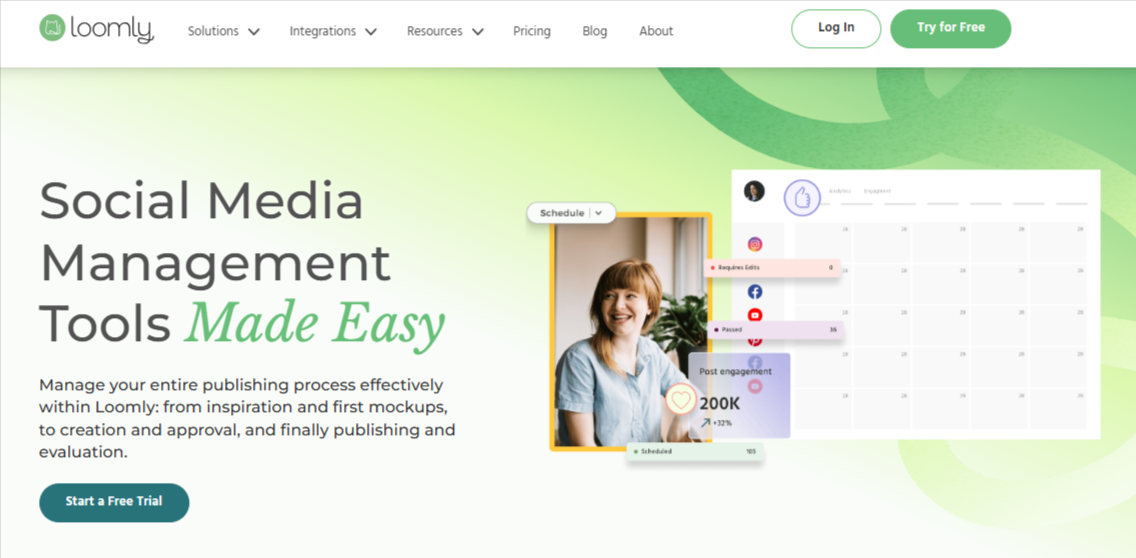
Loomly feels like a calm, organized workspace for your social content. If Flick is built around helping you grow through hashtags and quick wins, Loomly leans more into structure – planning, collaboration, and keeping everything in order. It’s the kind of tool that shines when multiple people are involved in content creation.
One thing Loomly does really well is guide you through the content process. It doesn’t just let you post; it suggests ideas, helps you shape your captions, and keeps everything aligned in a shared calendar.
The approval workflows are also a big step up from Flick. If you’ve ever had to send drafts back and forth over WhatsApp or email, Loomly makes that feel unnecessary. Everything happens in one place, and everyone knows what’s going live and when.
Pros
- Great for teams with built-in approval workflows
- Clean and well-structured content calendar
- Post ideas and suggestions help with consistency
- Easy to keep track of content across multiple platforms
- Good balance between simplicity and functionality
Cons
- Analytics are not as deep as more advanced tools
- Can feel a bit rigid if you prefer flexible workflows
- No free plan available
- Pricing increases as you add more users and features
Pricing
- Base Plan – around $65/month: Includes a limited number of users and social accounts, along with core scheduling and planning features.
- Standard and Advanced Plans – up to $300+/month: As you move up, you get more users, more accounts, and features like custom branding and advanced workflows.
Compared to Flick, Loomly is more expensive upfront, but it also offers a more structured and team-friendly experience. It’s a better fit if your focus is collaboration and content organization rather than just posting and hashtags.
4. Metricool
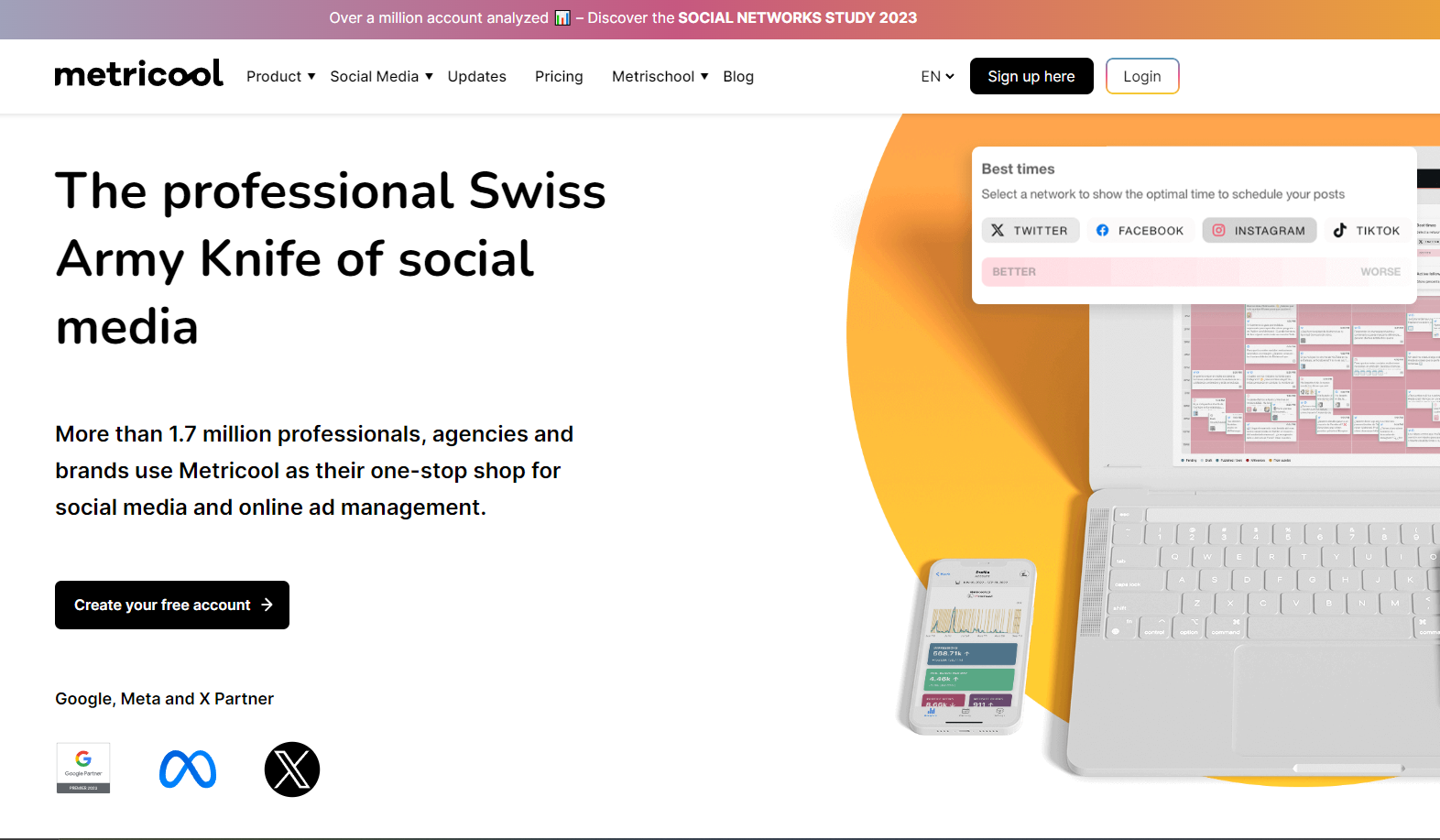
Metricool feels like the tool you switch to when you’re done guessing. Metricool helps you understand what actually works and why. It blends scheduling with strong analytics in a way that feels more grounded in performance than just content creation.
What stands out is how everything connects. You don’t just schedule a post and move on. You see how it performs, how your audience reacts, and even how your competitors are doing. The best-time-to-post insights are especially useful because they’re based on real data, not assumptions.
If Flick feels like a content helper, Metricool feels more like a strategy tool.
Pros
- Strong analytics that go beyond surface-level metrics
- Helps you understand trends, not just track posts
- Includes competitor analysis for better positioning
- Clean dashboard that makes data easy to digest
- Free plan available for beginners
Cons
- Automation features are not as advanced as some tools
- Interface can feel slightly data-heavy at first
- AI tools are not as developed as newer platforms
- Less focused on content inspiration compared to Flick
Pricing
Metricool is one of the more accessible tools in this space:
- Free Plan
Covers basic scheduling and analytics, making it a great entry point for individuals or small creators. - Starter Plan – around $18/month
Unlocks more profiles, deeper analytics, and better reporting features. - Advanced Plans – $45+/month and above
Offer more profiles, team features, and expanded reporting capabilities.
5. Later
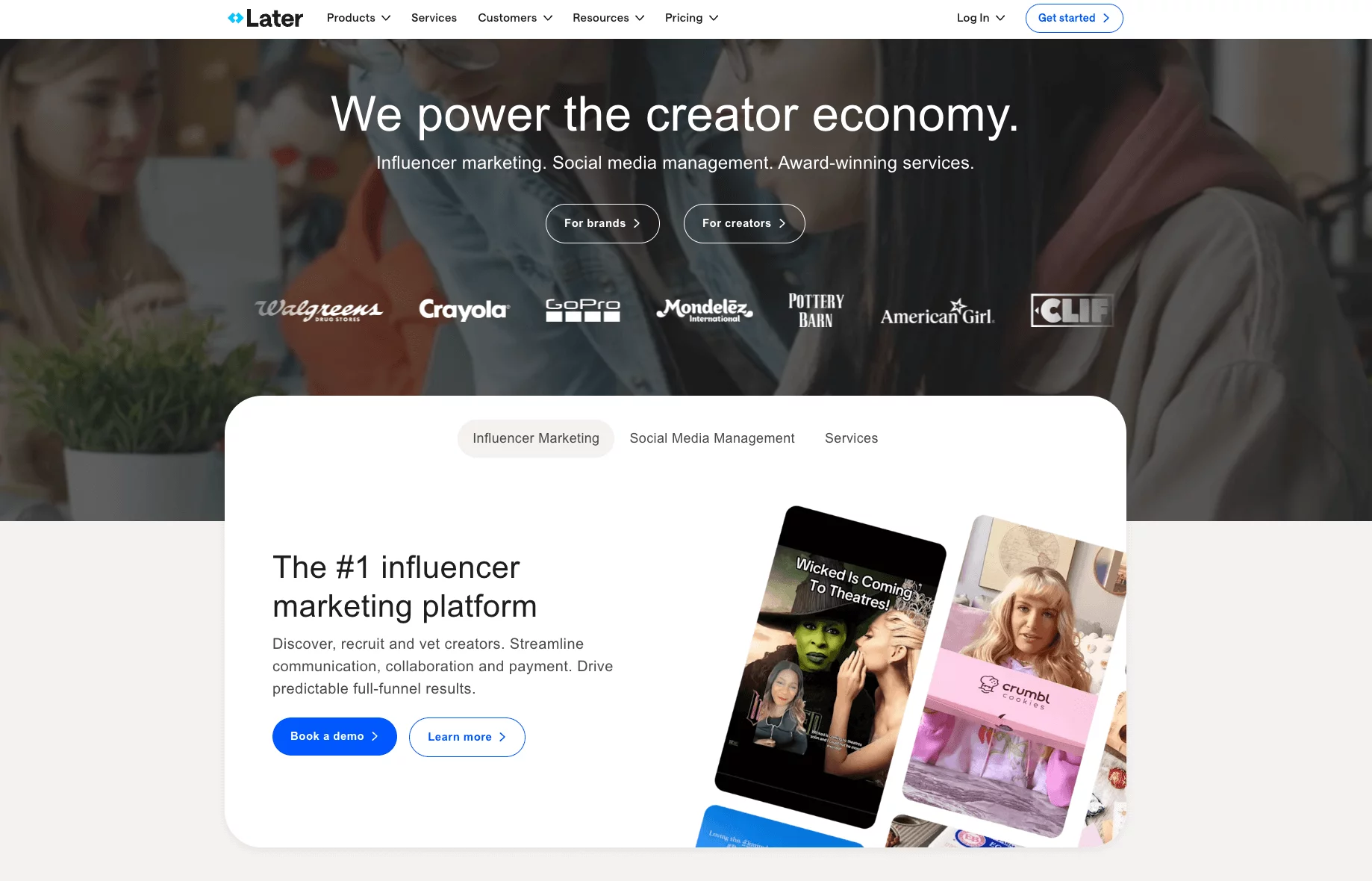
Later feels like it was built for people who care about how their content looks just as much as how it performs. It is visual planning machine that helps you design your feed before anything goes live.
The drag-and-drop calendar and grid preview are where it really shines. You can literally see how your posts will sit next to each other, which is a big deal if your brand relies on aesthetics.
It also goes beyond Instagram now, supporting multiple platforms while keeping that same visual-first approach. And then there’s Linkin.bio, which quietly turns your posts into traffic drivers – something Flick doesn’t really focus on.
Pros
- Excellent visual planner for Instagram and content layout
- Very clean and beginner-friendly interface
- bio helps turn posts into clickable experiences
- Supports multiple platforms beyond Instagram
- Useful for creators and visually-driven brands
Cons
- Analytics are not as deep as Flick or other tools
- Automation features are fairly limited
- Can get expensive as you scale accounts and users
- Less focus on hashtag research compared to Flick
Pricing
- Free Plan: Good for beginners, with limited scheduling and basic features to get started.
- Starter Plan – around $25/month: Unlocks more posts, better analytics, and access to core features.
- Growth and Advanced Plans – up to $80+/month: Designed for teams, offering more users, deeper insights, and expanded functionality.
Compared to Flick, Later gives you more flexibility in how you plan and present content. But if hashtag research and AI assistance are your main priorities, you may notice those features aren’t as central here.
6. Hootsuite
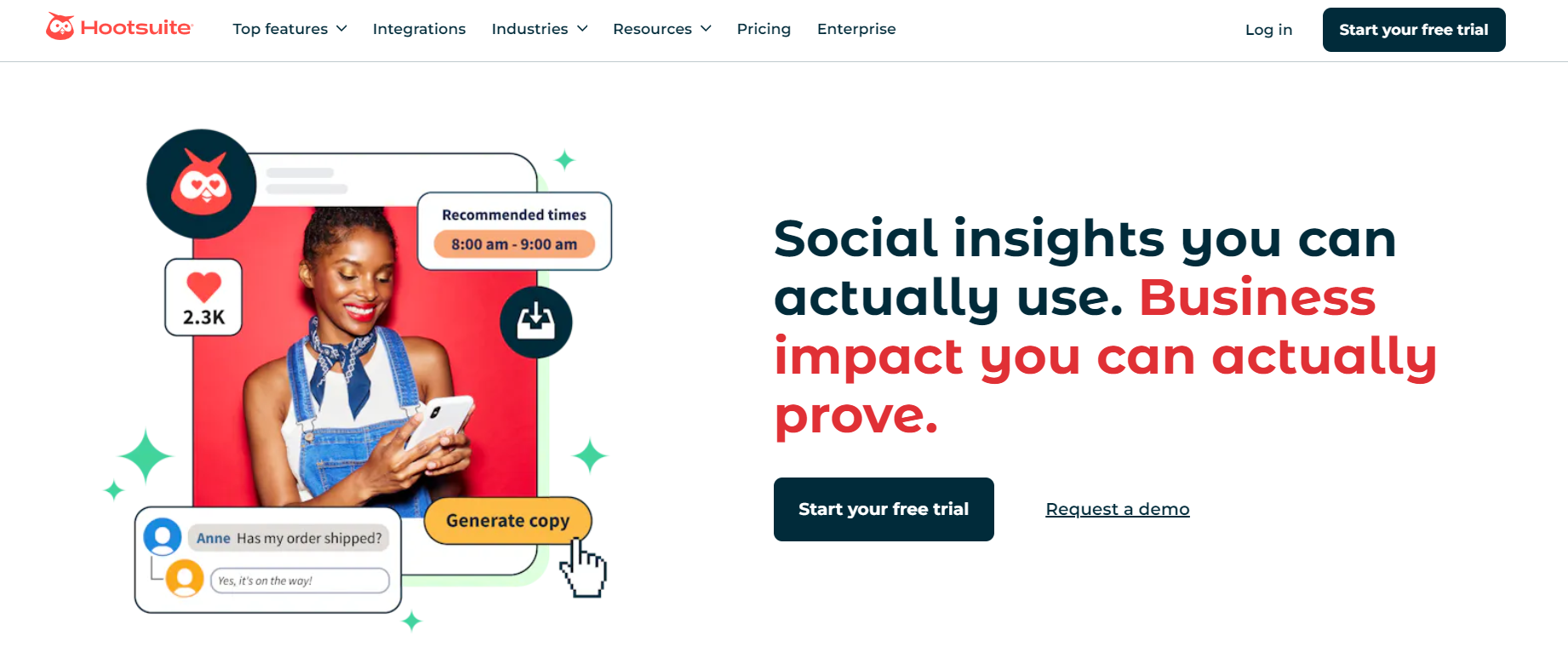
Hootsuite is like that all-in-one toolbox you’ve probably heard about, even if you’ve never used it. It doesn’t specialize in one thing the way Flick does with hashtags. Instead, it spreads its focus across scheduling, monitoring, publishing, and integrations. It’s built for people who want everything in one place, even if it means sacrificing a bit of depth in certain areas.
One thing Hootsuite does well is visibility. You can set up streams to track mentions, keywords, and hashtags across platforms, which gives you a broader view of what’s happening around your brand.
It also supports more platforms than Flick, so you’re not limited if your audience is scattered across different channels. That said, the experience can feel a bit… heavy. It’s powerful, but not always the smoothest to use.
Pros
- Supports a wide range of social media platforms
- Strong monitoring features for hashtags and mentions
- Reliable scheduling and publishing tools
- Integrations with third-party apps for added functionality
- Suitable for managing multiple accounts in one place
Cons
- Interface can feel outdated and slightly clunky
- Advanced analytics locked behind expensive plans
- Requires more manual work to tailor posts per platform
- Can feel overwhelming for beginners
- Pricing scales quickly as you add users
Pricing
- Professional Plan – $99/month: Includes one user and up to 10 social profiles. Covers basic scheduling and monitoring, but lacks team features and advanced reporting.
- Team Plan – $249/month: Adds up to three users and basic collaboration features, along with limited reporting capabilities.
- Enterprise Plan – Custom pricing: Designed for larger organizations, offering advanced analytics, deeper integrations, and full team functionality. Costs can climb significantly depending on usage.
7. Tailwind
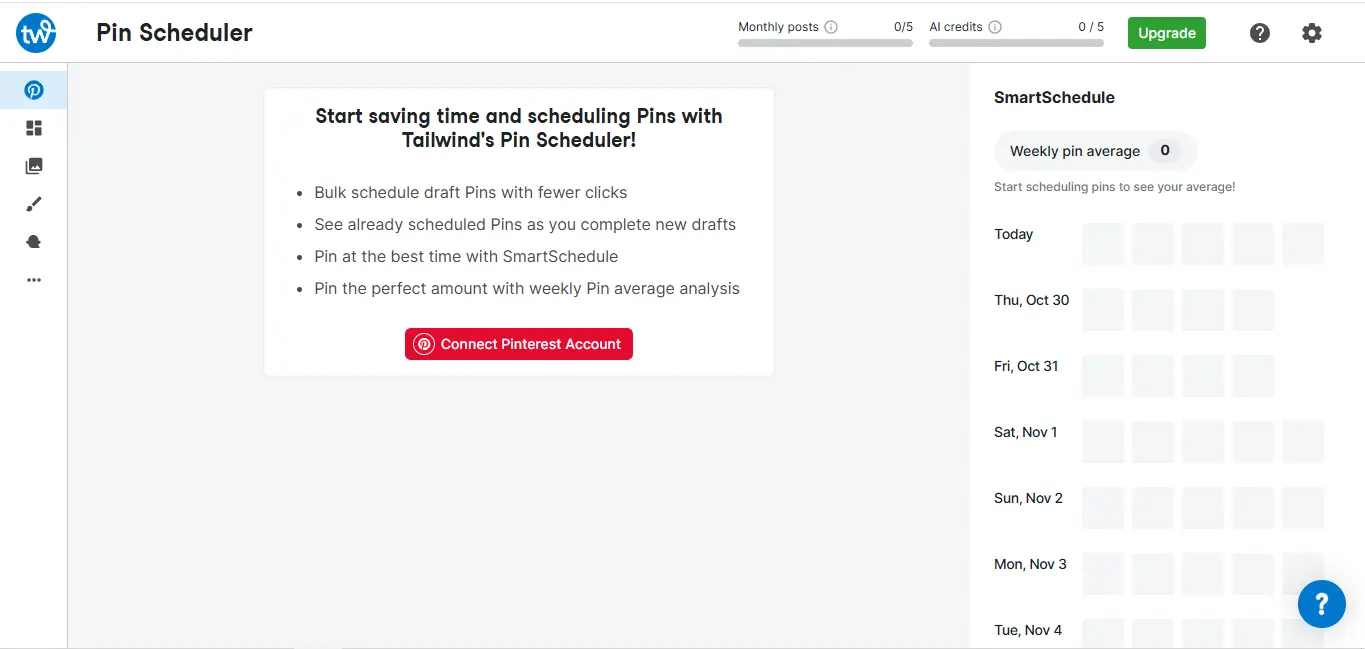
If your brand prioritizes platforms like Pinterest and Instagram, Tailwind is a good Flick alternative you should consider, especially for creators, bloggers, and e-commerce brands who rely on visual discovery.
What makes Tailwind different is how it blends scheduling with smart recommendations. It doesn’t just help you post; it suggests when to post, what to post, and even how to improve your content over time.
The “SmartSchedule” feature, for example, learns when your audience is most active and slots your content into those windows automatically. It’s less about manual control and more about letting the system guide you. For people juggling content and growth at the same time, that’s a big plus.
Pros
- Excellent for Pinterest and Instagram-focused strategies
- Smart scheduling reduces guesswork on posting times
- Built-in content suggestions and optimization tips
- Helpful for bloggers, creators, and e-commerce brands
- Includes basic AI tools for captions and content ideas
Cons
- Limited platform support compared to broader tools
- Not ideal for managing multiple diverse social channels
- Analytics are useful but not deeply advanced
- Less suitable for large teams or agencies
- Focused more on visual platforms than full social coverage
Pricing
Tailwind keeps its pricing relatively approachable:
- Free Plan
Offers limited scheduling and basic features, allowing you to test the platform before committing. - Pro Plan – around $15–$25/month
Unlocks more posts, advanced scheduling, and additional features like SmartSchedule and content suggestions. - Advanced Plans – higher tiers available
Include more accounts, deeper insights, and expanded capabilities for growing users.
8. Sendible

Sendible feels like it was built with agencies in mind. While Flick focuses on helping individuals grow faster with hashtags and AI captions, Sendible focuses on helping teams stay organized, deliver work for clients, and manage multiple accounts without chaos.
One thing that stands out is how structured everything feels. You’re not just scheduling posts –you’re managing workflows. You can create content, assign it, get approvals, and track performance, all within the same system.
The reporting side is also more polished than Flick, especially if you need to present results to clients. And unlike Flick’s limited platform range, Sendible gives you more room to manage different channels without switching tools.
Pros
- Strong collaboration and approval workflows
- Client-friendly reporting and dashboards
- Supports multiple social platforms
- Good balance between scheduling and management
- Useful for agencies handling multiple brands
Cons
- Interface can feel slightly clunky at times
- Can take time to fully set up workflows
- Pricing becomes expensive for white-label features
- Not as focused on AI or hashtag research as Flick
Pricing
- Creator Plan – $29/month: A basic plan for individuals, offering core scheduling and limited features.
- Traction Plan – $89/month: Adds more profiles, users, and collaboration tools, making it suitable for small teams.
- White Label Plan – $240/month: Designed for agencies that want branded dashboards and advanced reporting features.
- White Label+ Plan – $750/month: A higher-tier option with expanded capabilities for larger agencies.
9. Agorapulse
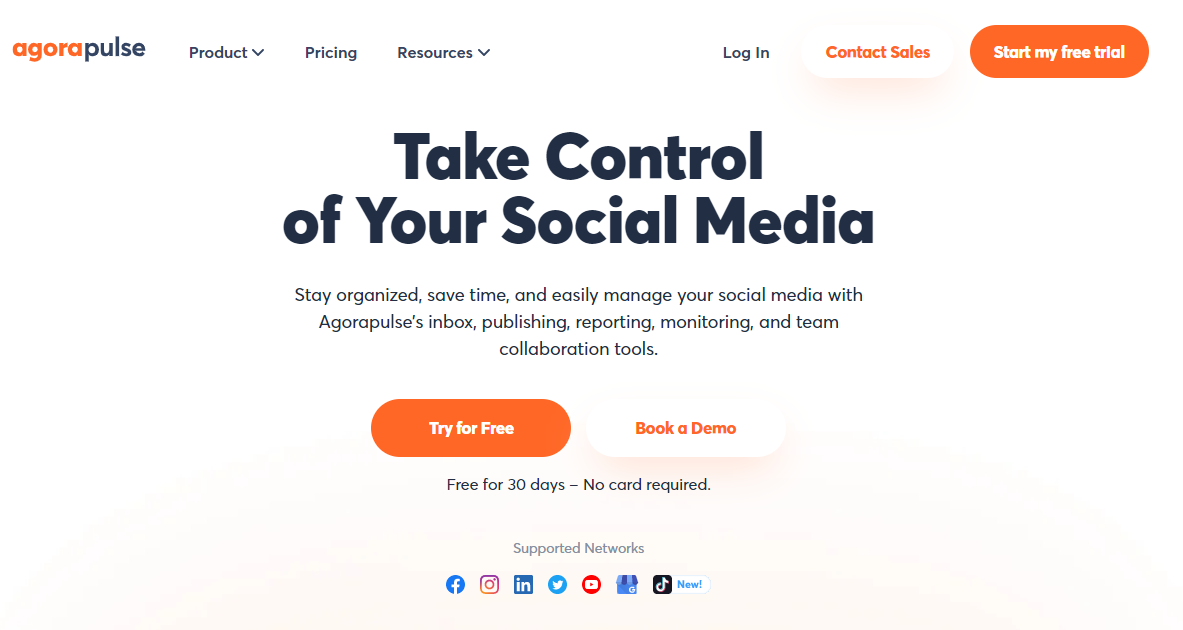
Agorapulse feels like a tool built for people who are tired of missing messages. While Flick helps you get discovered, Agorapulse helps you handle the attention that follows. It’s less about finding the perfect hashtag and more about managing conversations, engagement, and performance in a structured way.
The real standout here is the social inbox. Everything – comments, DMs, mentions – lands in one clean space where you can reply, assign, or organize conversations without switching tabs.
It also lets you track keywords and hashtags, so you’re not just reacting – you can jump into conversations before they even reach you. Compared to Flick, which focuses on content creation and growth, Agorapulse feels more like a control center for your social presence.
Pros
- Excellent unified inbox for managing conversations
- Strong engagement and moderation tools
- Supports multiple platforms beyond Flick’s core options
- Clean reporting that’s easy to share with clients
- Helps you stay proactive with keyword and hashtag monitoring
Cons
- More expensive than entry-level tools
- No free plan (only trial available)
- May feel heavy if you only need simple scheduling
- Takes time to fully set up workflows
Pricing
Standard Plan – around $79/month (billed annually)
Covers core features like scheduling, inbox management, and basic reporting for a limited number of profiles.
Professional Plan – around $119/month (billed annually)
Adds team workflows, ad comment monitoring, and more advanced reporting tools.
Advanced Plan – around $149/month (billed annually)
Unlocks deeper analytics, shared calendars, content libraries, and ROI reporting.
There’s also a 30-day free trial, which is useful if you want to test things out before committing.
Compared to Flick, Agorapulse is less about quick content optimization and more about long-term management. It’s a better fit if your focus is engagement, teamwork, and keeping everything organized as you grow.
10. Sprout Social
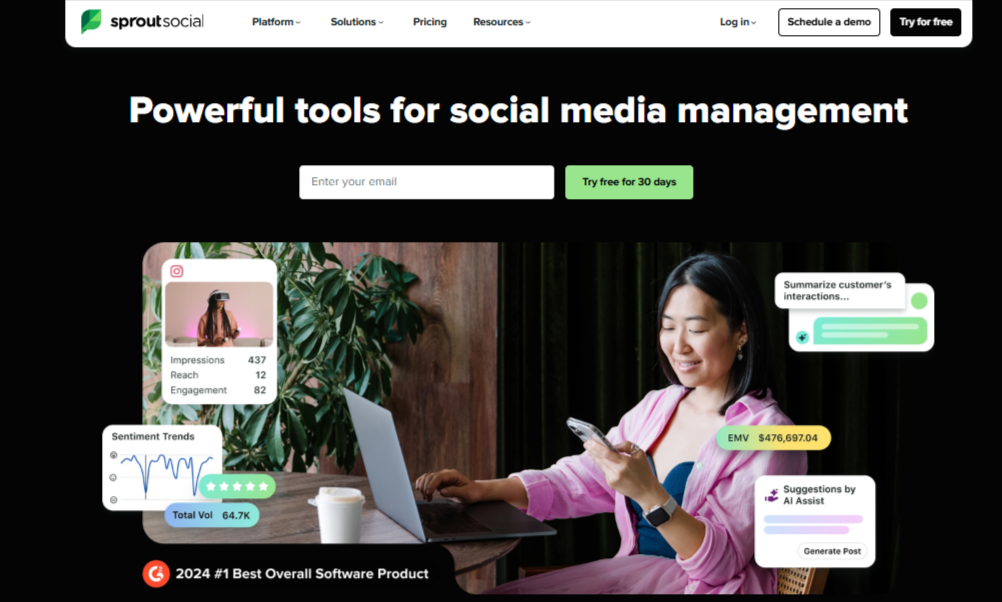
Sprout Social feels like stepping into a more “serious” version of social media management. While Flick helps you create and optimize posts quickly, Sprout is built for teams that want to understand performance deeply, manage conversations at scale, and report results with confidence.
What really sets it apart is the depth of its data. You’re not just seeing likes and impressions – you’re getting insights into trends, audience behavior, and even sentiment. Add in social listening, and you can track conversations around your brand or industry in real time.
It’s the kind of tool you reach for when social media becomes more than just posting; it becomes part of your business strategy.
Pros
- Extremely detailed analytics and reporting
- Social listening for tracking trends and brand mentions
- Strong team collaboration and workflow tools
- Unified inbox for managing engagement efficiently
- Reliable scheduling across multiple platforms
Cons
- Very expensive compared to most alternatives
- Charges per user, which adds up quickly
- Can feel complex for beginners
- Some features locked behind higher-tier plans
Pricing
Sprout Social is one of the most premium tools on the list:
- Standard Plan – $249 per user/month: Includes core publishing, engagement, and basic analytics features, with limited profiles.
- Professional Plan – higher tier: Adds more advanced reporting, workflows, and additional capabilities for growing teams.
- Advanced Plan – $499 per user/month: Unlocks full access to features like social listening, automation, and deeper analytics.
Compared to Flick, Sprout Social sits at the opposite end of the spectrum. It’s not about affordability or simplicity, but about depth, structure, and data. If you’re running social media at scale and need serious insights, it delivers. But for many users, it may be more than they actually need.
Factors to Bear in Mind When Choosing a Flick Alternative

Switching from Flick isn’t just about finding “another tool.” It’s about finding something that actually fits how you work now, and where you’re heading next. Before you make that move, here are a few things worth thinking through.
How many platforms do you really use?
Flick keeps things fairly tight with its platform support. If your strategy now includes channels like Pinterest, X, YouTube, or newer platforms, you’ll want a tool that doesn’t force you to juggle multiple dashboards. The more you grow, the more this matters.
Content volume and posting limits
That 30-post cap on Flick’s entry plan is a dealbreaker for many. So ask yourself: how often do you post, and how much do you plan ahead? If you’re batching content weekly or monthly, you’ll need a tool that doesn’t restrict your output.
What role does AI play in your workflow?
Not all AI features are created equal. Some tools just help you tweak captions, while others can generate images, suggest content ideas, or even automate responses. If you’re relying on AI to save time, it’s worth choosing a tool that goes beyond the basics.
Do you need structure or simplicity?
Some tools are lightweight and easy to use. Others come with workflows, approvals, and deeper organization. Neither is better – it depends on whether you’re working solo or as part of a team. If collaboration is part of your process, this becomes non-negotiable.
Analytics vs execution
Flick gives you a mix of both, but not at a deep level. Some alternatives lean heavily into analytics (like Metricool or Sprout Social), while others focus on scheduling and automation. Decide what matters more to you – understanding performance or simply staying consistent.
Pricing as you scale
The starting price is only part of the story. What happens when you add more profiles, users, or features? Some tools stay flexible as you grow, while others become expensive quickly. It’s always worth looking a step ahead.
Final Thoughts
Flick is a great tool for getting started, especially if your focus is hashtags, quick content planning, and light automation. But as your workflow expands – more platforms, more content, more collaboration – it can start to feel a bit limiting. That’s usually the point where exploring alternatives makes sense.
The tools we’ve covered here each solve that limitation in different ways. Some give you more control, others offer deeper insights, and a few simply make your day-to-day workflow smoother.
The best choice comes down to what you need most right now, and what will still work for you a few months down the line.