Facebook Sizes & Dimensions Guide (2026): Complete Image & Video Size Cheat Sheet

Facebook may be one of the oldest social platforms, but getting your image and video sizes right is still one of the easiest ways to make your content stand out. An incorrectly sized feed post or cover photo can make your brand appear less professional than you intended.
This guide brings together the latest Facebook sizes and dimensions for 2026 in one place.
You’ll find the recommended dimensions for feed posts, Stories, Reels, profile pictures, cover photos, Groups, and Events, along with file formats and practical tips to help every upload look its best.
Table of Contents
- 1 Facebook Sizes at a Glance (2026)
- 2 Why Facebook Image Sizes Matter
- 3 Facebook Feed Post Size
- 4 Facebook Story Size
- 5 Facebook Event Cover Size
- 6 Understanding Facebook File Formats & Compression
- 7 How Facebook Compresses Media
- 8 Best Practices for Facebook Images and Videos
- 9 Common Facebook Image Size Mistakes to Avoid
- 10 Schedule Facebook Content with OnlySocial
- 11 Facebook Sizes Cheat Sheet (2026)
- 12 Final Thoughts
- 13 Frequently Asked Questions
- 13.0.1 What is the recommended Facebook image size?
- 13.0.2 What is the best size for a Facebook cover photo?
- 13.0.3 What size should a Facebook profile picture be?
- 13.0.4 What size should Facebook Stories and Reels be?
- 13.0.5 What is the recommended Facebook Event cover size?
- 13.0.6 Does Facebook compress uploaded images?
- 13.0.7 Can I use the same image size for every Facebook post?
Facebook Sizes at a Glance (2026)
Facebook supports several content formats, and each one has its own recommended dimensions. Using the correct size helps your posts look sharper, reduces unwanted cropping, and ensures your content displays properly across both desktop and mobile devices.
| Content Type | Recommended Size | Aspect Ratio |
| Feed Post | 1080 × 1350 px | 4:5 |
| Stories | 1080 × 1920 px | 9:16 |
| Reels | 1080 × 1920 px | 9:16 |
| Cover Photo | 820 × 360 px | 82:36 |
| Profile Picture | 360 × 360 px | 1:1 |
| Group Cover | 1640 × 856 px | 1.91:1 |
| Event Cover | 1920 × 1005 px | 1920:1005 |
Why Facebook Image Sizes Matter
Unlike some social platforms that display content in a fairly consistent way, Facebook shows the same image in different layouts depending on where it’s viewed.
A cover photo may appear one way on desktop and another on mobile, while feed posts, Stories, Reels, Groups, and Events all have their own display rules. Using the correct dimensions helps your content adapt to each placement without losing important details.
Better Visibility in the Feed
Portrait images take up more vertical space in the Facebook feed, making them more noticeable as people scroll. That’s one reason why the recommended 4:5 feed format often performs better than square or landscape images.
Less Cropping Across Devices
Facebook frequently crops cover photos, event banners, and group covers differently on desktop and mobile. Designing with the correct dimensions and keeping important elements near the center reduces the chance of logos, faces, or text being cut off.
Sharper Images and Videos
Uploading media close to Facebook’s recommended sizes gives the platform less work to do when processing your files. This helps preserve image quality and reduces visible compression.
Stronger Brand Consistency
Consistent sizing keeps your profile picture, cover image, posts, Stories, and Reels looking polished across your entire Facebook presence. It creates a more professional appearance and makes your brand instantly recognizable.
A Better Experience for Your Audience
Content that fits naturally within Facebook’s layouts is easier to view, whether someone is browsing on a phone, tablet, or desktop computer. Instead of distracting crops or blurry images, your audience sees the content exactly as you intended.
Facebook Feed Post Size
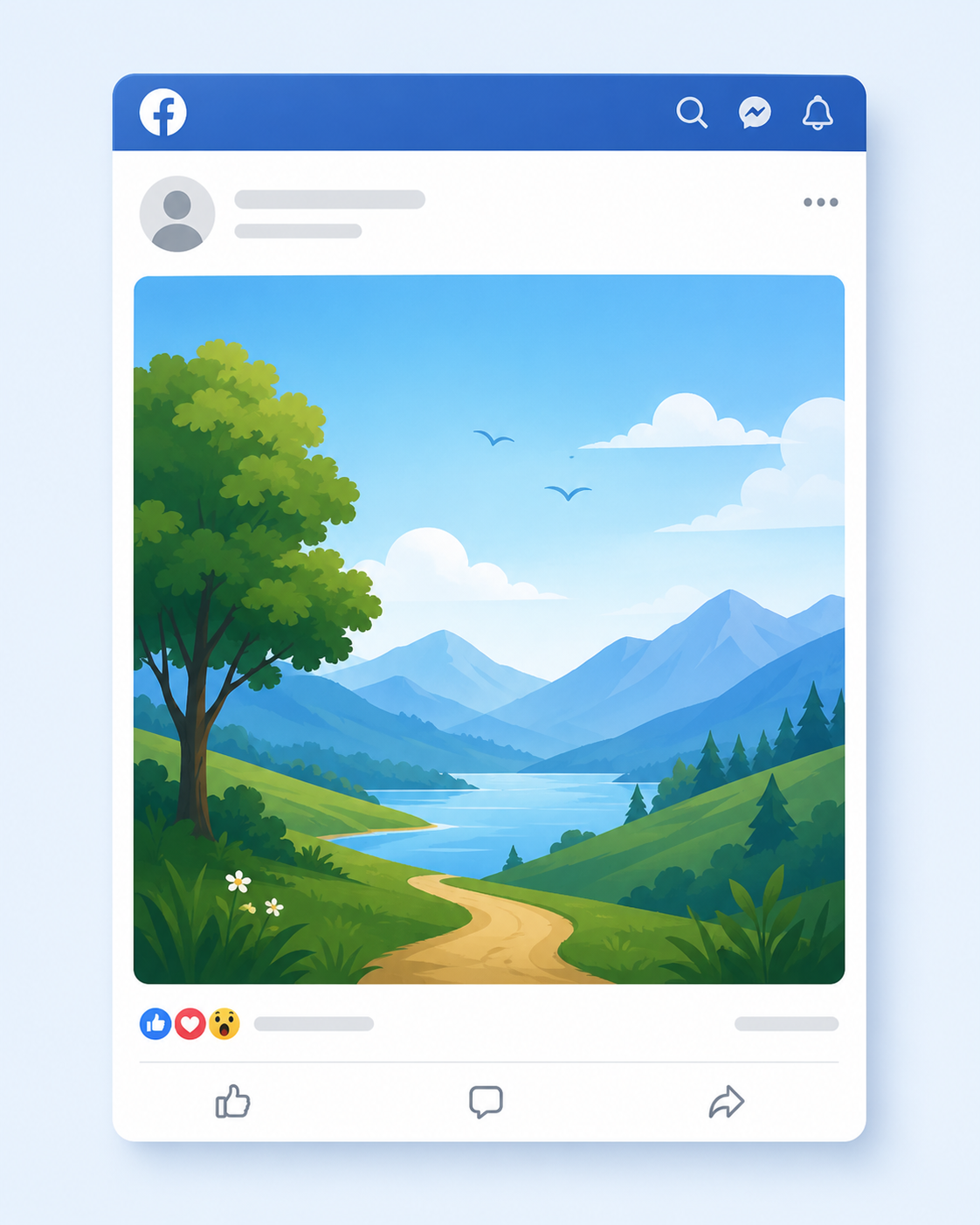
If you’re posting a single image to your Facebook feed, 1080 × 1350 pixels is the recommended size. This uses a 4:5 aspect ratio, which takes up more vertical space on mobile screens than square or landscape images.
Since most Facebook users browse on their phones, a taller image naturally stands out as people scroll through their feeds.
While Facebook accepts square and landscape images, they occupy less space in the feed and may not attract the same level of attention. Unless your design requires a different format, 4:5 is usually the safest choice for maximizing visibility.
Facebook Feed Post Specifications
| Specification | Recommendation |
| Recommended Size | 1080 × 1350 px |
| Aspect Ratio | 4:5 |
| Maximum File Size | 30 MB |
| Supported Formats | JPG, JPEG |
Facebook Story Size
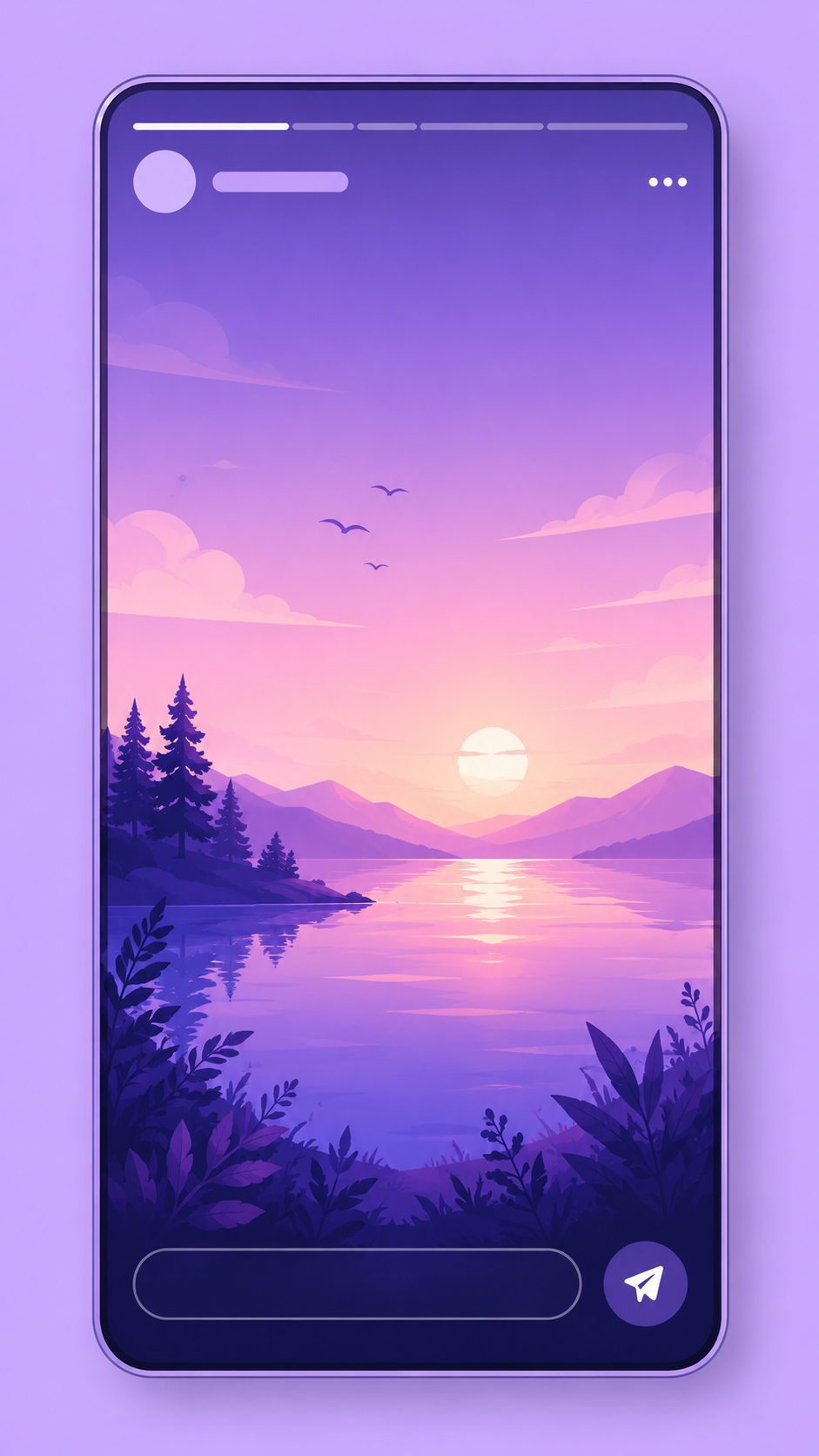
Facebook Stories are designed for a full-screen mobile experience, so the recommended size is 1080 × 1920 pixels with a 9:16 aspect ratio. This vertical format fills the entire screen, making your content more immersive and easier to view.
Because Facebook places interface elements such as your profile name, buttons, and reply options near the top and bottom of the screen, avoid placing important text or graphics too close to the edges. Keeping your main content within the center of the Story helps ensure nothing important is hidden.
Stories disappear after 24 hours, making them ideal for behind-the-scenes updates, announcements, promotions, and time-sensitive content.
Facebook Story Specifications
| Specification | Recommendation |
| Recommended Size | 1080 × 1920 px |
| Aspect Ratio | 9:16 |
| Maximum File Size | 4 GB |
| Supported Formats | MP4, MOV |
| Maximum Story Length | 60 seconds |
Facebook Event Cover Size
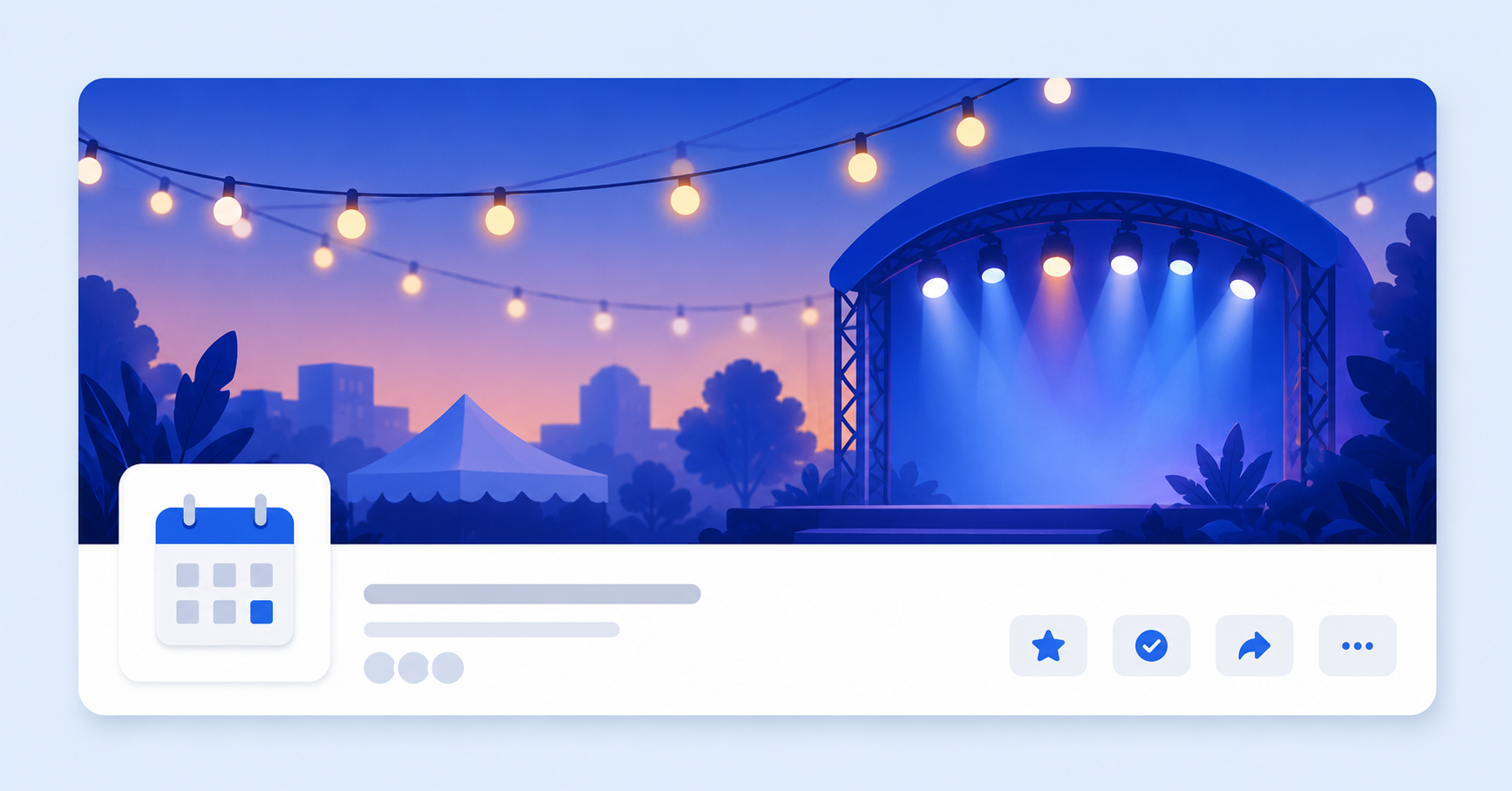
A Facebook Event cover is often the first thing people notice when they come across your event. Whether you’re promoting a conference, product launch, webinar, concert, or community gathering, the cover image helps set expectations and encourages people to click through for more details.
The recommended size for a Facebook Event cover is 1920 × 1005 pixels. This wide format gives you plenty of room for eye-catching visuals, but keep in mind that Facebook may crop the image slightly depending on where it’s displayed.
Event covers can appear in search results, feeds, event recommendations, and on the event page itself, so it’s best to keep logos, headlines, and other important elements close to the center.
If your design includes text, leave generous padding around the edges. This helps ensure everything remains visible across desktop and mobile devices.
Facebook Event Cover Specifications
| Specification | Recommendation |
| Recommended Size | 1920 × 1005 px |
| Aspect Ratio | 1920:1005 |
| Maximum File Size | 100 MB |
| Supported Formats | JPG, JPEG |
Understanding Facebook File Formats & Compression
Choosing the right dimensions is important, but so is using the right file format. Facebook automatically compresses uploaded images and videos to improve loading times, so starting with the best format can help preserve quality after processing.
JPG and JPEG
JPG and JPEG are the most common formats for Facebook photos. They offer a good balance between image quality and file size, making them ideal for feed posts, cover photos, event covers, and everyday photography.
PNG
PNG is a better choice for graphics that contain logos, icons, screenshots, or text. Because it preserves sharp edges better than JPG, it’s often the preferred format for branded visuals and promotional graphics.
GIF
Facebook supports GIF files, making them useful for short looping animations and simple visual effects. They work well when you want to add movement without uploading a full video.
BMP
Although Facebook accepts BMP files, they’re rarely the best option because of their large file sizes. Converting BMP images to JPG or PNG before uploading usually produces a better balance between quality and performance.
MP4 and MOV
For Stories and Reels, MP4 is generally the best choice thanks to its wide compatibility and efficient compression. MOV files are also supported and can deliver excellent quality, particularly if you’re exporting from professional editing software.
How Facebook Compresses Media
Facebook compresses nearly every image and video you upload. While this process can’t be avoided, you can minimize visible quality loss by uploading media at the recommended dimensions, using high-resolution source files, and selecting the most appropriate file format for your content.
Images with text often look sharper as PNG files, while photos typically achieve the best results as JPGs.
Best Practices for Facebook Images and Videos
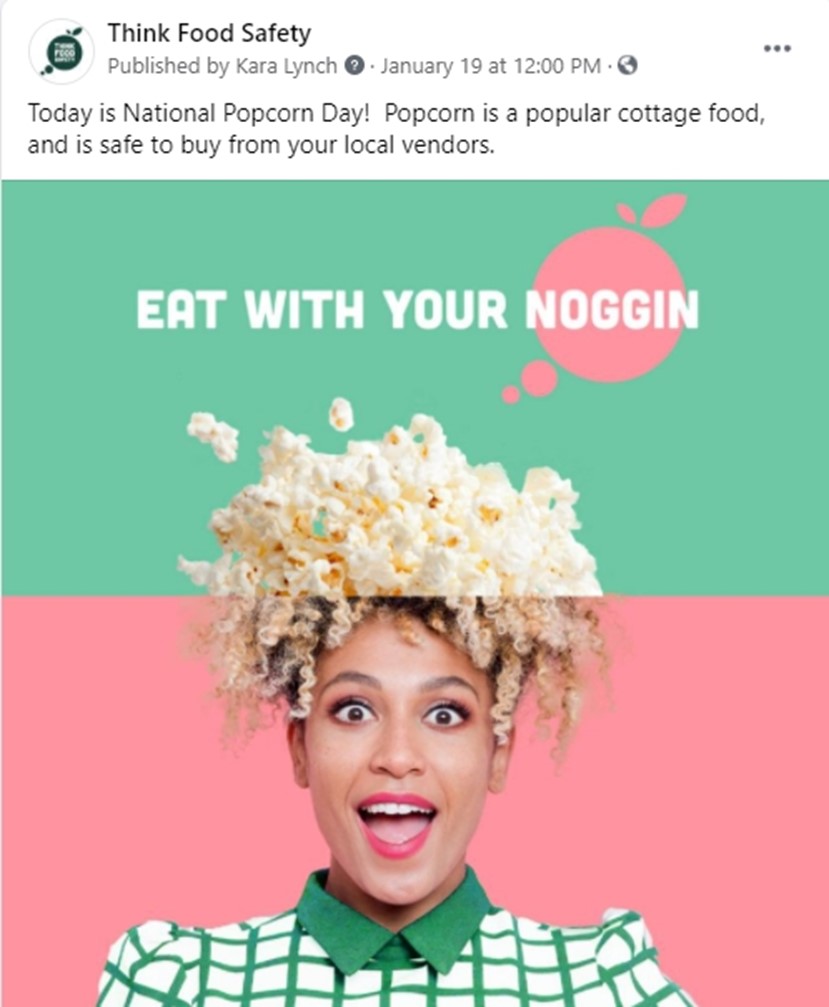
Getting the dimensions right is a great start, but a few extra habits can make your content look even more polished and professional.
Use Portrait Images for Feed Posts
Whenever possible, create feed images in the recommended 1080 × 1350 px (4:5) format. They occupy more space on mobile screens, making your posts more noticeable as people scroll.
Keep Important Content Away from the Edges
Facebook adds interface elements to Stories, Reels, cover photos, and event banners. Place logos, headlines, and calls to action toward the center of your design so they remain visible across different devices.
Upload High-Resolution Files
Always export your images at Facebook’s recommended dimensions. Starting with a high-quality file helps reduce the impact of Facebook’s compression and keeps your visuals looking crisp.
Choose the Right File Format
Use JPG for photos, PNG for graphics with text or logos, and MP4 for videos whenever possible. Matching the format to the content helps preserve quality after upload.
Preview on Mobile Before Publishing
Most Facebook users browse on their phones. Before publishing, check how your post, Story, or cover image looks on a mobile device to catch any unexpected cropping or alignment issues.
Keep Branding Consistent
Use the same colors, fonts, logo placement, and visual style across your feed posts, Stories, Reels, and cover images. Consistent branding helps your audience recognize your content instantly.
Common Facebook Image Size Mistakes to Avoid
Even well-designed content can lose its impact if it’s uploaded using the wrong dimensions or layout. Here are some of the most common mistakes creators and businesses make.
Using Landscape Images for Everything
Landscape images work for some situations, but they often appear smaller in the Facebook feed. Using the recommended portrait format for feed posts usually gives your content more visibility.
Placing Text Too Close to the Edges
Text positioned near the top, bottom, or sides of Stories, Reels, and cover images can be hidden by Facebook’s interface or cropped on certain devices. Leave enough padding around important elements.
Uploading Low-Resolution Images
Small or heavily compressed files often look blurry after Facebook processes them. Always start with high-resolution images that match the recommended dimensions.
Ignoring Mobile Cropping
An image that looks perfect on a desktop may not display the same way on a smartphone. Preview your content on both desktop and mobile before publishing, especially cover photos and event banners.
Using the Wrong File Format
Uploading logos or text-heavy graphics as JPG files can reduce their sharpness. Use PNG for graphics and JPG for photographs to get better results.
Stretching or Distorting Images
Avoid resizing images by dragging them into different aspect ratios. Stretching a square image into a portrait or landscape format can make your content look unprofessional. Design each asset using the correct dimensions from the start.
Schedule Facebook Content with OnlySocial
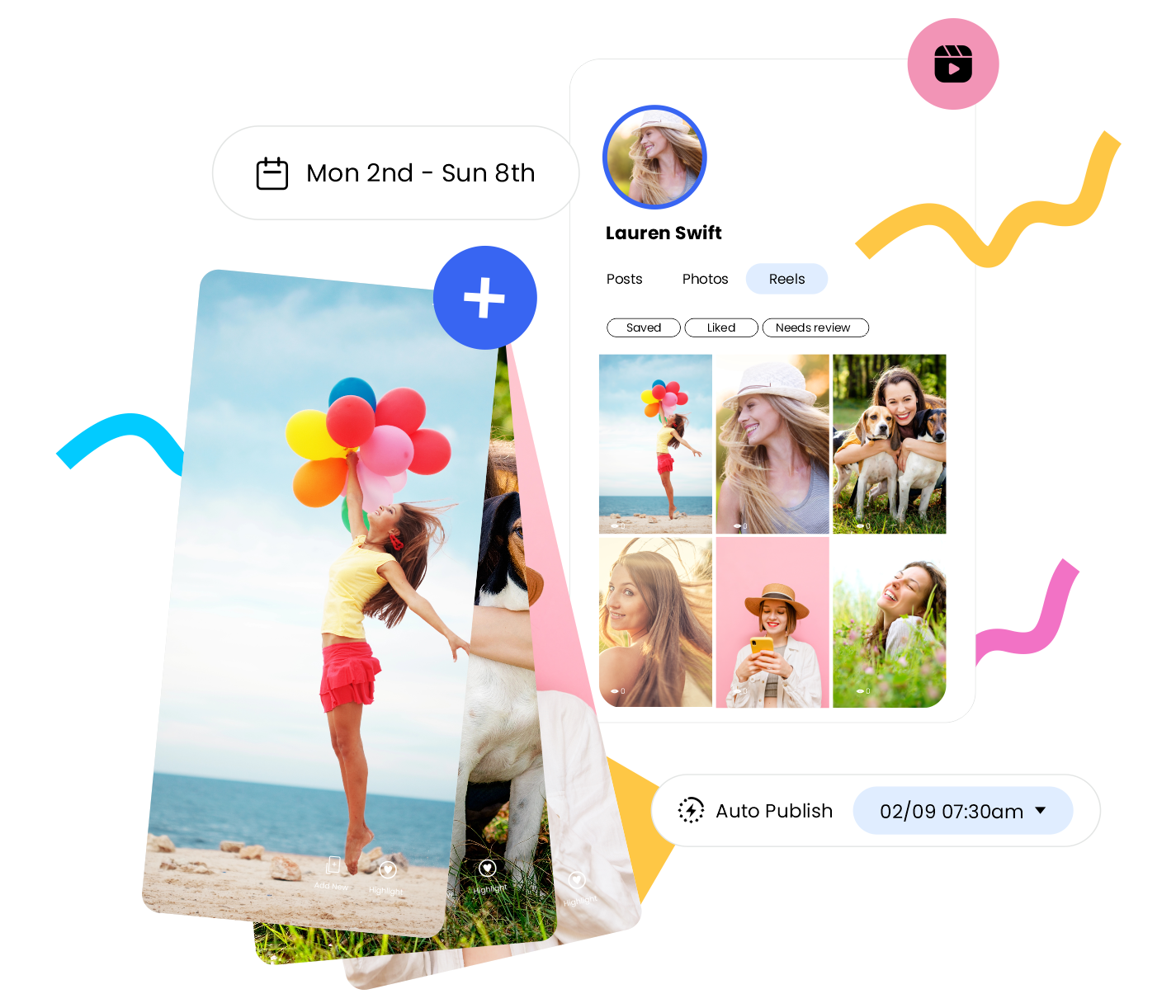
Creating content with the right dimensions is only half the job. Posting consistently, keeping track of campaigns, and managing multiple social media accounts can quickly become overwhelming without the right tools.
OnlySocial helps simplify your Facebook workflow by letting you plan, schedule, and publish content from one dashboard. Whether you’re managing a business page, running campaigns for clients, or building a personal brand, you can organize your content calendar and publish at the best times without having to log in manually every day.
Instead of switching between multiple tools, you can manage your entire social media strategy from one place while making sure every Facebook post is published with the correct dimensions and at the right time.
Facebook Sizes Cheat Sheet (2026)
Need a quick reference? Here’s a summary of the recommended Facebook image and video sizes for every major content type.
| Content Type | Recommended Size | Aspect Ratio | Recommended Format |
| Feed Post | 1080 × 1350 px | 4:5 | JPG, JPEG |
| Stories | 1080 × 1920 px | 9:16 | MP4, MOV |
| Reels | 1080 × 1920 px | 9:16 | MP4, MOV |
| Cover Photo | 820 × 360 px | 82:36 | JPG, JPEG |
| Profile Picture | 360 × 360 px | 1:1 | JPG, JPEG |
| Group Cover | 1640 × 856 px | 1.91:1 | JPG, JPEG |
| Event Cover | 1920 × 1005 px | 1920:1005 | JPG, JPEG |
Save this cheat sheet or bookmark this guide so you always have the latest Facebook dimensions within easy reach whenever you’re creating your next post, Story, Reel, or cover image.
Final Thoughts
Using the correct Facebook image and video sizes takes very little effort, but it can make a noticeable difference in how your content looks. From sharper feed posts to properly cropped cover photos and full-screen Stories, the right dimensions help every upload appear more polished and professional.
Since Facebook occasionally updates its layouts and recommendations, it’s worth checking the latest specifications before creating new content. Bookmark this guide whenever you need a quick reference for Facebook sizes in 2026.
Frequently Asked Questions
What is the recommended Facebook image size?
The recommended size depends on the type of content you’re posting. For feed posts, Facebook recommends 1080 × 1350 pixels, while Stories and Reels should be 1080 × 1920 pixels.
What is the best size for a Facebook cover photo?
The recommended Facebook cover photo size is 820 × 360 pixels. Keep important text and graphics near the center because the image is cropped differently on desktop and mobile devices.
What size should a Facebook profile picture be?
Facebook profile pictures should be uploaded at 360 × 360 pixels or higher using a 1:1 aspect ratio. Since the image is displayed as a circle, avoid placing important details near the corners.
What size should Facebook Stories and Reels be?
Both Facebook Stories and Reels use the same recommended dimensions of 1080 × 1920 pixels with a 9:16 aspect ratio for a full-screen mobile experience.
What is the recommended Facebook Event cover size?
Facebook recommends using 1920 × 1005 pixels for Event cover images. This provides enough resolution for different placements while reducing unwanted cropping.
Which file format is best for Facebook images?
For most photos, JPG or JPEG works best because they offer a good balance between quality and file size. For graphics that include logos, illustrations, or text, PNG usually produces sharper results.
Does Facebook compress uploaded images?
Yes. Facebook compresses most uploaded images and videos to improve loading speeds. Uploading media at the recommended dimensions and using high-quality source files helps reduce visible quality loss.
Can I use the same image size for every Facebook post?
You can, but it’s not always the best approach. Feed posts, Stories, Reels, cover photos, profile pictures, Groups, and Events all have different recommended dimensions. Creating content specifically for each format usually produces the best results.