9 Best Taplio Alternatives for LinkedIn Growth and Content Management (2026)
If you’re serious about growing on LinkedIn, chances are you’ve come across Taplio. It’s built for creators, founders, and professionals who want to post consistently, grow their audience, and track what’s working. And to be fair, it does a lot of that well.
But after using it for a while, it becomes clear it’s not for everyone.
The pricing can feel steep, especially if you’re just getting started. And some of its growth tactics sit in a grey area that doesn’t always align with how people want to build their presence on LinkedIn.
The good news is you’ve got options.
There are several tools out there that help you create, schedule, and manage LinkedIn content in a way that feels more flexible, or simply better suited to your workflow. In this guide, I’ll walk you through 9 of the best Taplio alternatives for LinkedIn in 2026, so you can find one that actually fits how you want to grow.
Table of Contents
- 1 Why Seek a Taplio Alternative?
- 2 Top Taplio Alternatives to Consider in 2026
- 3 1. OnlySocial
- 4 2. Typefully
- 5 3. Ordinal
- 6 4. Hypefury
- 7 5. AuthoredUp
- 8 6. Supergrow
- 9 7. Waalaxy
- 10 8. Shield
- 11 9. Buffer
- 12 How to Choose the Right Taplio Alternative for You
- 13 Final note
- 14 FAQs
Why Seek a Taplio Alternative?
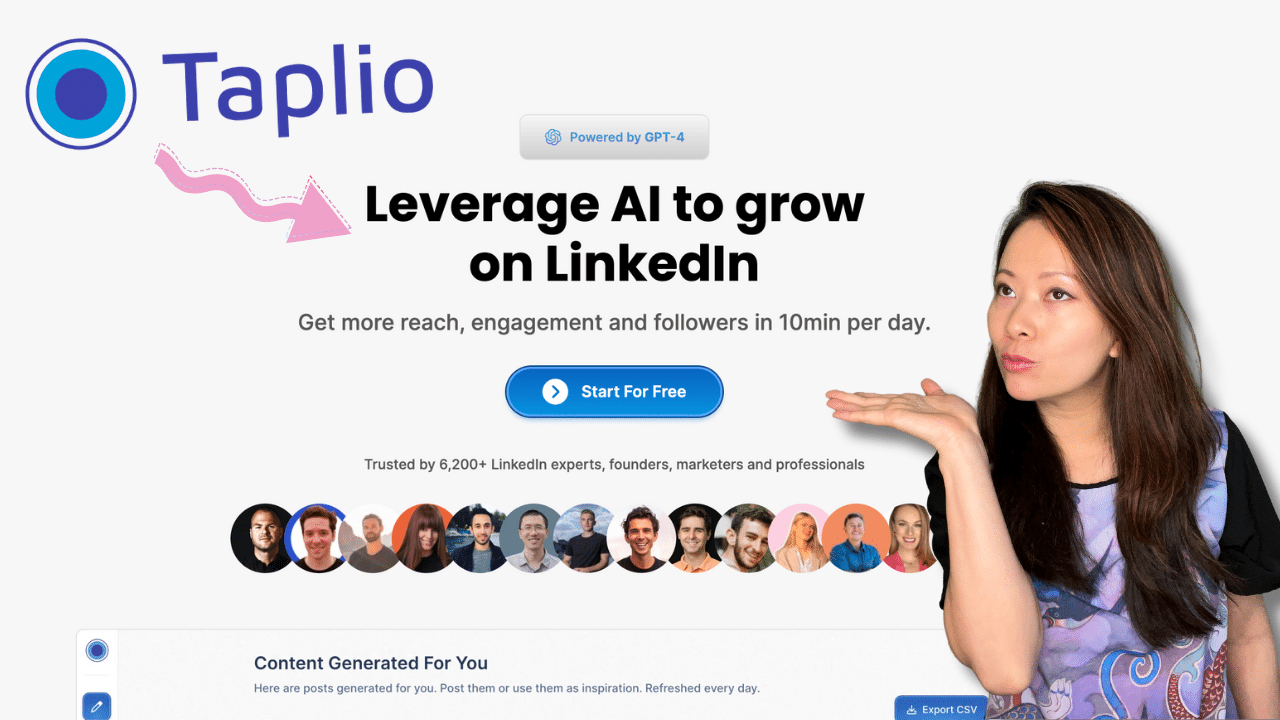
Taplio does a solid job for LinkedIn creators. But once you start relying on it daily, a few limitations become hard to ignore.
Here are some of the main reasons people start looking elsewhere.
1. It’s built mainly for individuals
Taplio works best for solo users. Think consultants, founders, or creators managing their personal brand.
But if you’re working with a team, things feel restricted. Collaboration features are limited, and there’s no strong system for approvals or structured workflows. For businesses or agencies, that quickly becomes a bottleneck.
2. Pricing feels high for what you get
Taplio sits on the higher end of pricing, especially when you move to the Pro plan.
The issue isn’t just the price. It’s the value. Many Taplio alternatives offer similar or even broader features at a lower cost, especially when you factor in multi-platform support.
For individuals and small teams, that difference adds up.
3. Limited to LinkedIn only
Taplio is focused entirely on LinkedIn. That’s great if LinkedIn is your only channel. But most people don’t operate like that anymore. You might be posting on LinkedIn, X, Instagram, or even YouTube at the same time.
Using Taplio means you’ll likely need other tools alongside it, which can make your workflow feel scattered.
4. Analytics only scratch the surface
Taplio gives you the basics. Impressions, engagement, follower growth.
But if you want deeper insights, like patterns in performance or how content ties back to actual business results, it falls short. For marketers who rely on data to guide decisions, this can be limiting.
5. Some features raise compliance concerns
Taplio includes features like AI-generated comments and engagement suggestions. While they sound helpful, they can fall into a grey area when it comes to LinkedIn’s policies. And if your LinkedIn presence is tied to your reputation or business, that’s not something you want to risk.
Put all of this together, and it’s clear why people explore alternatives. Not because Taplio doesn’t work, but because many users need more flexibility, deeper insights, and a setup that fits how they actually manage LinkedIn today.
Top Taplio Alternatives to Consider in 2026
1. OnlySocial
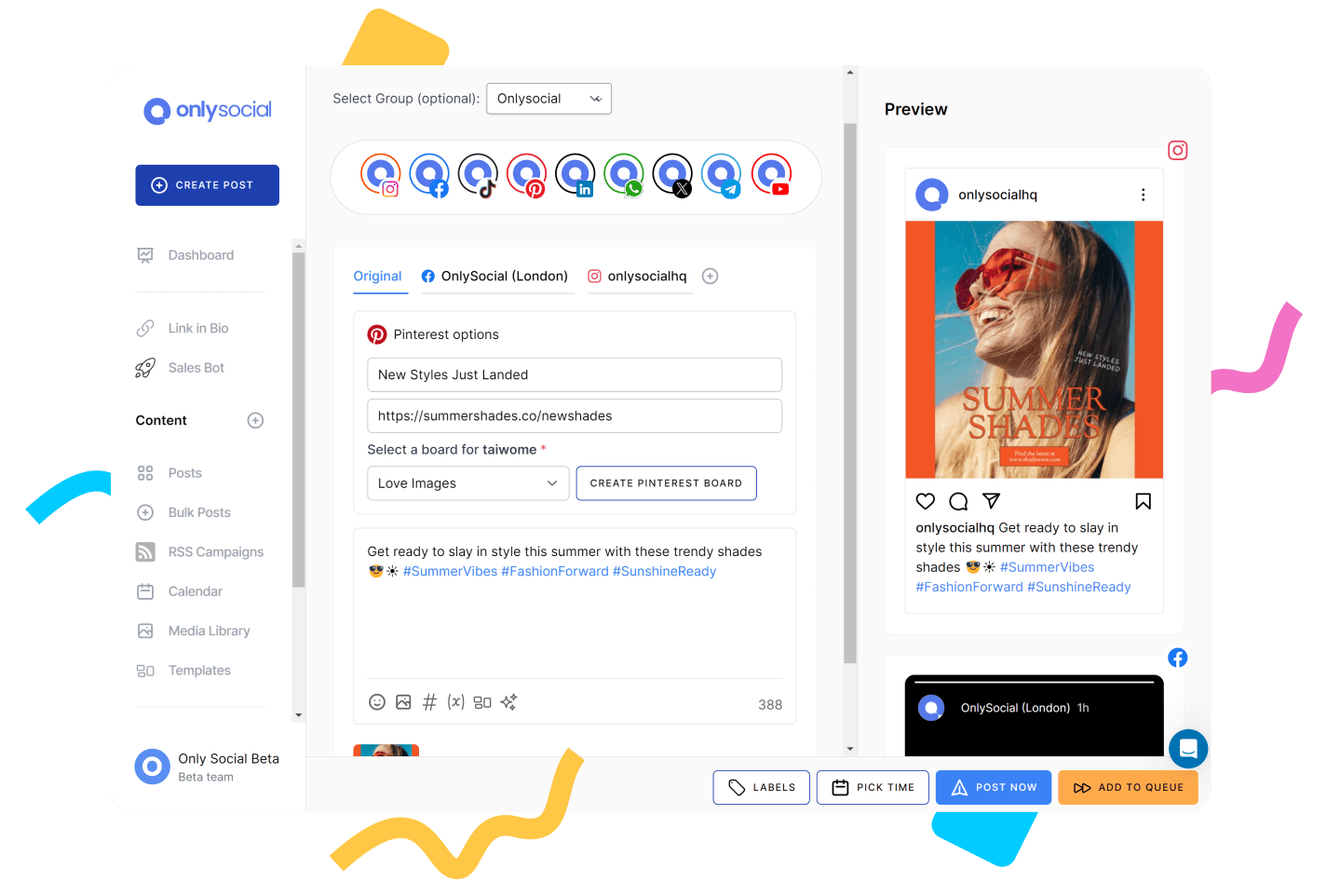
OnlySocial might not be built only for LinkedIn, but that’s exactly why it works so well as a Taplio alternative. Instead of limiting you to one platform, it gives you a complete setup for managing LinkedIn alongside your other channels.
From my experience, this becomes important pretty quickly. Most LinkedIn creators don’t just post on LinkedIn. They repurpose content across platforms, engage in different places, and track performance as a whole. OnlySocial makes that easy without needing extra tools.
Key Features
LinkedIn scheduling (personal + company pages)
You can plan and publish LinkedIn posts in advance, whether it’s for your personal brand or a company page.
Multi-platform publishing
Alongside LinkedIn, you can manage platforms like X, Instagram, Facebook, TikTok, YouTube, Threads, and more. This makes content repurposing much easier.
Advanced scheduling tools
Bulk upload, evergreen queues, and a drag-and-drop calendar help you plan weeks of LinkedIn content in one go.
AI-powered content creation
Generate LinkedIn post ideas, captions, and variations without starting from scratch. It’s useful when you’re trying to stay consistent.
All-in-one inbox
Manage conversations across platforms from one place. While LinkedIn engagement is key, this helps if you’re active elsewhere too.
Team collaboration and approvals
Assign roles, set approval workflows, and keep your LinkedIn content process organized. This is something Taplio struggles with.
Analytics and reporting
Track performance and understand what’s working. You get a clearer view than just basic engagement numbers.
Pricing
Freelancer – $29/month
- 15 social profiles
- Unlimited scheduling
- AI images & captions (1000 credits)
- Unified inbox
- Reports and analytics
Entrepreneur – $49/month
- 40 social profiles
- AI credits increased to 5000
- More storage and broadcasts
Unlimited Pro – $99/month
- Unlimited social profiles
- Unlimited AI credits
- Full feature access
Compared to Taplio, the pricing feels more balanced, especially considering you’re not limited to LinkedIn.
My Experience with OnlySocial
OnlySocial feels like a more complete system. With Taplio, everything revolves around LinkedIn. That works if LinkedIn is your only focus. But in reality, most people are building a presence across multiple platforms.
What I liked about OnlySocial is that it removes that limitation. You can plan LinkedIn content properly while also managing everything else in one place.
The scheduling tools are smoother, especially for batching content. And the collaboration features make a big difference if you’re working with a team.
If you want something that supports LinkedIn growth without locking you into a single platform, OnlySocial is a strong option.
2. Typefully
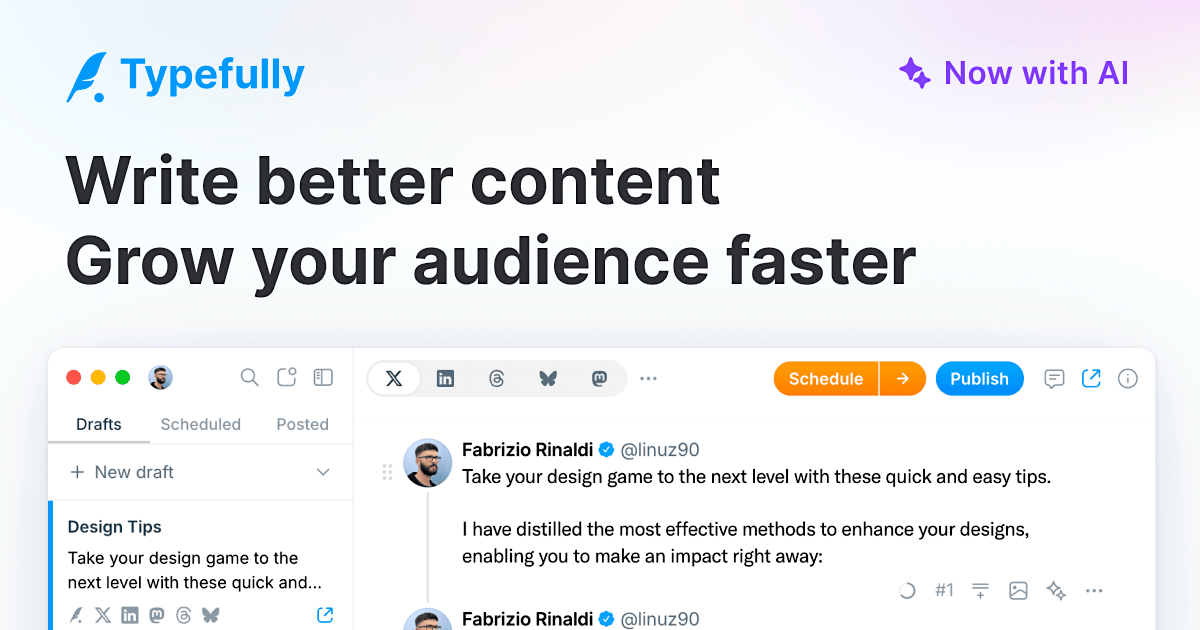
Typefully started out as a tool for X (Twitter), but it has grown into one of the cleanest platforms for writing and scheduling LinkedIn content. What makes it stand out is the writing experience. It feels smooth, distraction-free, and built for people who care about how their posts actually read before they go live.
Key Features
- Clean writing and scheduling interface: The editor is simple and easy to use. You can write, edit, and schedule LinkedIn posts without distractions.
- AI writing assistance: Generate ideas, refine posts, and improve your content quickly using built-in AI tools.
- LinkedIn comment scheduling: You can schedule a comment alongside your post, which is useful for adding links or extra context.
- Post previews: See exactly how your LinkedIn post will look before publishing. This helps avoid formatting mistakes.
- Cross-posting support: Publish the same content across LinkedIn, X, Bluesky, Threads, and more from one place.
- Team collaboration: Work with others, leave comments, and manage content together.
- Analytics and performance tracking: Track how your posts perform and adjust your strategy based on real data.
Pricing
- Creator – $12.50/month
Great for individuals managing their content - Team – $29/month
Includes collaboration and multiple users - Agency – $79/month
Supports up to 50 teams and advanced workflows
My Experience with Typefully
Typefully is one of the best tools I’ve used for writing LinkedIn content. The editor alone makes a difference. It helps you focus on the post without overthinking the process. The previews are also a big plus. You know exactly how your content will appear before it goes live.
The cross-posting feature is another win. It saves time if you’re sharing similar content across platforms.
The only thing to note is that it leans heavily into writing and publishing. If you’re looking for deeper automation or advanced team workflows, you might need something more robust.
Still, for creators focused on content quality, it’s a strong choice.
3. Ordinal
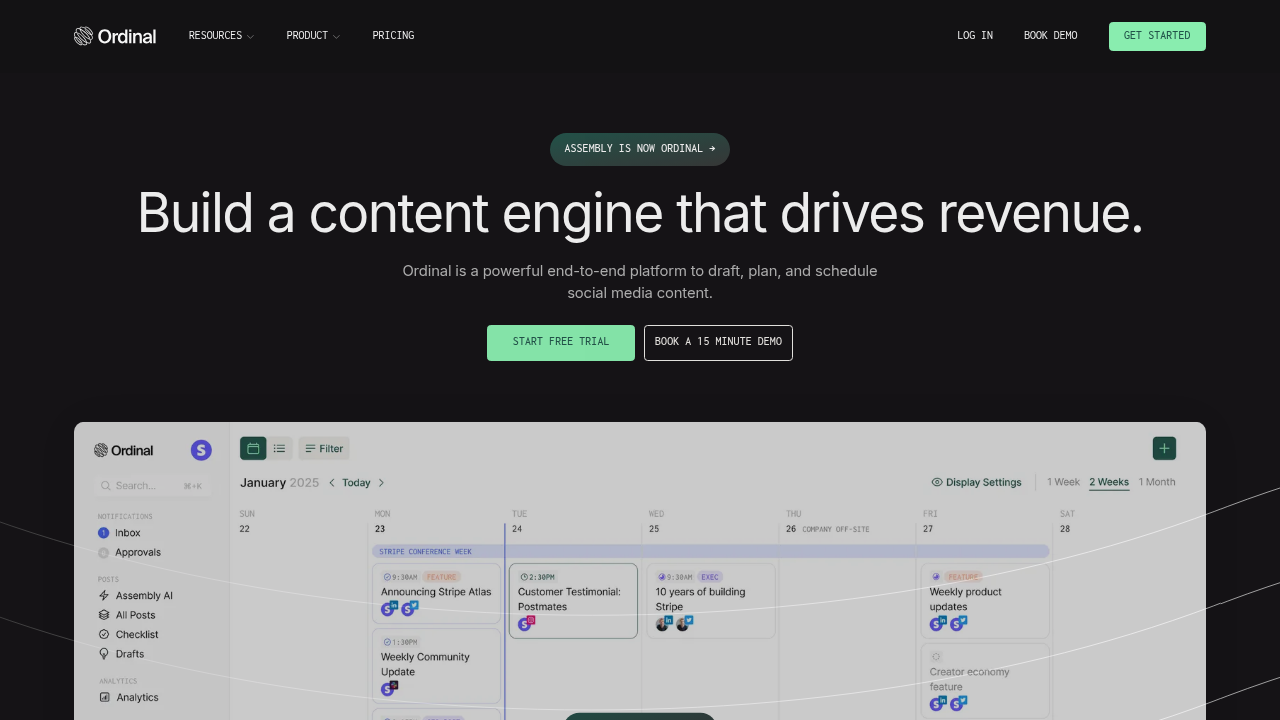
Ordinal is a more advanced platform built for teams and serious LinkedIn growth. It goes beyond basic scheduling and focuses on automation, collaboration, and performance tracking.
From what I’ve seen, it’s designed for people who want more control over their content strategy, especially when working with a team.
Key Features
- Multi-platform publishing: Manage LinkedIn alongside platforms like X, Instagram, Facebook, YouTube, and TikTok from one place.
- Team collaboration: A Notion-style editor with in-line comments, approval workflows, and unlimited users. This makes teamwork much easier.
- Auto-engagement features: Coordinate likes, comments, and reposts across your team to increase reach.
- Cross-posting: Repurpose content across multiple platforms instantly without copying and pasting.
- Employee advocacy tools: Let your team amplify company content through their personal LinkedIn profiles.
- Advanced analytics: Get detailed insights into performance, including engagement patterns and audience behavior.
- LinkedIn personal profile scheduling: Schedule posts directly to personal profiles, not just company pages.
Pricing
Starter – $95/month
- Up to 3 seats
- 4 social profiles
- Content calendar and scheduling
- AI content creation
Pro – $265/month
- Unlimited seats
- Advanced analytics
- Automated engagement features
- Approval workflows
- API access
My Experience with Ordinal
Ordinal feels like a step up from most LinkedIn tools. The collaboration features are excellent. If you’re working with a team, the workflow feels smooth and organized. The ability to coordinate engagement across team members is also a big advantage for boosting reach.
I also liked the analytics. It goes deeper than what you get with most LinkedIn-focused tools. The downside is the pricing. It’s clearly built for teams and businesses, not casual users.
4. Hypefury
Hypefury s another option you might want to consider when looking for Taplio alternatives. The tool was originally built for Twitter growth, but it now supports LinkedIn as well. The idea is simple. Create once, then repurpose across platforms.
This is a tool mainly designed for creators who are active on Twitter first and want to extend that content to LinkedIn without starting from scratch.
Key Features
- Thread-to-carousel converter: Turn Twitter threads into LinkedIn carousel PDFs automatically. This makes repurposing content much easier.
- Queue automation: Set up evergreen content that recycles your best posts over time.
- Basic LinkedIn publishing: You can post to LinkedIn, but the features are fairly limited compared to dedicated LinkedIn tools.
- Engagement automation (Twitter-focused): Automated actions like retweets and comments help boost visibility, mainly on Twitter.
Pricing
Hypefury offers multiple pricing tiers depending on features, typically starting from affordable creator-focused plans. Though it doesn’t offer a free plan, its paid plans come with a 7-day free trial.
- Starter (~$29/month):Good for getting started. Includes basic scheduling, autoplugs, and access to the engagement builder for a limited number of accounts.
- Creator (~$65/month):The sweet spot for most individual creators. Unlocks more social accounts, higher Auto-DM limits, and the powerful Tweet-to-Reels automation.
- Business (~$97/month):For larger operations, offering unlimited scheduling, more accounts, and higher limits on all automation features.
- Agency (~$199/month):Designed for agencies managing multiple client accounts.
My Experience with Hypefury
Hypefury works well if your main focus is Twitter and LinkedIn is just an extension. The repurposing features are useful. Turning threads into LinkedIn content saves time and keeps your content working longer.
But if LinkedIn is your main platform, it feels limited. There’s no deep analytics, no strong collaboration features, and no support for company pages.
Overall, it’s a good fit for solo creators who are Twitter-first. Less ideal if LinkedIn is your main growth channel.
5. AuthoredUp
AuthoredUp is a very different kind of Taplio alternative. Instead of focusing on automation or growth hacks, it focuses on making your LinkedIn posts look better. It’s more of a writing and formatting tool than a full social media manager.
Key Features
- Advanced post formatting: You can control spacing, add styling like bold or italics, and structure your posts more cleanly than LinkedIn’s default editor allows.
- Live preview: See exactly how your post will appear before publishing. This helps avoid awkward formatting issues.
- Templates and hooks: Pre-built templates make it easier to structure engaging posts.
- Basic scheduling: Works with LinkedIn’s native scheduling feature for simple post planning.
- Simple analytics: Track basic engagement metrics, though not as detailed as other tools.
Pricing
Individual – $19.95/month
- One profile
- Full editor and templates
- Analytics and drafts
Business – from $44.85/month
- Multiple profiles
- Team analytics
- Limited collaboration features
My Experience with AuthoredUp
AuthoredUp is great if you care about how your content looks. The formatting tools are a big upgrade from LinkedIn’s native editor. It helps you create cleaner, more structured posts that are easier to read.
But it’s not a full social media tool. There’s no AI writing assistant, no automation, and no real team workflow. So it works best for individual creators who want polished posts. If you need a complete system for managing LinkedIn, you’ll likely need something more advanced.
6. Supergrow
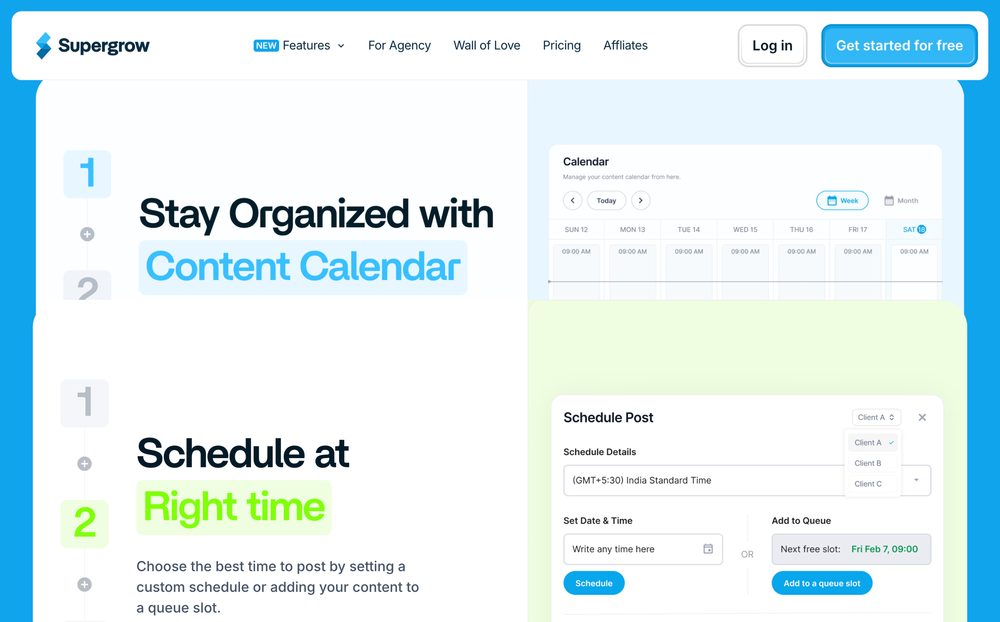
Supergrow is a LinkedIn-focused platform built around personal branding. It combines AI writing help, scheduling, carousels, repurposing, and analytics in one dashboard, with a clear emphasis on helping individuals publish more consistently on LinkedIn.
What makes it interesting is the way it handles AI. Instead of giving you generic output, Supergrow says it can learn your writing style from your existing posts and use that to generate content that sounds more like you.
It also offers a dedicated carousel tool and a free-trial entry point, which makes it easier to test before committing.
Key Features
- AI post generation with voice learning: Supergrow’s main pitch is that its AI can learn from your past LinkedIn posts and generate new content in a style that feels closer to your usual tone and structure.
- Carousel maker: It includes a LinkedIn carousel generator with templates and an editor, so you can build swipeable posts without needing a separate design tool.
- Content repurposing: Supergrow is also positioned as a repurposing tool, helping users turn existing material into LinkedIn posts instead of writing everything from scratch.
- Scheduling and calendar: You can plan posts ahead with a scheduling setup and calendar view, which makes batching content easier.
- Basic analytics: The platform includes LinkedIn performance tracking, though several reviews note that the analytics are useful but not especially deep compared with more advanced tools.
Pricing
Supergrow’s official pricing page currently shows Starter at $16/month, Pro at $31/month, and Teams at $133/month when billed annually, and it offers a 7-day free trial.
My Experience with Supergrow
Supergrow feels like a smart fit for solo LinkedIn creators who want help turning ideas into polished posts quickly. The voice-learning angle is the standout part because it pushes the tool beyond the usual bland AI copy most platforms produce. The carousel feature is also useful if LinkedIn carousels are part of your content mix.
The trade-off is that it stays tightly focused on LinkedIn. If you want deep team workflows, broader multi-platform publishing, or advanced analytics, it can start to feel narrow. So, as a Taplio alternative, it works best for people who care more about writing quality and LinkedIn consistency than full social media management.
7. Waalaxy
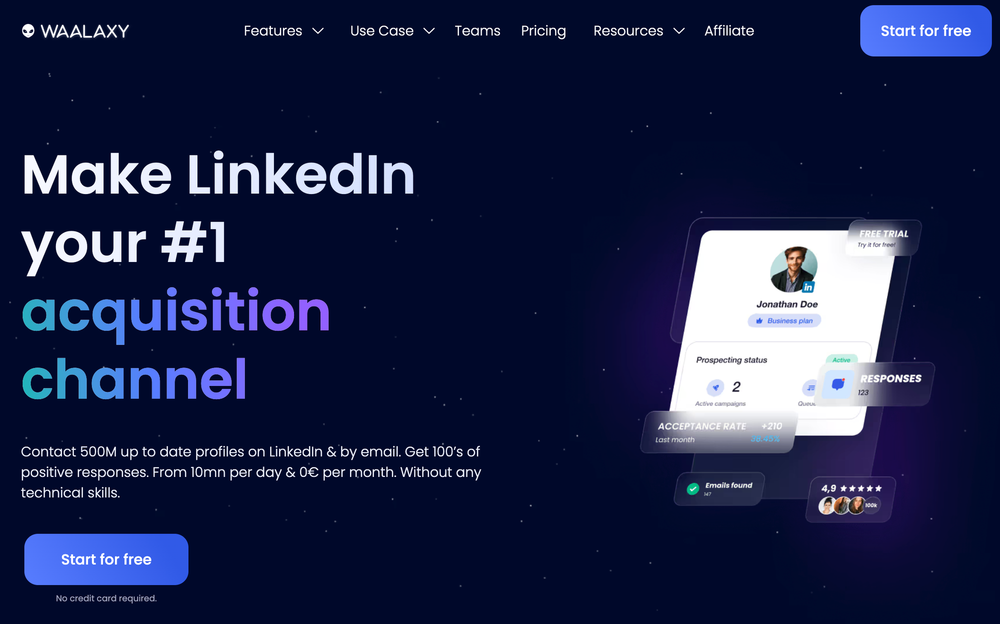
Waalaxy is a LinkedIn automation and prospecting tool built more for outreach than content marketing. Its core use case is helping sales teams, recruiters, and growth-focused users automate connection requests, profile visits, follow-ups, and, on some plans, email outreach too.
So compared with Taplio, it sits in a different lane. Taplio is about content and LinkedIn presence. Waalaxy is about lead generation and prospecting workflows. That makes it relevant for some readers, but not for everyone building a creator-style LinkedIn brand.
Key Features
- LinkedIn outreach automation: Waalaxy automates LinkedIn prospecting actions like invitations, messages, and follow-ups, using prebuilt campaign sequences to simplify setup.
- Email outreach: Higher-tier plans add email finder credits and email outreach, which turns it into a more multichannel prospecting tool rather than a LinkedIn-only one.
- Inbox management: Waalaxy offers a LinkedIn Inbox add-on for managing conversations, but it costs extra rather than being included by default.
- CRM and workflow integrations: The platform also highlights connectivity with a large number of apps through Zapier and Make, which is useful if your outreach workflow touches other sales tools.
Pricing
Waalaxy offers a free tier, and its paid plans currently start around €19/month, with higher plans moving up to roughly €69/month depending on features. The LinkedIn Inbox is an extra €20/month add-on.
My Experience with Waalaxy
Waalaxy makes more sense for sales outreach than for LinkedIn content strategy. If your goal is to generate leads, automate prospecting, and combine LinkedIn with email, it has a clear use case. The setup is meant to be approachable, and the free entry point lowers the barrier to testing it.
But if you’re specifically looking for a Taplio alternative for content creation, thought leadership, and post management, Waalaxy feels off-target. It is more about outbound activity than publishing better LinkedIn content. The extra-cost inbox, campaign limitations, and extension-based setup also make it feel less clean for creators or brand teams.
8. Shield
Shield is a tool built specifically for LinkedIn analytics. It doesn’t try to do everything. Instead, it focuses on helping you understand what’s actually working with your content. If Taplio feels limited on the analytics side, Shield is often the upgrade people look at.
Key Features
- Deep LinkedIn analytics: Shield gives you detailed insights into post performance, engagement trends, and audience behavior.
- Content performance tracking: You can break down which posts perform best and why, helping you refine your strategy over time.
- Audience insights: Understand who is engaging with your content and how your audience is growing.
- Reporting tools: Create clean reports you can use for personal tracking or client updates.
Pricing
Shield typically starts at around $15/month, depending on your usage and features.
My Experience with Shield
Shield is great if your main goal is understanding performance. It goes deeper than most LinkedIn tools when it comes to analytics. You start to see patterns in what works, not just surface-level numbers.
The downside is obvious. It’s not a full management tool. There’s no scheduling, no content creation, and no engagement features.
So it works best as a companion tool, or for creators who already have a posting system but want better insights.
9. Buffer
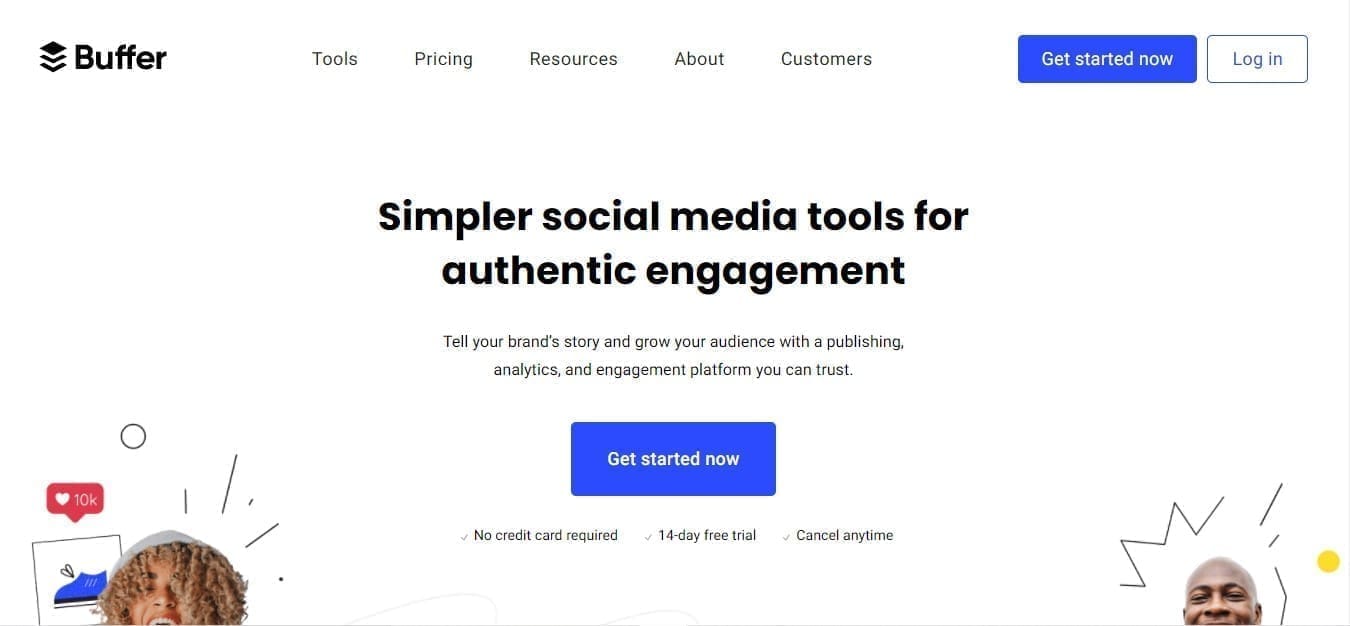
Buffer isn’t a LinkedIn-only tool, but it works surprisingly well for LinkedIn content management. It’s a simple platform that focuses on scheduling and consistency, which is exactly what many LinkedIn creators need.
Key Features
- LinkedIn scheduling: Plan and publish posts to LinkedIn (both personal profiles and company pages).
- Content calendar and queue: Use a simple queue system or calendar to stay consistent with posting.
- Post performance insights: Track how your LinkedIn posts perform with easy-to-read analytics.
- Cross-platform support: You can also manage other platforms alongside LinkedIn, which helps if you repurpose content.
Pricing
Buffer starts at $6 per channel/month, with a free plan available.
My Experience with Buffer
Buffer is all about simplicity. If Taplio feels too focused on AI or growth tactics, Buffer gives you a clean and steady way to manage your LinkedIn posts.
It doesn’t try to be fancy, but that’s part of the appeal. You can plan content, stay consistent, and track results without getting overwhelmed.
The trade-off is that it lacks deeper LinkedIn-specific features like advanced analytics or automation. Still, for creators who just want a reliable way to post and grow steadily, it does the job well.
How to Choose the Right Taplio Alternative for You
Not every LinkedIn tool is built the same. Some focus on writing. Others focus on automation. A few try to do everything at once.
So the goal isn’t to find the “best” tool overall. It’s to find the one that fits how you work.
Here are a few things worth thinking about.
What you actually need help with
Are you struggling with coming up with content? Or is it consistency? Or maybe tracking what works?
If your main challenge is writing, tools like Typefully or Supergrow make sense. If you care more about analytics or growth tracking, something like Shield works better. And if you want everything in one place, a broader tool like OnlySocial is a better fit.
Whether LinkedIn is your only focus
Some tools are LinkedIn-only. Others let you manage multiple platforms. If LinkedIn is your main channel, a focused tool can work. But if you’re also posting on X, Instagram, or Threads, you’ll probably want something that handles everything together. Otherwise, you’ll end up juggling multiple tools.
How you work (solo vs team)
This is a big one. If you’re working alone, most tools will do the job. But if you’re working with a team, you’ll need features like approvals, roles, and shared workflows. Not every tool supports that well. Some are clearly built for individuals, not teams.
The level of automation you’re comfortable with
Some tools push automation hard. Things like auto-comments or engagement actions. These can save time, but they don’t always feel natural. And in some cases, they can raise concerns around LinkedIn’s policies. It’s worth deciding how much automation you actually want to rely on.
Pricing vs long-term value
Finally, look beyond the starting price. Some tools look affordable at first but become expensive as you scale. Others offer more value upfront. Think about what you’re getting for the price, not just the number itself.
At the end of the day, the right Taplio alternative should make LinkedIn easier for you. Not more complicated. If it helps you create better content, stay consistent, and understand your results, you’re on the right track.
Final note
Taplio has its place, especially if your focus is purely on LinkedIn content. But as your strategy grows, you’ll likely need more flexibility, better workflows, or tools that go beyond just one platform.
If you’re looking for something more complete, OnlySocial is worth checking out. It lets you manage LinkedIn alongside other platforms, plan content more efficiently, and keep everything in one place without the usual friction.
FAQs
What is Taplio best for?
Taplio is best for individuals building a personal brand on LinkedIn. It helps with content creation, scheduling, and basic analytics, especially for solo creators and founders.
Is Taplio worth the price?
It depends on your needs. If you mainly want AI-assisted LinkedIn content and scheduling, it can be useful. But many users feel the price is high compared to alternatives that offer more features or multi-platform support.
What is the best Taplio alternative?
The best alternative depends on your workflow. If you want an all-in-one tool that supports LinkedIn and other platforms, OnlySocial is a strong option. If your focus is writing, tools like Typefully or Supergrow can also work well.
What is the best Taplio alternative for teams?
For teams, tools like OnlySocial and Ordinal stand out. They offer better collaboration features, approval workflows, and multi-user support, which Taplio doesn’t handle as well.
Can I manage LinkedIn and other platforms with one tool?
Yes, several alternatives allow this. Tools like OnlySocial and Ordinal let you manage LinkedIn alongside other platforms, so you don’t have to switch between multiple tools.