Top 11 Post Planner Alternatives for Effective Social Media Management in 2026

Keeping up with social media posting sounds simple until you’re doing it week after week. Planning content, finding ideas, scheduling posts, and tracking what actually works quickly adds up.
Tools like Post Planner help with the basics, but for many brands and marketers, that’s where the support ends. Once you need better automation, stronger analytics, or more flexibility, the gaps start to show.
That’s why this guide exists. In this article, we’re breaking down 11 of the best Post Planner alternatives you can consider for effective social media management in 2026. These tools go beyond simple scheduling and help you plan smarter, stay consistent, and actually understand your performance.
If Post Planner feels limiting right now, you’ll find better options here.
Table of Contents
- 1 Why Consider a Post Planner Alternative?
- 2 Top 11 Post Planner Alternatives to Consider in 2026
- 2.1 1. OnlySocial ($29/Month)
- 2.2 2. Social Champ ($29/Month)
- 2.3 3. Metricool ($18/Month)
- 2.4 4. Buffer ($6/Month)
- 2.5 5. Loomly ($65/Month)
- 2.6 6. CoSchedule ($29/Month)
- 2.7 7. Postpone ($48/Month)
- 2.8 8. Kontentino ($99/Month)
- 2.9 9. Nuelink ($18/Month)
- 2.10 10. Later ($25/Month)
- 2.11 11. Agorapulse ($69/Month)
- 3 Final Thoughts
- 4 FAQs
Why Consider a Post Planner Alternative?
Post Planner does a decent job if all you need is basic scheduling and content discovery. But for many users, that’s where the value stops.
As social media workflows become more complex, the tool can start to feel restrictive. That’s why a lot of marketers, creators, and small teams eventually look elsewhere.
Here are the most common reasons users move on.
Limited Platform Support
Post Planner mainly focuses on a small set of platforms. That works fine at first, but it quickly becomes a problem if your audience is active elsewhere.
Many users mention issues like:
- No support for newer or growing platforms such as Mastodon or WhatsApp
- Having to use multiple tools just to cover all their channels
- Manual posting filling the gaps where Post Planner falls short
Once you’re managing more than a couple of platforms, this lack of coverage can slow everything down.
Weak Analytics and Reporting
Analytics is another area where users feel Post Planner doesn’t go far enough. Reports are fairly basic and don’t offer much insight into why content is performing the way it is.
User often complain about limited visibility into engagement trends and follower growth, few actionable insights to improve content strategy, and reports that feel more like summaries than decision-making tools. If performance tracking matters to you, this is often a dealbreaker.
Collaboration Becomes Difficult
Post Planner isn’t built with teams in mind. Users managing multiple clients or working with teammates often run into friction. Reported challenges include:
- No proper approval workflows
- Limited role or permission controls
- No shared planning experience for teams
For agencies or growing businesses, these gaps make daily collaboration harder than it needs to be.
Scheduling Flexibility Can Feel Restrictive
Some users also point out limitations around how posts are scheduled.
This includes difficulty with bulk scheduling at scale, limited control over recurring posts, and time zone adjustments that aren’t always intuitive. When you’re planning weeks or months ahead, these small issues add up quickly.
Limited Integrations
Post Planner doesn’t integrate with many popular tools that teams rely on every day. Users often mention missing integrations with platforms like Google Drive, WordPress plugins, OneDrive, or design tools.
Without strong integrations, content prep becomes more manual, and workflows feel disconnected. This is one of the main reasons teams explore Post Planner alternatives that fit more naturally into their existing tool stack.
Pricing Issues
While Post Planner offers a free plan and relatively affordable paid tiers, the value can drop as needs increase. Profile limits, user caps, and feature gaps mean some teams end up paying for multiple tools instead of one well-rounded solution.
For users who’ve outgrown basic scheduling, switching to a more capable alternative often feels like the more efficient move.
Top 11 Post Planner Alternatives to Consider in 2026
1. OnlySocial ($29/Month)
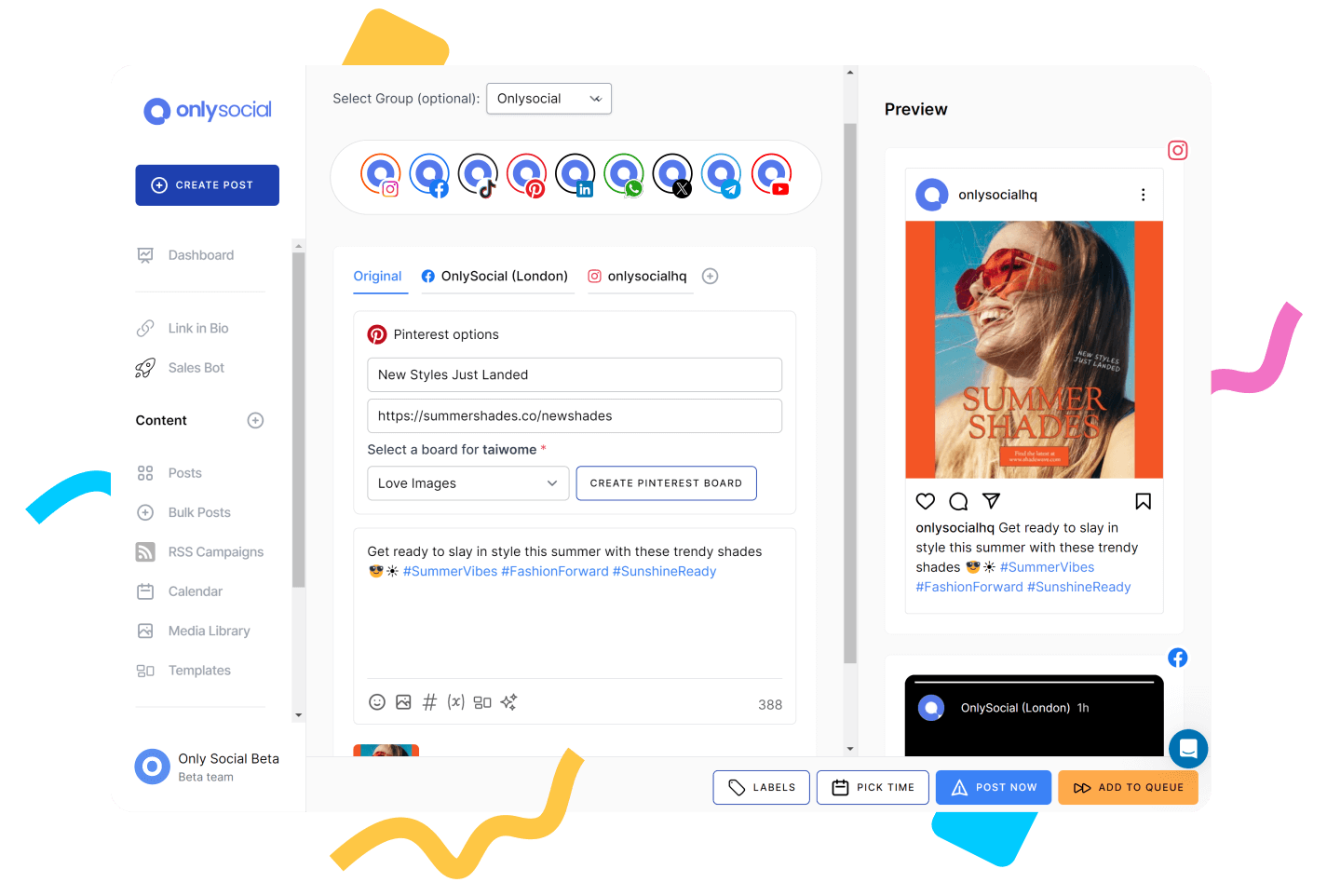
OnlySocial is a social media management tool built for people who’ve moved past basic scheduling and want something that actually keeps up with how social media is run today.
As a Post Planner alternative, it feels like a step forward rather than a lateral move. Instead of focusing only on content curation and queues, it brings scheduling, engagement, collaboration, and reporting into one clean workflow.
What stood out straight away is that it doesn’t feel boxed in. You’re not constantly watching limits or working around missing features. It’s designed to handle growth without making things complicated.
Key Features of OnlySocial
- Multi-platform scheduling across 15+ networks: Schedule posts to Instagram, Facebook, LinkedIn, TikTok, Pinterest, YouTube, Google Business Profile, Threads, Mastodon, Bluesky, and more from one dashboard.
- Bulk scheduling and smart time slots: Upload large batches of posts via CSV or queue content into predefined posting times for each account.
- Unified social inbox: Manage comments, mentions, and DMs from supported platforms in one place instead of jumping between apps.
- AI-assisted content creation: Generate captions, rewrite posts, suggest hashtags, and create visuals to speed up content prep.
- Team collaboration and approvals: Assign roles, set approval flows, and manage content with teammates or clients without back-and-forth.
- Analytics and reporting: Track engagement, growth, and performance with exportable and shareable reports.
- Content calendar and media library: See everything scheduled at a glance and reuse assets across campaigns.
Our Experience with OnlySocial
Compared to Post Planner, the first thing we noticed was how much more room there is to work. Post Planner does content curation well, but it can feel narrow once you’re managing multiple platforms or posting frequently.
With OnlySocial, scheduling never felt constrained. Bulk uploads worked smoothly, and planning weeks ahead didn’t require breaking content into awkward chunks.
The unified inbox also made a real difference. Post Planner doesn’t offer any inbox or engagement management, so being able to reply to comments and messages directly inside the same tool felt like a major upgrade. It turns social media from a “post and disappear” workflow into something more interactive and manageable.
We also appreciated how practical the AI tools were. They weren’t there to replace creativity, but to remove friction. When ideas slowed down, or posts needed quick rewrites for different platforms, the AI saved time without making content feel robotic.
Pricing
OnlySocial’s pricing is simple and generous for what it includes:
- Freelancer – $29/month (15 social accounts)
- Entrepreneur – $49/month (45 accounts)
- Professional – $99/month (unlimited social accounts)
When you compare this to Post Planner’s Growth plan at $37/month (12 profiles) or Business plan at $57/month (25 profiles), OnlySocial offers significantly more platform support, higher limits, and added features like inbox management and team collaboration.
For anyone who feels Post Planner has become too narrow or limiting, OnlySocial feels like a more complete and future-proof alternative.
2. Social Champ ($29/Month)
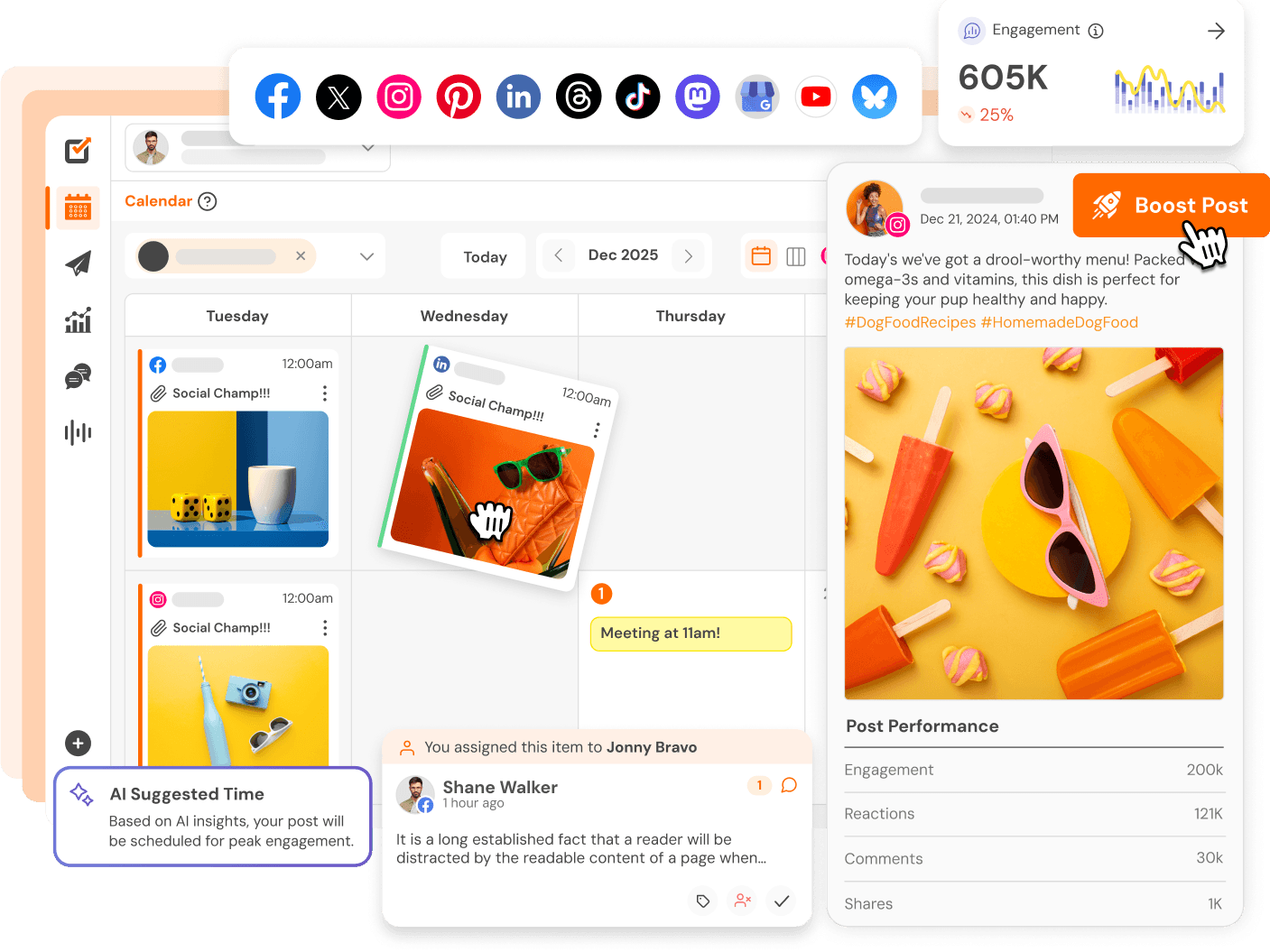
Social Champ is one of those tools that quietly covers a lot of ground. It doesn’t position itself as flashy or complex, but once you spend time with it, you realize it’s built for consistency and scale.
As a Post Planner alternative, it appeals to users who like content curation but want more flexibility, better platform coverage, and fewer workflow bottlenecks.
It feels especially suited to small businesses and growing teams that want to plan ahead without fighting limits or clunky interfaces.
Key Features
- Multi-platform scheduling: Schedule content across Facebook, Instagram, LinkedIn, X, Pinterest, TikTok, Google Business Profile, and more, all from one dashboard.
- Bulk scheduling and CSV uploads: Upload large batches of posts at once, which is ideal for weekly or monthly content planning.
- Content calendar view: A visual calendar that shows scheduled, drafted, and published posts, making it easier to adjust plans quickly.
- AI caption generator: Helps generate captions and post ideas when you need a starting point or quick rewrite.
- Social inbox: Manage comments and messages from supported platforms without switching tools.
- Team collaboration tools: Add team members, manage roles, and collaborate on content depending on your plan.
Our Experience with Social Champ
What stood out first was how open the scheduling felt. With Post Planner, some users feel boxed in by platform focus and workflow steps. Social Champ felt more relaxed. Bulk scheduling worked without friction, and planning content across several platforms didn’t require extra setup or workarounds.
We also liked the balance between simplicity and capability. The tool doesn’t overload you with advanced features, but it still offers things Post Planner lacks, like a social inbox and broader platform support. That alone makes day-to-day management feel smoother.
The AI tools were useful in a practical way. They helped speed up caption writing and content prep without trying to dictate tone or structure. For teams batching content, this saves time without sacrificing control.
Pricing
Social Champ’s pricing typically starts around $29/month, with higher plans unlocking more social accounts, users, and features.
Compared to Post Planner’s Starter ($7/month) or Growth ($37/month) plans, Social Champ costs more at entry level, but it removes many of the limitations users run into as their posting volume and platform mix expand. For users who’ve outgrown Post Planner’s narrow focus, the trade-off feels reasonable.
3. Metricool ($18/Month)
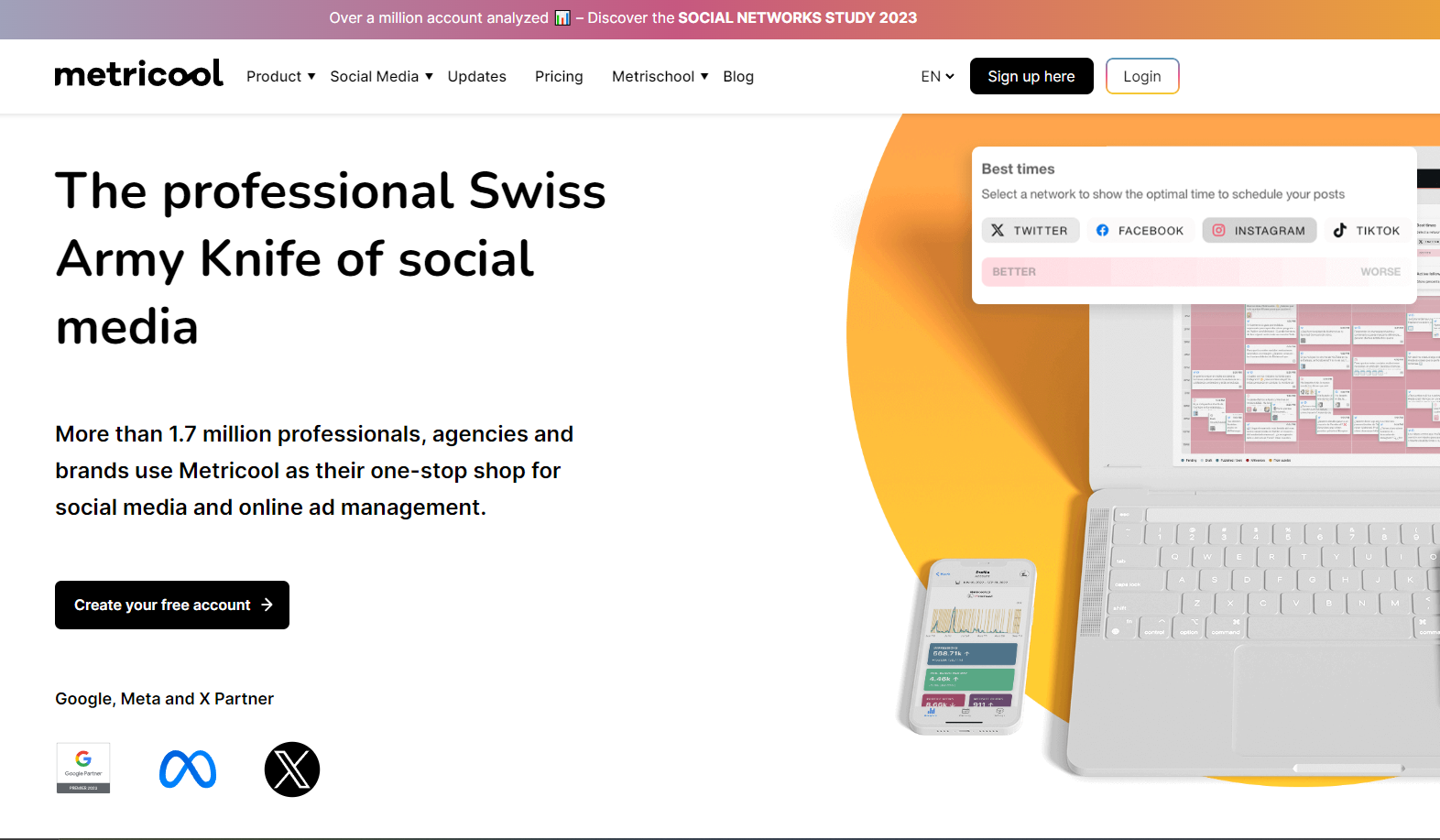
Metricool comes at social media from a slightly different angle. While Post Planner is mostly about content discovery and scheduling, Metricool leans heavily into performance and visibility. It’s designed for people who don’t just want to post consistently, but want to understand what’s actually working and why.
Compared to Post Planner, Metricool makes a lot of sense for marketers, creators, and brands that feel they’ve outgrown basic queues and want clearer insights to guide their decisions.
Key Features
- Multi-platform scheduling: Schedule posts across Instagram, Facebook, LinkedIn, X, TikTok, Pinterest, YouTube, and Google Business Profile from one dashboard.
- Visual content calendar: A clean calendar view that makes it easy to plan ahead, spot gaps, and reschedule content quickly.
- In-depth analytics: Track engagement, reach, follower growth, best posting times, and content performance with clear visual reports.
- Competitor benchmarking: Compare your social performance against competitors to see where you stand in your niche.
- Ads tracking: Monitor Facebook and Google Ads alongside organic social content in one place.
Our Experience with Metricool
The biggest difference we felt compared to Post Planner was the depth of insight. Metricool doesn’t stop at telling you what you posted. It shows you how people reacted, when engagement peaks, and which content formats are worth repeating. For anyone tired of guessing, this is a big step up.
We also liked how everything performance-related lived in one place. Being able to see organic posts and paid ads together gave us a more complete picture of what was driving results. That’s something Post Planner simply doesn’t attempt.
Scheduling itself was smooth and reliable. While Metricool doesn’t focus heavily on content curation like Post Planner, it makes up for that by helping you refine strategy over time. If your goal is to improve results, not just maintain activity, Metricool feels like a natural upgrade.
Pricing
Metricool offers a flexible pricing structure:
- Free plan with limited features
- Paid plans start around $18/month, scaling based on brands and features
At a similar starting price point to Post Planner’s paid plans, Metricool delivers far more value on the analytics and reporting side, which is often where users feel Post Planner falls short.
4. Buffer ($6/Month)

Buffer is one of those tools that doesn’t try to impress you with complexity. It wins people over by being calm, clear, and dependable. If Post Planner ever felt a bit clunky or harder to navigate than it should be, Buffer feels like the opposite experience. Everything is laid out in a way that makes sense, even if you’re new to social media tools.
The tool is especially appealing to creators and small teams who want to schedule content, stay consistent, and avoid overthinking the process.
Key Features
- Clean content calendar: A straightforward calendar that shows exactly what’s going out and when, without unnecessary clutter.
- Buffer AI assistant: Helps generate captions, tweak wording, and come up with quick content ideas when you’re stuck.
- Start Page (link-in-bio tool): Create a simple landing page to share links, products, or content directly from your social profiles.
- Basic analytics and performance tracking: See which posts perform best and track engagement without digging through complicated reports.
- Engagement tools: Reply to comments and manage interactions from within the platform for supported networks.
Our Experience with Buffer
What stood out immediately was how easy Buffer is to use. There’s almost no learning curve. Compared to Post Planner, where some users report needing extra steps just to schedule posts, Buffer keeps things simple and quick. You can jump in, schedule content, and move on with your day.
We also liked how lightweight the planning process felt. The calendar doesn’t overwhelm you, and the AI assistant works well as a helper rather than a replacement. It’s useful when you need a nudge, not when you want the tool to take control.
Buffer isn’t trying to compete on advanced analytics or heavy automation. But that’s exactly why it works. If Post Planner feels unnecessarily complicated or limiting, Buffer offers a smoother, more relaxed way to stay consistent on social media.
Pricing
Buffer offers flexible pricing:
- Free plan available for basic scheduling
- Paid plans start at around $6/month per social channel, scaling as you add accounts and features
Compared to Post Planner’s Starter and Growth plans, Buffer gives users more flexibility to start small, test the platform, and scale gradually without committing upfront.
5. Loomly ($65/Month)
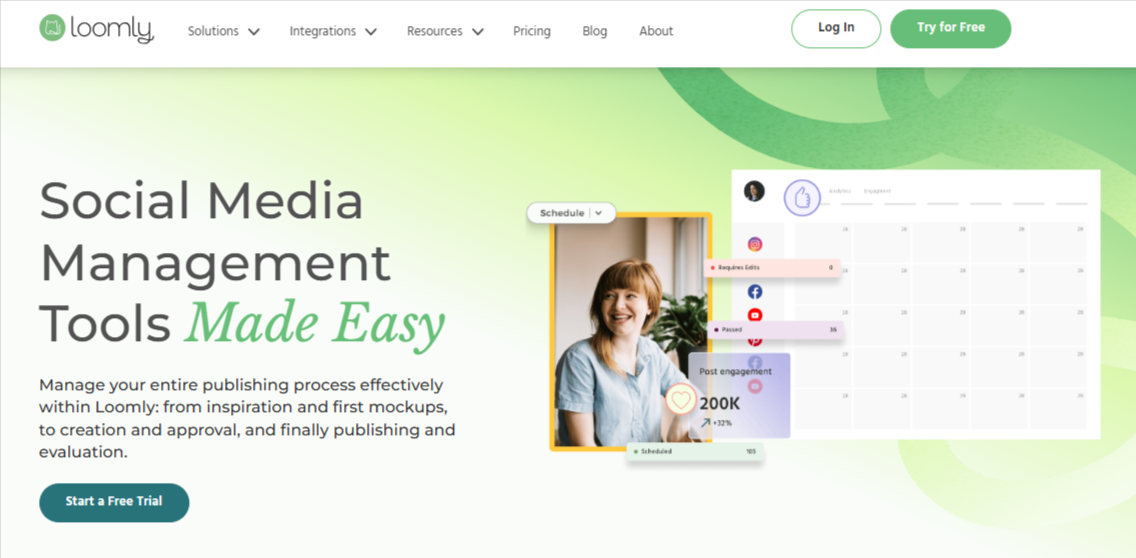
Loomly feels like a planning-first tool, and that’s what sets it apart. Instead of centering everything around queues and recycled posts like Post Planner does, Loomly is built around visibility, coordination, and structure.
It’s the kind of platform that makes sense once social media becomes a shared responsibility rather than a solo task. It’s a perfect tool for teams that want clarity around what’s going out, when it’s going out, and who’s responsible for it.
Key Features
- Unified content calendar: A single calendar shows drafts, scheduled posts, approvals, and published content across platforms, giving everyone a clear overview.
- Multi-platform scheduling: Schedule and customize posts for platforms like Instagram, Facebook, LinkedIn, X, Pinterest, and more.
- Post ideas and inspiration tools: Loomly suggests post ideas, trending topics, and prompts to help fill content gaps.
- Approval workflows and task assignments: Built-in approvals, comments, and deadlines make collaboration smoother for teams and agencies.
- Performance analytics: Track engagement and post performance to understand what resonates with your audience.
- Custom branding options: Agencies can apply their own branding for a more polished, client-facing experience.
Our Experience with Loomly
The biggest difference we noticed compared to Post Planner was how organized everything felt. Instead of jumping between queues or content lists, Loomly keeps everything anchored to the calendar. That made planning campaigns and coordinating with others far easier.
Collaboration is where Loomly really shines. Comments, approvals, and task assignments live directly on each post, which removes a lot of back-and-forth. For teams that struggled with Post Planner’s lack of workflow tools, this feels like a major upgrade.
We also appreciated the post idea suggestions. They’re not meant to replace strategy, but they help when the calendar has gaps or momentum drops. Overall, Loomly feels less like a content curation tool and more like a proper planning system.
Pricing
Loomly’s pricing starts at around $65/month, with higher tiers going up to $332/month depending on users, brands, and features.
Compared to Post Planner’s Business plan at $57/month (25 profiles, five users), Loomly is more expensive, but the added cost reflects stronger collaboration, approvals, and planning features. For teams that have outgrown Post Planner’s solo-focused setup, the trade-off often makes sense.
6. CoSchedule ($29/Month)
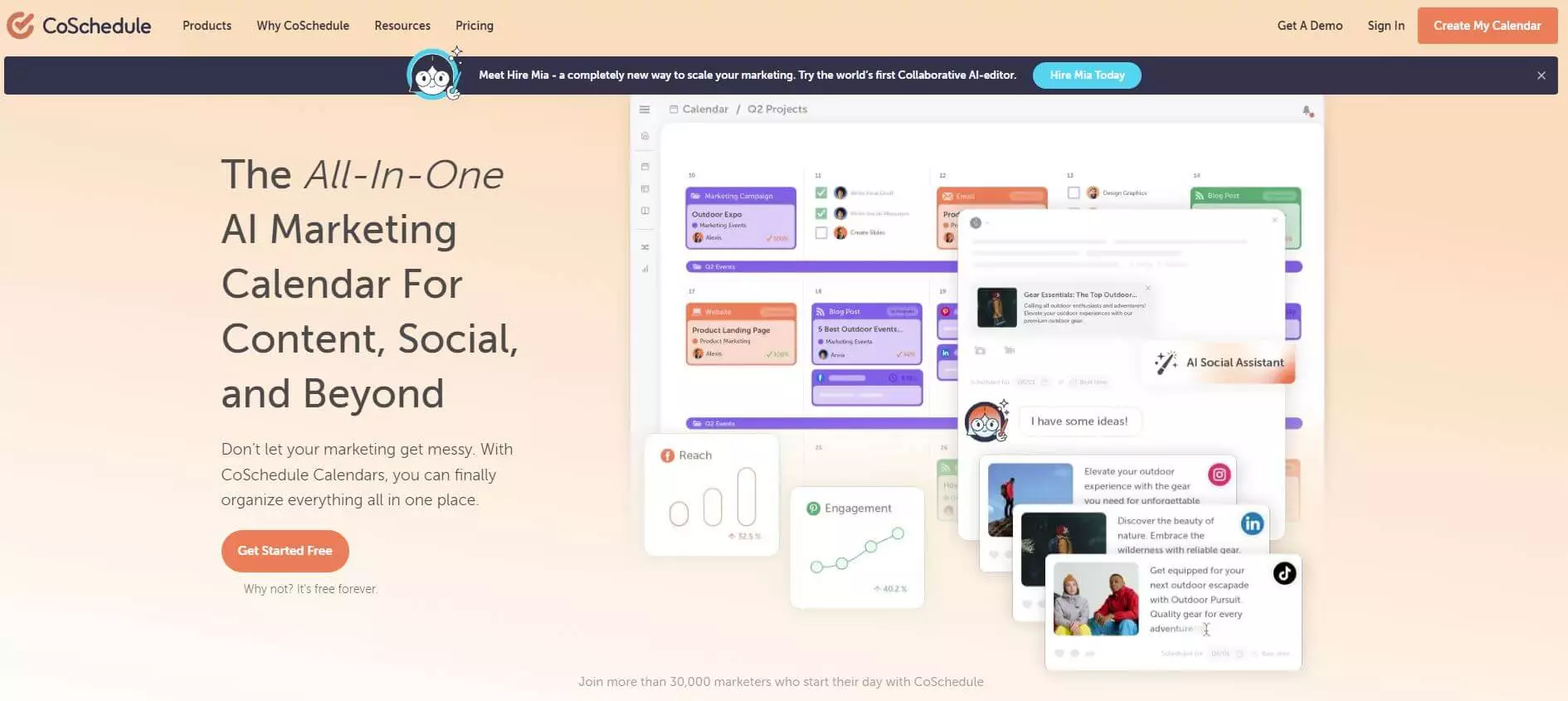
CoSchedule doesn’t really behave like a typical social media tool. It feels more like a command center for content and campaigns. Instead of treating social posts as isolated tasks, CoSchedule connects them to blogs, launches, and wider marketing plans. That makes it a strong Post Planner alternative for teams that think beyond daily posting.
If Post Planner feels too narrow or disconnected from your broader content strategy, CoSchedule offers a more joined-up way to plan and execute.
Key Features of CoSchedule
- Unified marketing and social calendar: View social posts alongside blog content, campaigns, and tasks in one shared calendar.
- Drag-and-drop scheduling: Easily move posts and tasks around when priorities change, without rebuilding content.
- ReQueue automation: Automatically recycle evergreen content to keep accounts active without manual scheduling.
- AI-powered content assistance: Generate post ideas and optimize captions to speed up planning.
- Team collaboration and approvals: Assign tasks, set deadlines, and manage approvals directly inside the calendar.
- Performance insights: Track which content drives the most engagement and traffic over time.
Our Experience with CoSchedule
What stood out immediately was the bigger picture view. Compared to Post Planner, CoSchedule makes it much easier to see why a post exists and how it fits into a wider campaign. That context alone changes how you plan content.
The ReQueue feature was another highlight. Once set up, it quietly filled gaps in the schedule with evergreen posts. This reduced pressure to constantly create new content and helped maintain consistency without extra effort.
CoSchedule does feel heavier than Post Planner, especially at first. There’s more structure and more to configure. But for teams managing content across blogs, campaigns, and social media together, that structure quickly becomes a strength rather than a drawback.
Pricing
CoSchedule offers a free plan with limited features, plus paid plans starting at around $29/month for social media users. More advanced marketing suite plans require custom pricing.
Compared to Post Planner’s paid plans, CoSchedule is more expensive at the higher end, but it delivers value through campaign-level planning and automation rather than simple scheduling alone.
7. Postpone ($48/Month)
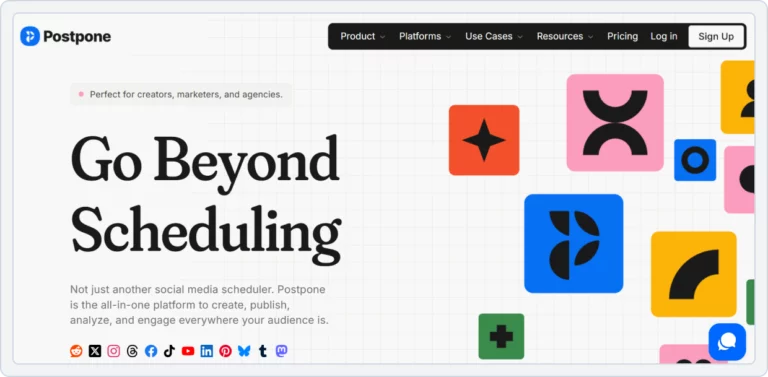
Postpone takes a very different route from most social media tools. It’s minimalist by design and clearly aimed at people who want posting to feel easy, not heavy. As a Post Planner alternative, it appeals to beginners, small teams, and growing businesses that care about affordability, evergreen content, and clean workflows without layers of complexity.
Where Post Planner leans into content discovery, Postpone focuses more on keeping your accounts active automatically. That shift alone makes it interesting for users who want consistency without constant hands-on scheduling.
Key Features of Postpone
- Evergreen scheduling and content queues: Postpone automatically re-shares your best-performing posts based on rules you set. Once content is in a queue, it keeps publishing at scheduled times without extra effort.
- Bulk scheduling: Plan and schedule weeks or months of content in one go, which makes long-term planning much easier.
- Team collaboration tools: Add teammates, assign roles, co-create posts, and review content together. Deleted posts are stored safely and can be restored.
- Wide platform support: Supports Reddit, Threads, Facebook, TikTok, Pinterest, Mastodon, Instagram, LinkedIn, Bluesky, X (Twitter), and YouTube Shorts.
- Simple, focused interface: Everything is built around queues, drafts, and scheduled posts, keeping distractions to a minimum.
Our Experience with Postpone
What stood out immediately was how well evergreen automation worked. Compared to Post Planner, Postpone feels more reliable when it comes to recycling content. Once queues were set up, profiles stayed active without constant input. That alone removes a lot of daily pressure.
We also liked how collaboration was handled. It’s not overloaded with workflows, but it covers the essentials well. Teammates can contribute ideas, refine drafts, and review posts together without confusion. For small teams, this feels more natural than Post Planner’s limited collaboration setup.
Platform coverage was another pleasant surprise. Support for Reddit, Mastodon, and YouTube Shorts gives Postpone an edge for brands experimenting beyond mainstream platforms. If your content strategy isn’t limited to the usual networks, this flexibility matters.
Pricing
Postpone uses volume-based pricing:
- Free plan – 2 social accounts, limited scheduling
- Small business plan – $48/month (7 social accounts, unlimited posts)
- Agency plan – $96/month (15 social accounts, unlimited posts)
By comparison, Post Planner’s Business plan at $57/month gives 25 profiles but is more restrictive in automation and collaboration. Postpone costs more at entry level, but it delivers stronger evergreen posting, better queues, and unlimited scheduling, which many users find worth the difference.
For users who value simplicity, automation, and keeping content alive with minimal effort, Postpone feels like a smarter long-term alternative to Post Planner.
8. Kontentino ($99/Month)

Kontentino is built with teams and agencies in mind. Where Post Planner focuses on content ideas and queues, Kontentino is all about structure, approvals, and keeping everyone aligned. It feels less like a simple scheduler and more like a workspace where social content is planned, reviewed, and signed off properly.
If Post Planner starts to feel limiting once clients or multiple team members get involved, Kontentino is often the next step. It’s designed for situations where clarity and accountability matter just as much as publishing.
Key Features
- Collaboration and approval workflows: Team members can comment directly on posts, suggest edits, and track changes in one place. Tasks can be assigned, marked as done, and followed up without email chains.
- Client approvals with shareable links: Posts can be shared with clients through simple links. Clients can approve content or request changes without needing full platform access.
- Detailed content previews and version control: You can see exactly how posts will look before they go live and track changes across different versions of the same post.
- Multi-platform scheduling: Schedule content for Instagram, Facebook, LinkedIn, TikTok, Pinterest, Threads, X (Twitter), YouTube, and Google Business Profile.
- Drag-and-drop content calendar: A shared calendar shows what’s scheduled, what’s pending approval, and what’s already published. Posts can be moved easily when plans change.
- Analytics and professional reporting: Track engagement, reach, clicks, and performance. Reports can be exported as PDFs or Excel files and shared with clients.
Our Experience with Kontentino
What stood out immediately was how smooth the approval process felt. Compared to Post Planner, where collaboration is limited, Kontentino keeps feedback, edits, and decisions tied directly to each post. Everyone sees the same information, which removes confusion and delays.
The client approval flow is another strong point. Instead of screenshots or email threads, clients can review posts exactly as they’ll appear and approve them with a click. For agencies, this alone can save hours each week.
We also appreciated how organized everything felt. The calendar clearly shows where each post stands, and version control makes it easy to revisit changes without losing earlier drafts. Kontentino doesn’t try to be the cheapest option, but for structured teams, the workflow benefits are very real.
Pricing
Kontentino doesn’t offer a free plan, but it does provide a free trial.
- Small business plan – $99/month
Includes 10 profiles, 200 posts, and up to 5 users - Agency plan – $149/month
Includes 40 profiles, unlimited posts, and 10-30 users
Compared to Post Planner’s $25/month or $57/month plans, Kontentino is more expensive. The difference is focus. Post Planner works for basic scheduling, while Kontentino is built for agencies that need approvals, client access, and structured collaboration at scale.
For teams managing multiple clients and campaigns, Kontentino often feels like a worthwhile upgrade rather than an extra cost.
9. Nuelink ($18/Month)
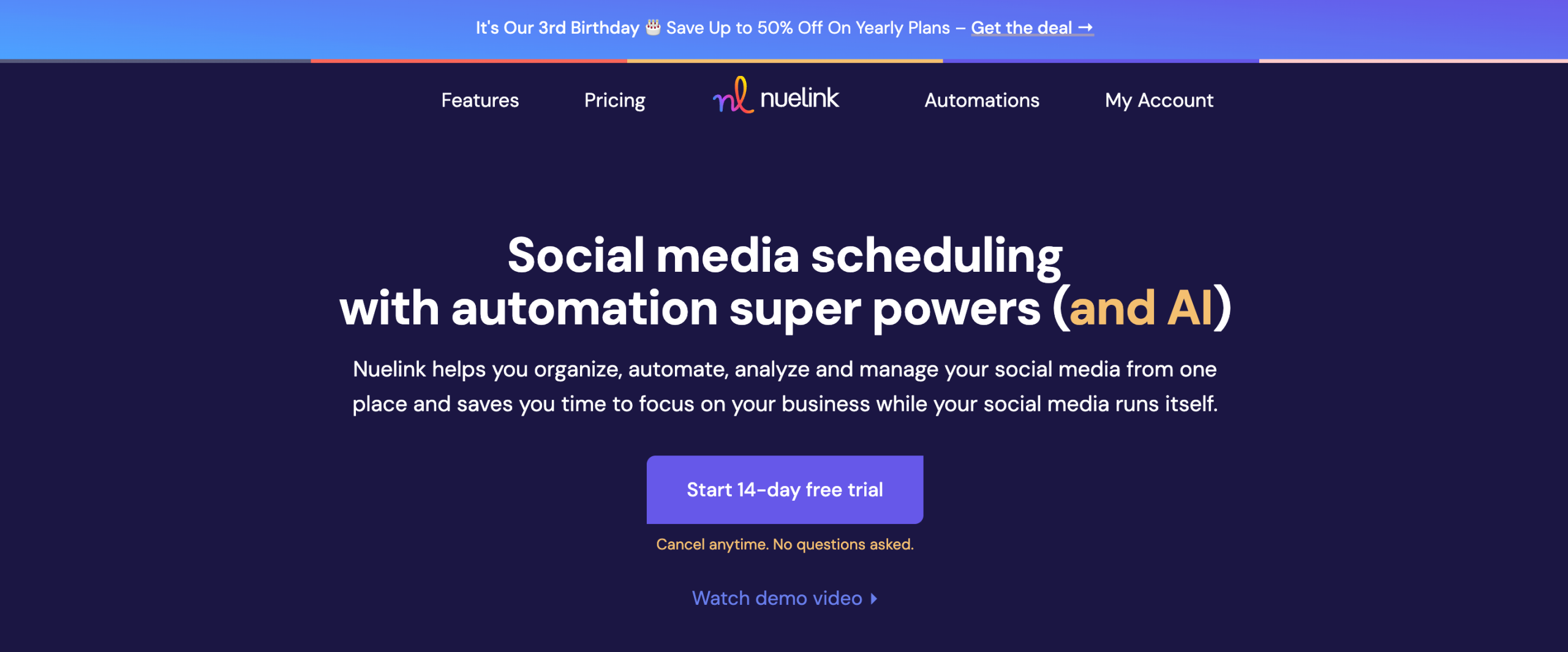
Nuelink is built for people who want social media to run quietly in the background. It’s less about daily hands-on posting and more about setting up systems that keep content going automatically.
It’s a more appealing option for creators, bloggers, and small businesses that rely heavily on evergreen content and don’t want to be in their scheduler every day.
Key Features
- Automated evergreen scheduling: Nuelink lets you organize content into collections that are automatically published on a set schedule. Once configured, posts recycle without manual rescheduling.
- RSS feed automation: Connect blogs, newsletters, or content feeds and let Nuelink auto-publish new posts to social media as they go live.
- Multi-platform publishing: Schedule posts to platforms like Facebook, Instagram, LinkedIn, X, Pinterest, Google Business Profile, and more.
- Content categories and collections: Group posts by theme or content type to keep your feed balanced over time.
- Basic analytics: Track engagement and performance to understand which content types work best.
- Team access: Add collaborators depending on your plan, though collaboration is lighter than agency-focused tools.
Our Experience with Nuelink
Nuelink stood out for how little ongoing effort it requires. Once content collections were set up, posting happened automatically. Compared to Post Planner, which often requires hands-on scheduling and content selection, Nuelink felt more “set it and forget it.”
We especially liked how well it handled blog-driven content. Connecting RSS feeds meant new content was shared without manual work, which is ideal for creators and brands publishing regularly.
That said, Nuelink isn’t designed for heavy collaboration or advanced analytics. But that’s part of its appeal. If your goal is consistency without daily management, it does that job extremely well.
Pricing
Nuelink’s pricing generally starts around $18–$25/month, depending on the plan and features.
Compared to Post Planner’s lower-tier plans, Nuelink costs slightly more, but it replaces manual scheduling with automation. For users who value time saved over hands-on control, the pricing feels reasonable.
10. Later ($25/Month)

Later is best known as a visual-first social media tool, and that focus is still very clear today. It’s built for brands and creators who care deeply about how their content looks before it goes live. The tool makes sense if content discovery and queues aren’t enough anymore and you want stronger planning around visuals, timing, and campaigns.
It’s especially popular with Instagram-heavy brands, ecommerce stores, and creators who rely on aesthetics as much as consistency.
Key Features
- Visual content calendar: Plan posts visually using a drag-and-drop calendar that makes it easy to spot gaps and keep feeds balanced.
- Multi-platform scheduling: Schedule content for Instagram, Facebook, LinkedIn, Pinterest, TikTok, and X, with per-platform customization.
- Media library and asset management: Upload, organize, and reuse images and videos across campaigns, which helps keep branding consistent.
- Hashtag suggestions and saved sets: Store hashtag groups and get suggestions to speed up caption writing.
- Link-in-bio tool: Create shoppable and clickable landing pages connected directly to your social posts.
- Basic analytics and insights: Track engagement, follower growth, and post performance with clean reports.
Our Experience with Later
Later really shines when it comes to planning visually. Compared to Post Planner, Later makes it easier to see how posts will look together before they’re published. This is especially useful for Instagram and Pinterest strategies.
We also liked how smooth media management felt. Uploading assets once and reusing them across posts saved time, particularly for campaigns that rely on similar visuals.
Later isn’t trying to be an automation-heavy tool. It’s more about intentional planning than evergreen recycling. If Post Planner feels too focused on reuse and not enough on presentation, Later offers a refreshing shift.
Pricing
Later offers a free plan with limited features, plus paid plans starting around $25/month, scaling based on profiles and features.
Compared to Post Planner’s lower tiers, Later is priced higher, but it delivers more value for brands that prioritize visual planning, asset management, and Instagram-focused workflows.
11. Agorapulse ($69/Month)

Agorapulse is built around engagement. While Post Planner focuses on scheduling and content ideas, Agorapulse steps in once conversations start happening. It’s designed for teams that need structure around comments, messages, and moderation, not just publishing.
As a Post Planner alternative, Agorapulse works best for brands and agencies where community management is just as important as posting consistently.
Key Features
- Unified social inbox: Manage comments, mentions, and messages from multiple platforms in one inbox, with assignment and review options.
- Inbox automation rules: Automatically tag, filter, or assign incoming messages based on rules you set.
- Publishing and scheduling tools: Schedule posts across major platforms with a clear calendar and platform-specific customization.
- Analytics and reporting: Track engagement, reach, and growth, with reports that are easy to export and share.
- Team collaboration tools: Roles, permissions, and internal notes help teams avoid duplicate replies and confusion.
- Competitor analysis: Compare performance against competitors to understand positioning and trends.
Our Experience with Agorapulse
Agorapulse immediately felt more structured than Post Planner. The inbox alone changes how you manage social media. Instead of posting and checking platforms manually, everything flows into one place, clearly organized.
Automation rules were another highlight. Once set up, repetitive moderation tasks happened automatically, which saved time during high-engagement periods.
Scheduling itself is solid, but the real value comes after posts go live. For brands that feel Post Planner stops at publishing, Agorapulse fills the engagement and moderation gap very well.
Pricing
Agorapulse plans typically start around $69/month, with higher tiers available depending on users and profiles.
Compared to Post Planner’s pricing, Agorapulse is more expensive, but it targets a different need. It replaces basic scheduling with deeper engagement management, making it better suited for teams and agencies handling active communities.
Final Thoughts
Post Planner works well if all you need is basic scheduling and simple content discovery. But once your strategy grows, those limits become obvious.
Better automation, stronger analytics, smoother collaboration, and wider platform support make a real difference over time.
The tools covered in this guide show that you don’t have to settle for “good enough.” Regardless of what your specific needs are, there’s a Post Planner alternative here that can support how you actually manage social media in 2026.
FAQs
What is Post Planner mainly used for?
Post Planner is used for scheduling social media posts and discovering shareable content, mainly for platforms like Facebook and X (Twitter). It focuses on queues and basic automation rather than advanced management.
Is Post Planner free to use?
Post Planner offers a free plan, but it’s very limited. Most useful features require a paid subscription.
Why do people switch from Post Planner to other tools?
Many users outgrow Post Planner due to limited analytics, weak collaboration tools, and restricted integrations. As teams and strategies expand, these gaps become harder to work around.
Are Post Planner alternatives more expensive?
Not always. Some alternatives cost more but offer far more automation and team features. Others are similarly priced yet provide better value, depending on your needs.
Which Post Planner alternative is best for agencies?
Tools like Kontentino, Agorapulse, and OnlySocial are better suited for agencies because they support approvals, collaboration, reporting, and multiple client workflows.
Is OnlySocial a good replacement for Post Planner?
Yes. OnlySocial goes beyond scheduling by offering bulk posting, multi-platform support, collaboration tools, analytics, and automation, making it a stronger long-term option for growing teams.