22 Instagram Story Ideas to Keep Your Audience Watching and Engaging
Instagram Stories give you something regular feed posts don’t always offer. That’s a quick, low-pressure way to stay in front of your audience.
You can ask a question, share what’s happening behind the scenes, tease a new product, run a poll, or simply remind followers that there’s a real person behind the account. And because Stories disappear after 24 hours, every post doesn’t need to feel like a carefully planned campaign.
The harder part is figuring out what to post day after day.
After a while, another product photo or “good morning” Story isn’t going to cut it. That’s why we’ve put together 22 Instagram Story ideas you can borrow, adapt, and make your own.
And if posting every day sounds like another job on your list, you can plan and schedule your Stories ahead with OnlySocial, so you can stay consistent without scrambling for an idea each morning.
Table of Contents
- 1 1. Help Followers Find the Right Product
- 2 2. Share Your Latest Blog Post or Podcast
- 3 3. Give Your Latest Instagram Post Another Chance
- 4 4. Build Excitement Before a Launch
- 5 5. Teach Something Your Audience Can Use
- 6 6. Ask Your Audience a Question
- 7 7. Host a Quick AMA
- 8 8. Show Your Product in Action
- 9 9. Showcase social proof
- 10 10. Take People Behind the Scenes
- 11 How OnlySocial Makes Instagram Stories Easier to Manage
- 12 11. Let Followers Rate Your Products
- 13 12. Share the Best Moments From an Event
- 14 13. Announce a New Product Drop
- 15 14. Create a Monthly Photo Dump
- 16 15. Test Your Audience With a Quiz
- 17 16. Put a Client or Team Member in the Spotlight
- 18 17. Turn Great Reviews Into Stories
- 19 18. Get Followers Voting With Polls
- 20 19. Share Your Favorite Product Picks
- 21 20. Share Kay Product Benefits
- 22 21. Reshare User-Generated Content
- 23 22. Urgency CTA
- 24 Final Thoughts
1. Help Followers Find the Right Product
If you sell several products, choosing between them isn’t always obvious to a first-time customer. Stories give you room to explain the differences without cramming everything into one feed post.
Try creating a short sequence around a problem your customer wants to solve. Introduce the problem, show the products that could help, and explain who each option is best suited to. You can also add a link sticker that takes viewers directly to the relevant product page.
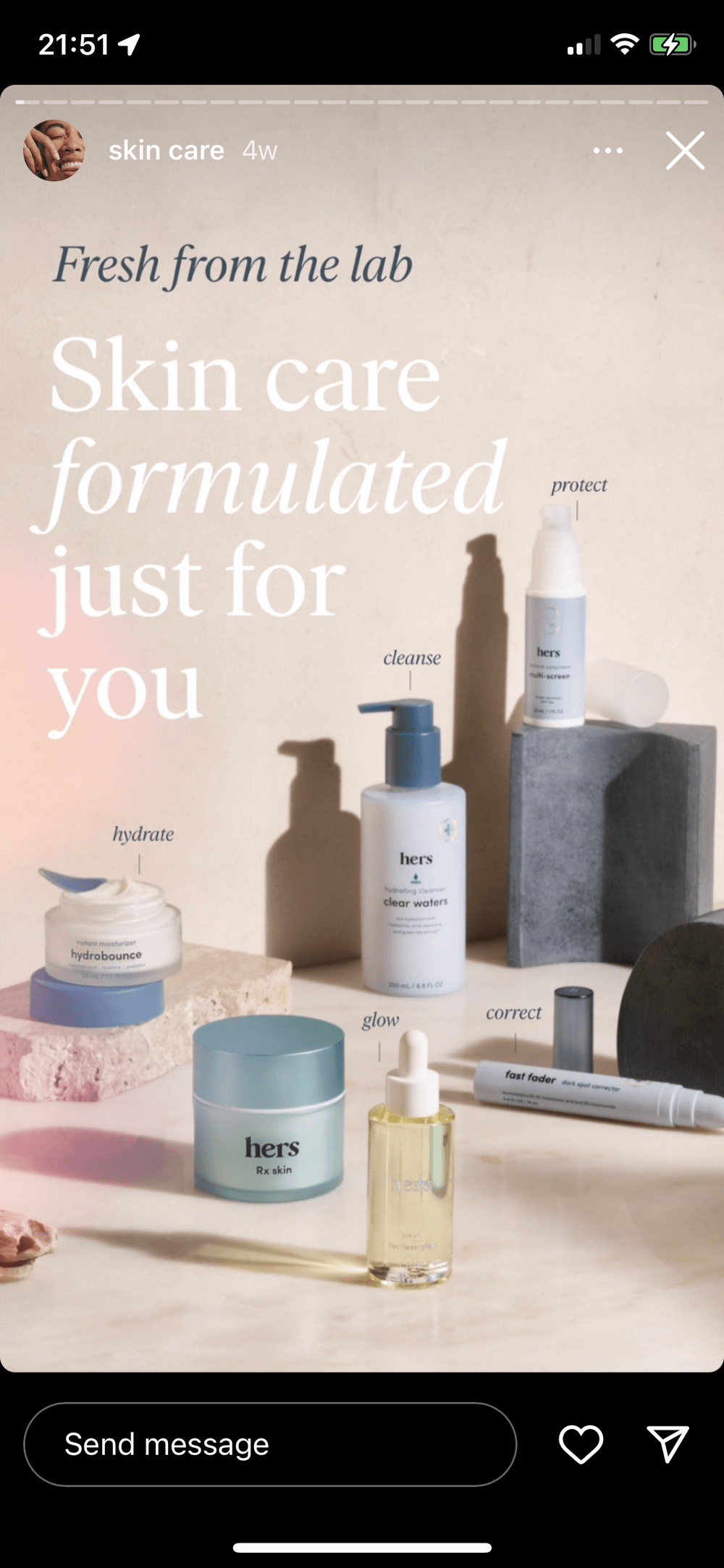
Hers (@hers on Instagram) does this nicely with its skincare Story Highlights. Rather than simply displaying products, the brand explains what different options do for the skin. It turns the Highlight into a quick product guide that customers can return to when they’re deciding what to buy.
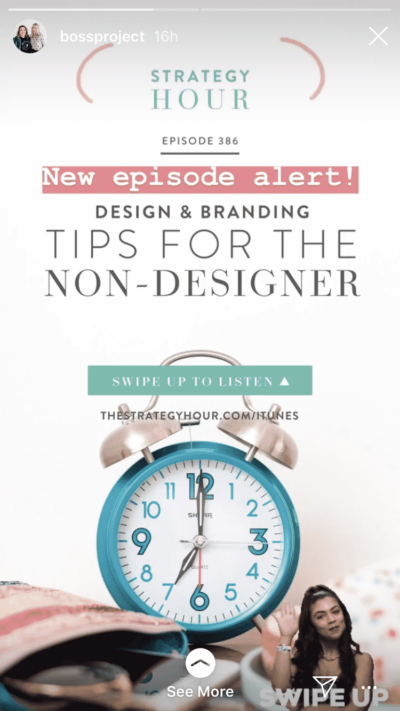
Publishing a new article or podcast episode doesn’t mean your audience will automatically find it.
Give it another push through Stories. Pull out an interesting quote, surprising statistic, or useful takeaway, then follow it with a link to the full piece. That’s usually more tempting than simply posting a graphic that says “New blog post.”
If you publish frequently, create a reusable Story template for new articles and episodes. You can swap out the headline and image each time while keeping the overall design recognizable.
3. Give Your Latest Instagram Post Another Chance
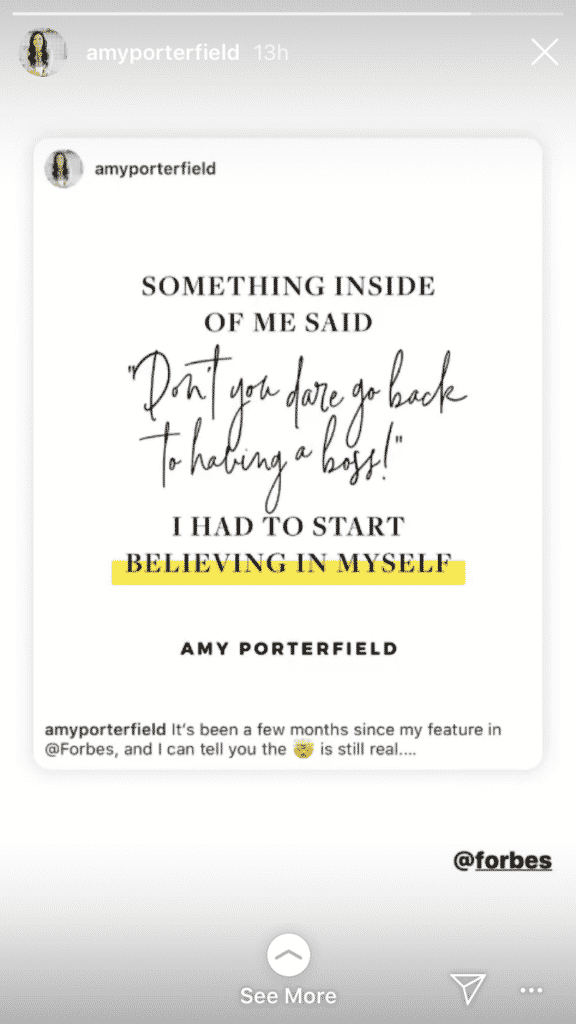
Your followers won’t see every feed post you publish. Stories can help bring some of those missed posts back into view.
Share your latest Reel, carousel, or photo to your Story and give people a reason to tap through. Instead of leaving the whole post visible, tease what’s inside with a sticker, short comment, or partially covered preview.
For example, if you’ve published a carousel called “5 mistakes killing your Instagram engagement,” your Story might reveal the first mistake and invite viewers to open the post for the other four.
4. Build Excitement Before a Launch
Don’t wait until launch day to start talking about your new product.
Instagram Stories are perfect for dropping little pieces of information in the days leading up to a launch. Share behind-the-scenes footage, reveal individual features, ask followers to guess what’s coming, or gradually show more of the product.
Instagram’s interactive stickers make this even more useful. Add a countdown sticker for the launch date, use a poll to get people involved, or include a link sticker for preorders and waitlist registrations.
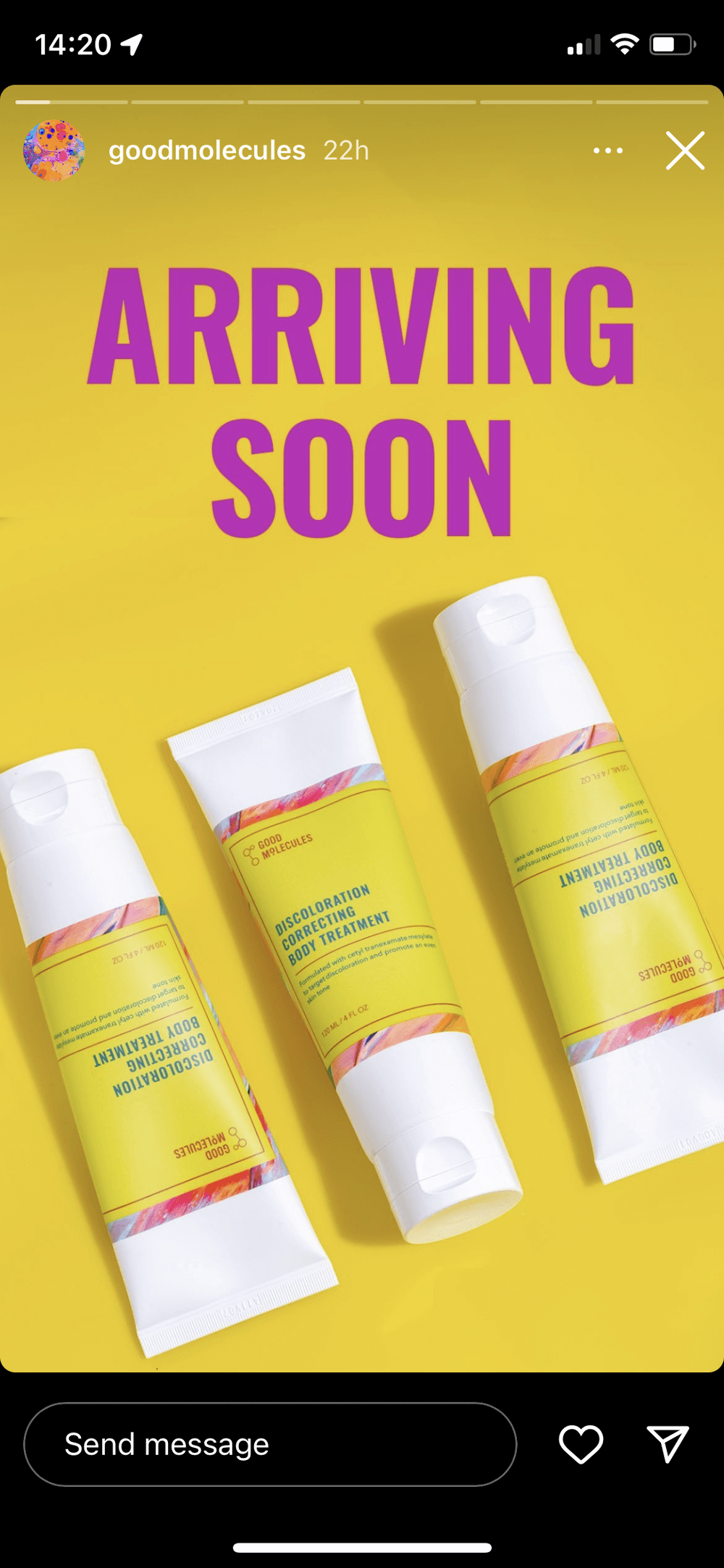
Skincare brand, Good Molecules (@goodmolecules on Instagram), has used Stories ahead of product launches to explain what’s coming and direct interested followers towards early access. That means the audience already understands the product before it officially arrives.
5. Teach Something Your Audience Can Use
Some of the best Stories give people information they can put into practice immediately.
Create a quick tutorial showing how to use your product, solve a common problem, or get a better result. A beauty brand could demonstrate how to layer skincare products. A restaurant could share a quick cooking tip. A software company could walk through a useful feature in three or four Story frames.
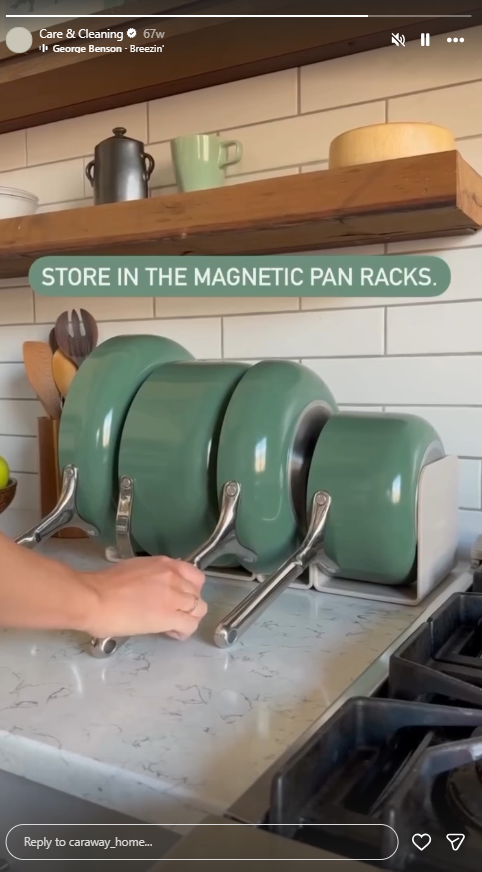
Caraway, a cookware brand (@caraway_home on Instagram) takes this approach further by keeping a “Care & Cleaning” guide in its Story Highlights. Customers can return to it whenever they need help looking after their cookware.
That’s worth considering for your own account too. If you’ve created a useful tutorial, save it as a Highlight rather than letting it disappear after 24 hours. One helpful Story can then keep doing its job long after the original day it was posted.
6. Ask Your Audience a Question
Sometimes the easiest way to get people interacting with your Stories is simply to ask them something.
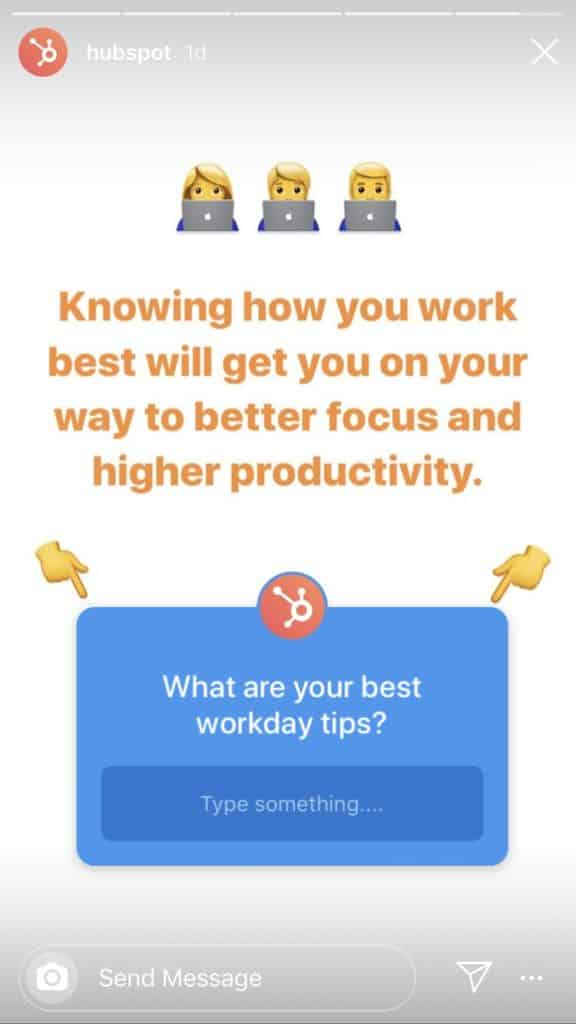
Instagram’s question sticker makes this easy. Ask followers about their preferences, challenges, opinions, or experiences, then share some of the responses in follow-up Stories. A social media agency, for example, could ask, “What’s your biggest struggle with Instagram right now?”
Beyond engagement, the answers can be useful customer research. You might discover recurring problems worth addressing in future posts, products, or campaigns.
7. Host a Quick AMA
An “Ask Me Anything” session gives your followers a chance to turn the tables and ask the questions.
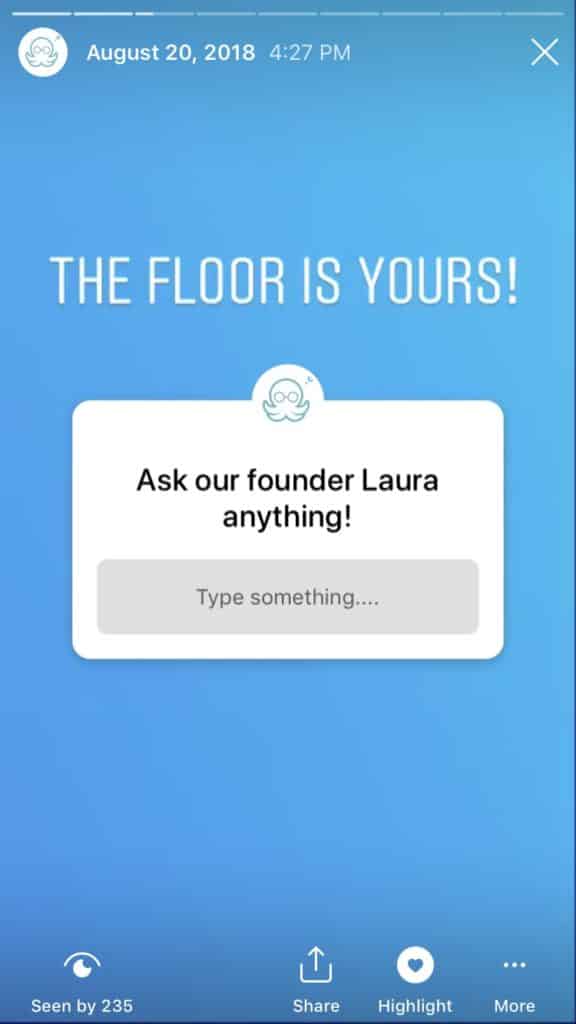
Drop a question sticker into your Story with a prompt such as “Ask us anything about running Facebook ads” or “What do you want to know about our new collection?” Then answer the best questions across a series of Stories.
You don’t have to limit AMAs to the company founder either. Bring in your product manager, designer, chef, trainer, or another team member who has useful knowledge to share.
Save particularly useful answers to a Highlight afterward. They’ll become a handy FAQ for people visiting your profile later.
8. Show Your Product in Action
A polished product photo tells people what something looks like. A Story demo shows them what it can actually do.
Film a quick demonstration, walk viewers through a feature, or show how your product fits into a normal day. Keep it natural. Stories don’t need the same level of production as a major product video.
Service businesses can adapt this idea too. A graphic designer might show the tools behind a project, while a social media manager could demonstrate an app they use to organize content.
These demos can work particularly well when they answer a question potential customers regularly ask before buying.
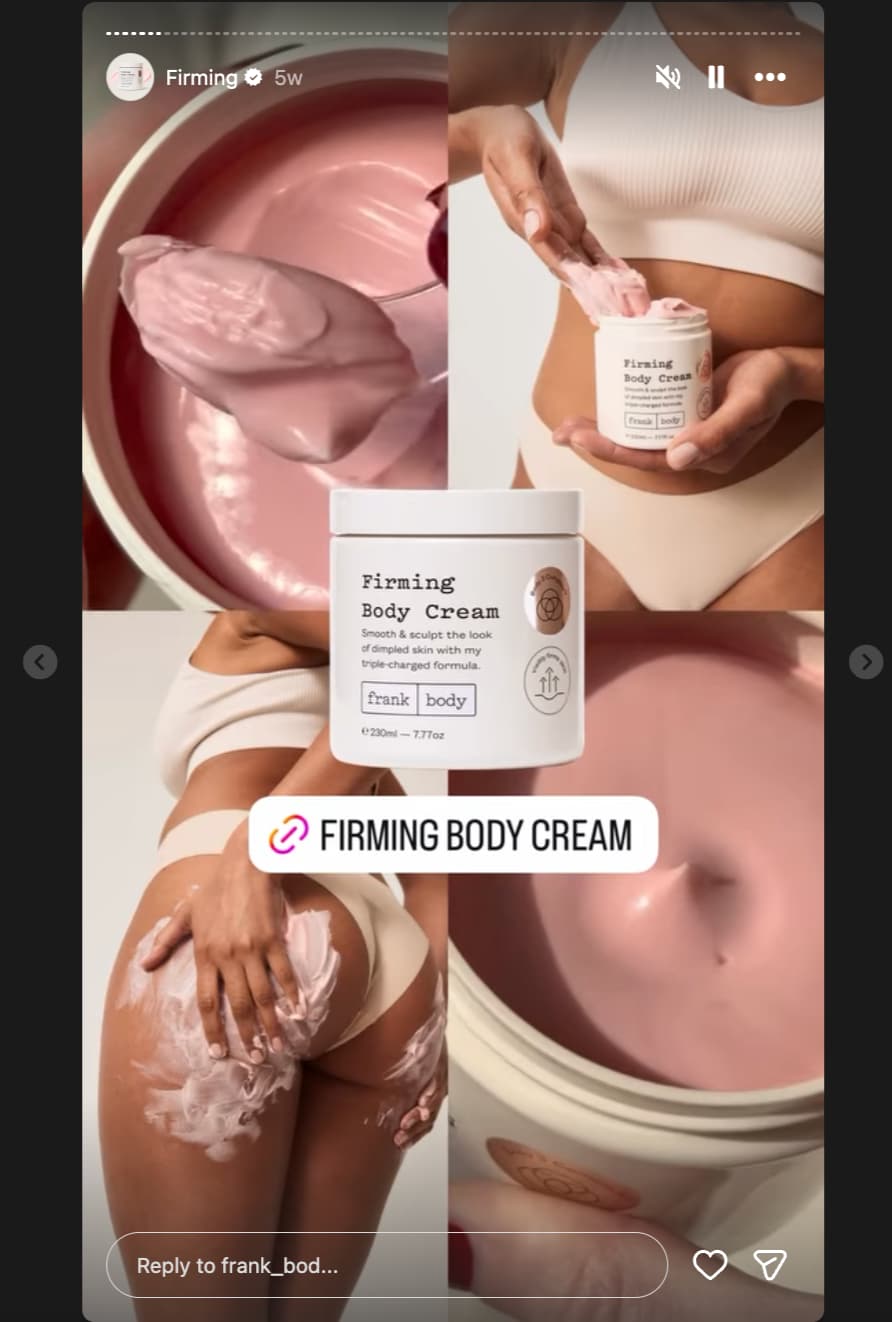
You can tell people your product is brilliant all day. Seeing an actual customer enjoying it carries a different kind of weight.
Watch your mentions and tagged posts for customer photos, videos, reviews, and other user-generated content. With permission where needed, reshare the strongest ones to your Stories and tag the creator.
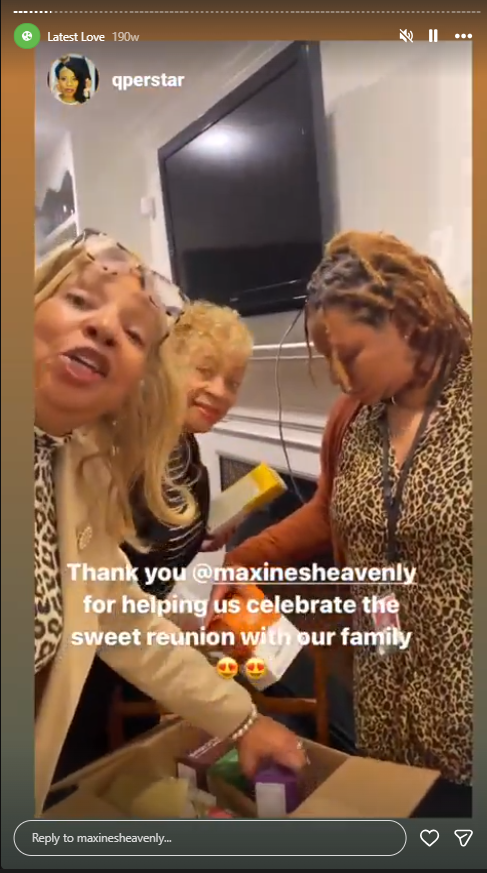
Cookie brand Maxine’s Heavenly (@maxinesheavenly), for example, has used a “Latest Loves” Story Highlight to collect content from customers and creators who mention the brand. New visitors get to see the products through the eyes of people already buying them.
10. Take People Behind the Scenes
Your audience usually sees the finished product. Stories can show them everything that happens before it reaches that point.
Take followers into the office, warehouse, kitchen, studio, or wherever your work happens. Show an order being packed, preparations for an event, a brainstorming session, or the messy middle of creating something new.
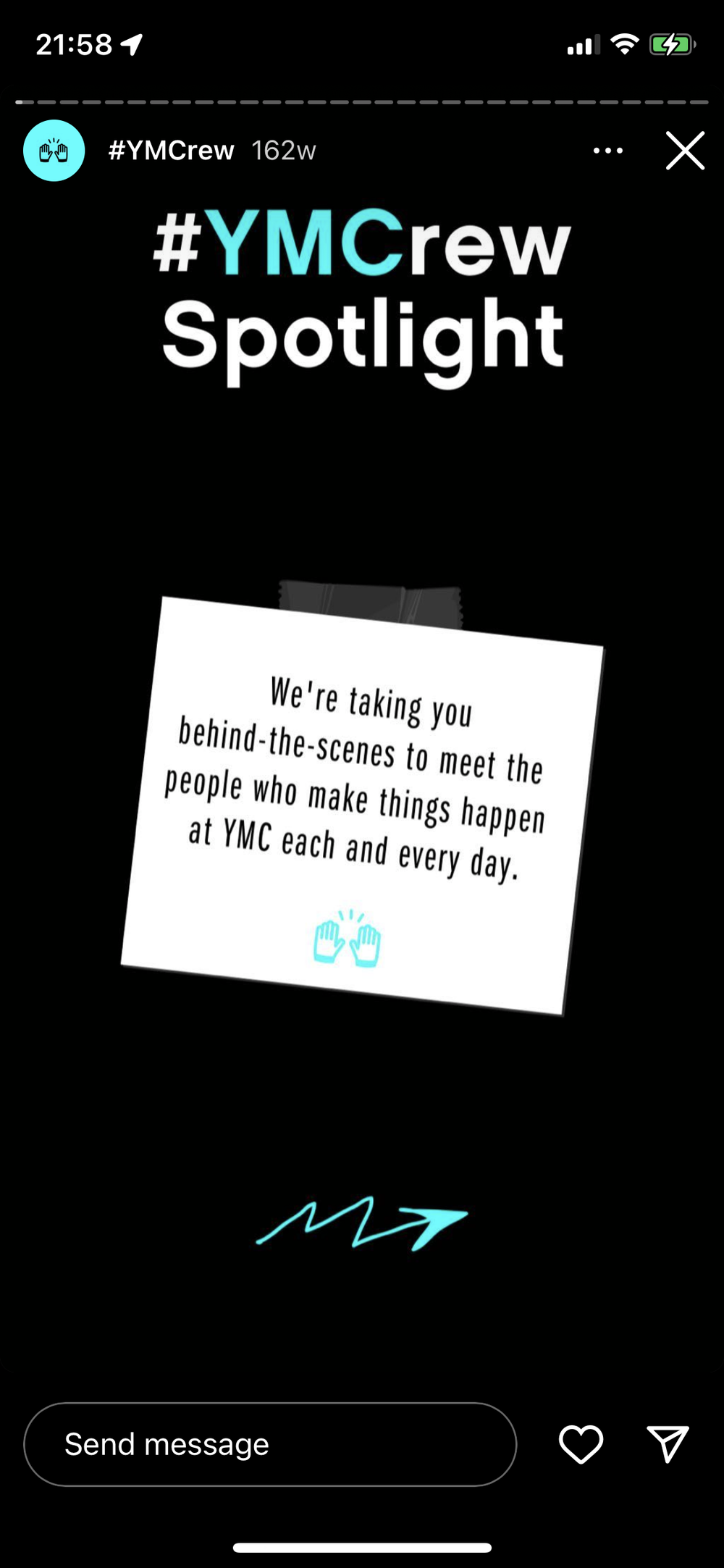
Your team can be part of the story too. Swedish fashion brand Djerf Avenue (@djerfavenue on Instagram) has featured employees answering personal prompts, while Youth Marketing Connection (@youthmarketing on Instagram) has used Stories to introduce team members and their interests outside work.
Behind-the-scenes content doesn’t need an elaborate concept. That’s part of its appeal. A 15-second clip of something completely ordinary to your team may be fascinating to a customer who has never seen how your business works.
How OnlySocial Makes Instagram Stories Easier to Manage
Coming up with good Instagram Story ideas is only half the job. You also need to keep those Stories going consistently, especially when you’re managing several accounts or planning content alongside Reels, feed posts, and other social channels.
That’s where OnlySocial can help. Instead of relying on someone to remember to publish each Story at the right moment, you can bring your Instagram content into a more organized workflow and plan ahead.
Plan Stories Alongside the Rest of Your Content
A Story often works best when it’s connected to something else you’re doing. You might tease tomorrow’s product launch, reshare today’s Reel, or promote a blog post published earlier in the week.
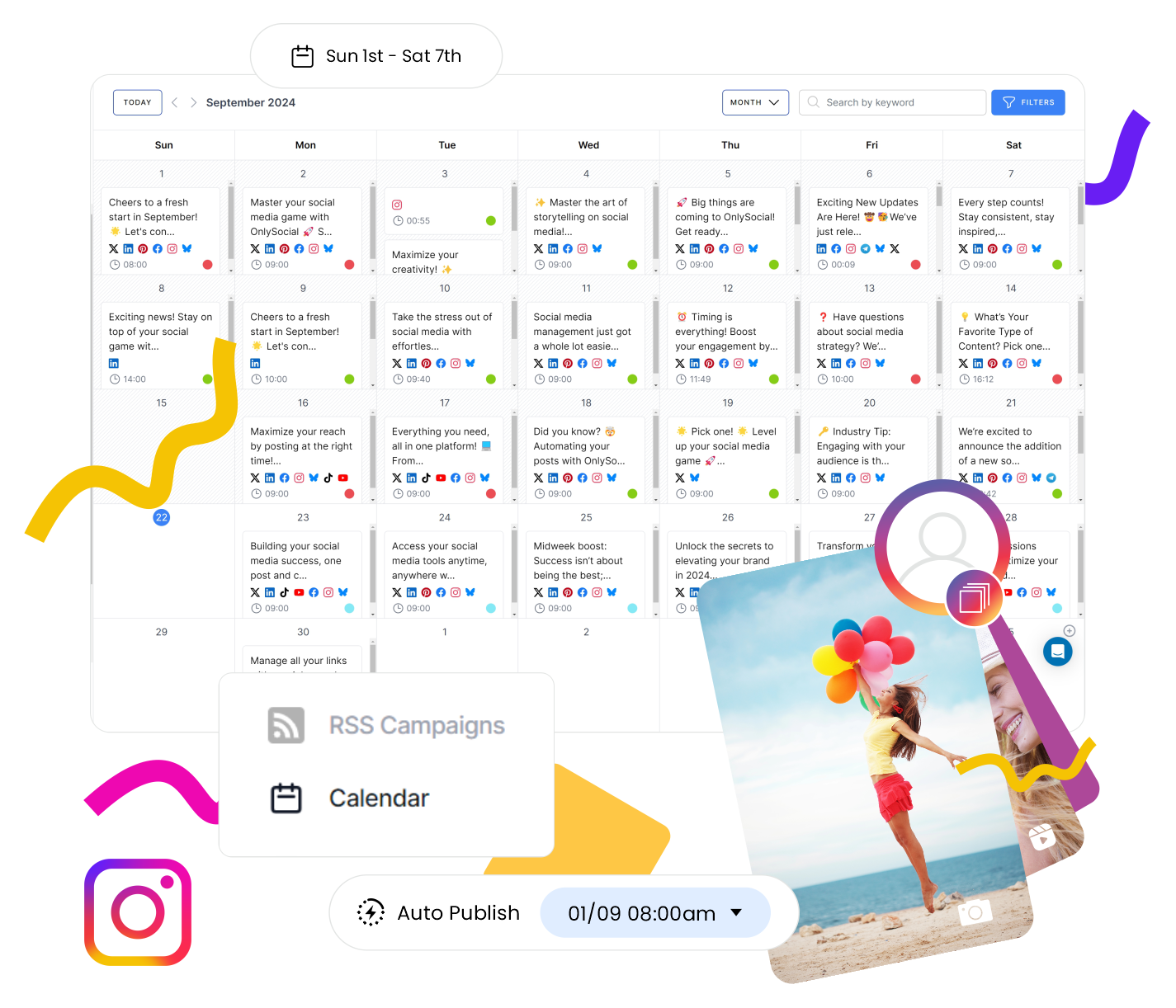
OnlySocial’s content calendar gives you a clearer view of what’s going out and when. That makes it easier to plan Stories around your wider Instagram strategy rather than treating them as last-minute extras.
Schedule Instagram Stories Ahead of Time
You don’t want to open Instagram every morning wondering what today’s Story should be.
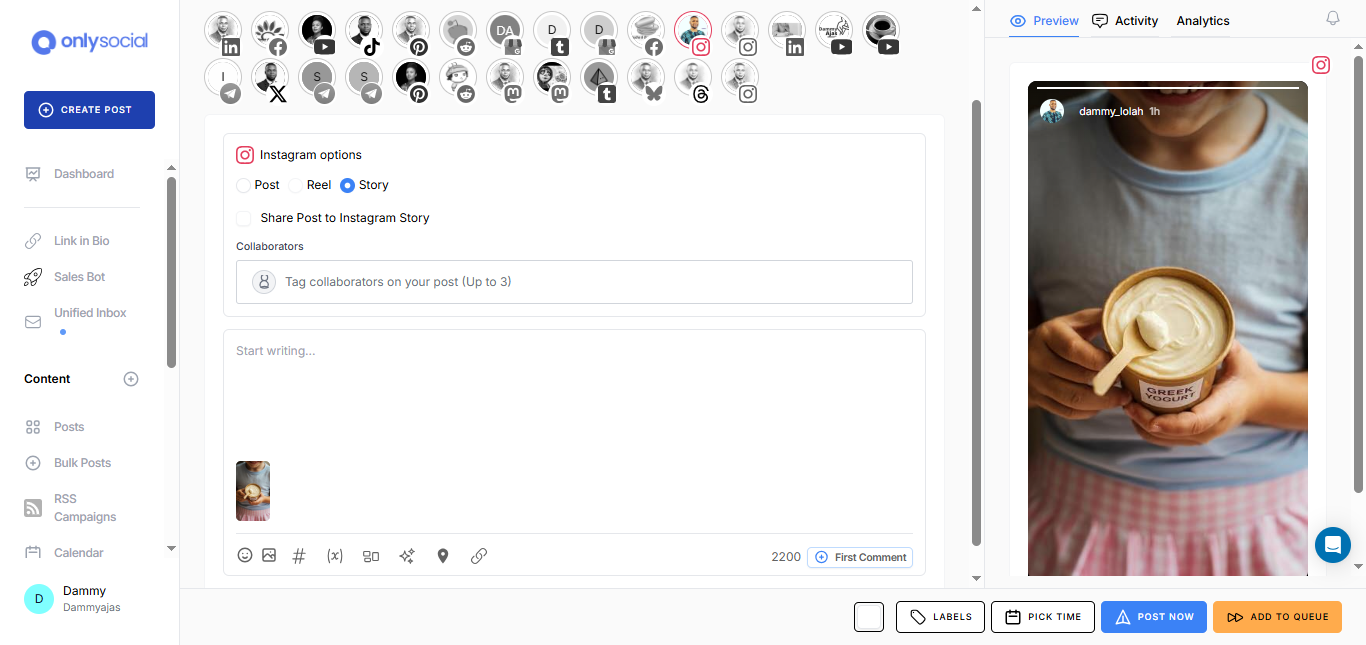
With OnlySocial, you can prepare and schedule Instagram content in advance. Batch a week’s worth of Stories during one planning session, organize them around campaigns and important dates, and keep your account active even on busy days.
This is particularly handy for agencies and social media teams managing several Instagram accounts. Instead of jumping between profiles throughout the day, you can organize much of the publishing work in one place.
Keep Your Whole Social Calendar Together
Instagram probably isn’t the only platform on your list. The same campaign might also need content for Facebook, TikTok, LinkedIn, X, and other channels.
OnlySocial lets you manage multiple social networks from one dashboard. So, while you’re planning your Instagram Stories, you can see how they fit alongside the rest of your scheduled content.
11. Let Followers Rate Your Products
Want quick feedback without asking people to type out a response? Put a product photo on your Story and add an interactive sticker.
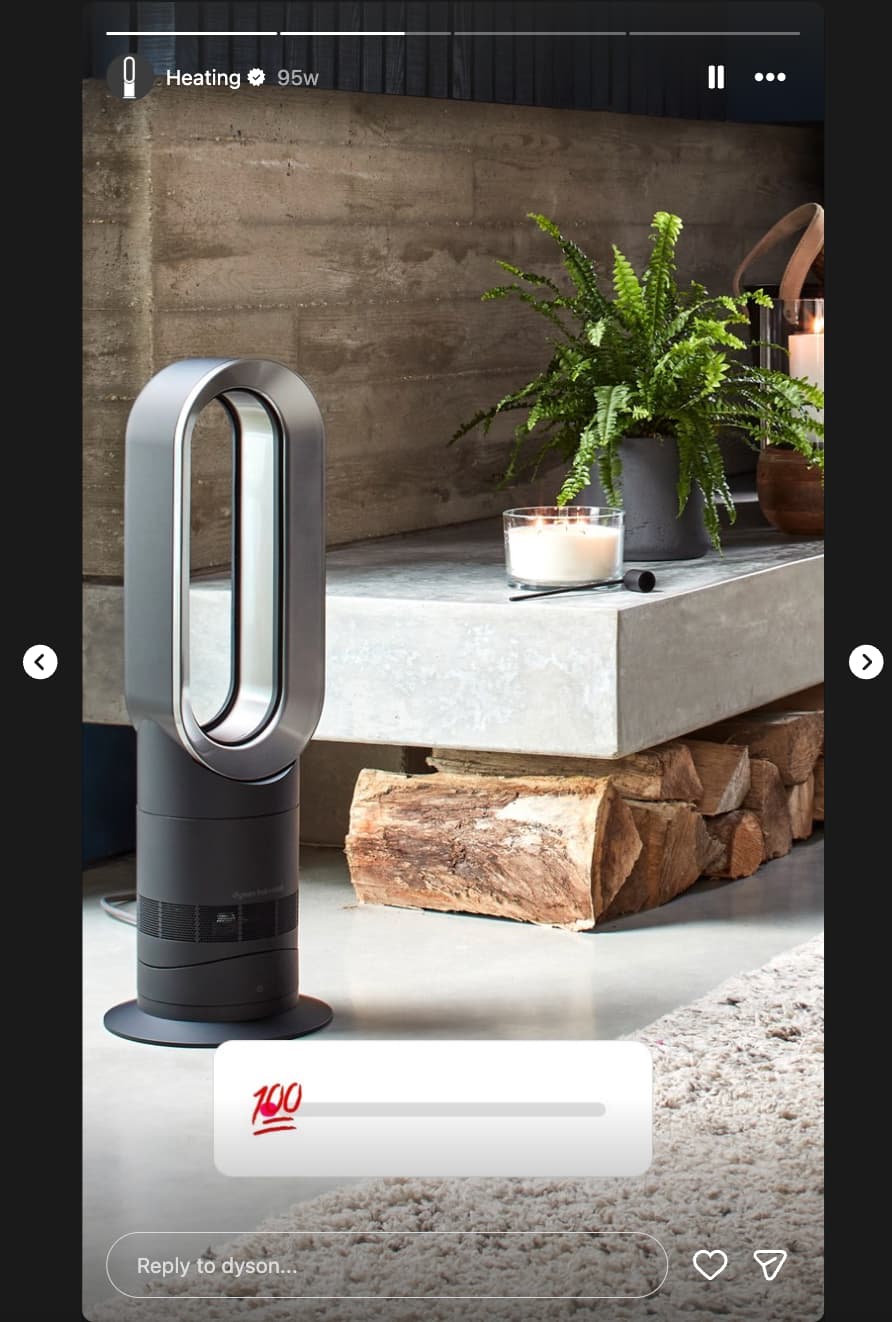
You could ask followers how much they love a particular design, which color they’d choose, or how excited they are about an upcoming release. Dyson, for example, has paired product imagery with rating-style interactions to turn an ordinary product Story into something followers can participate in.
Don’t let an event disappear once everyone goes home.
Turn your best photos and clips into a short Story recap. Show the venue, product displays, speakers, customers, team members, and moments people who weren’t there would have enjoyed seeing.
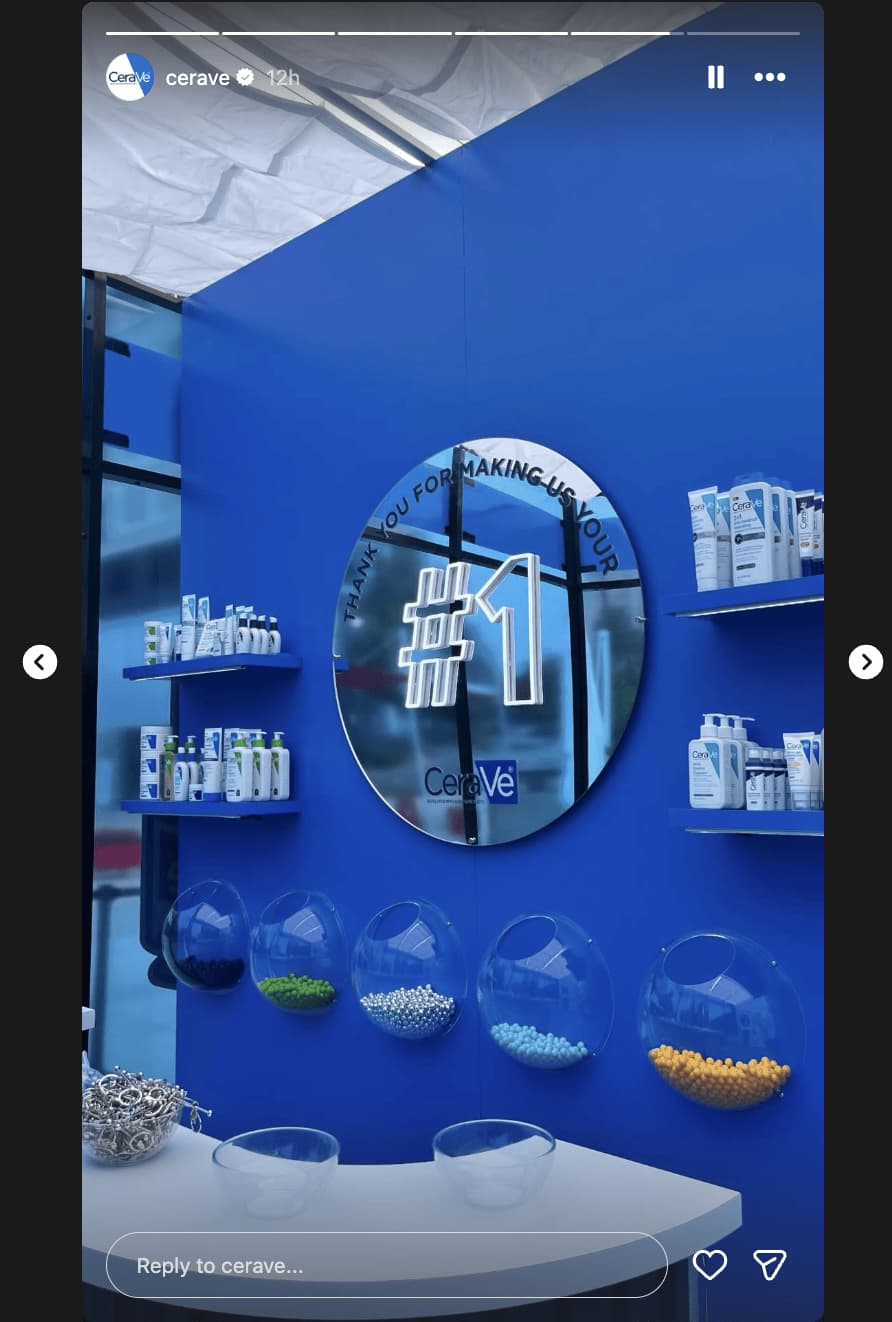
CeraVe, for instance, has used Stories to share the product display from its 20th anniversary celebration.
You can post these updates while the event is happening or create a polished recap afterward. For major events, save the collection as a Highlight so new visitors can still see it months later.
13. Announce a New Product Drop
Got something new? Stories are an easy way to get it in front of followers quickly.
Start with a strong photo or short video showing the new product, then use the next few frames to reveal colors, features, prices, or other details. Finish with a link sticker that takes interested viewers straight to the product page.
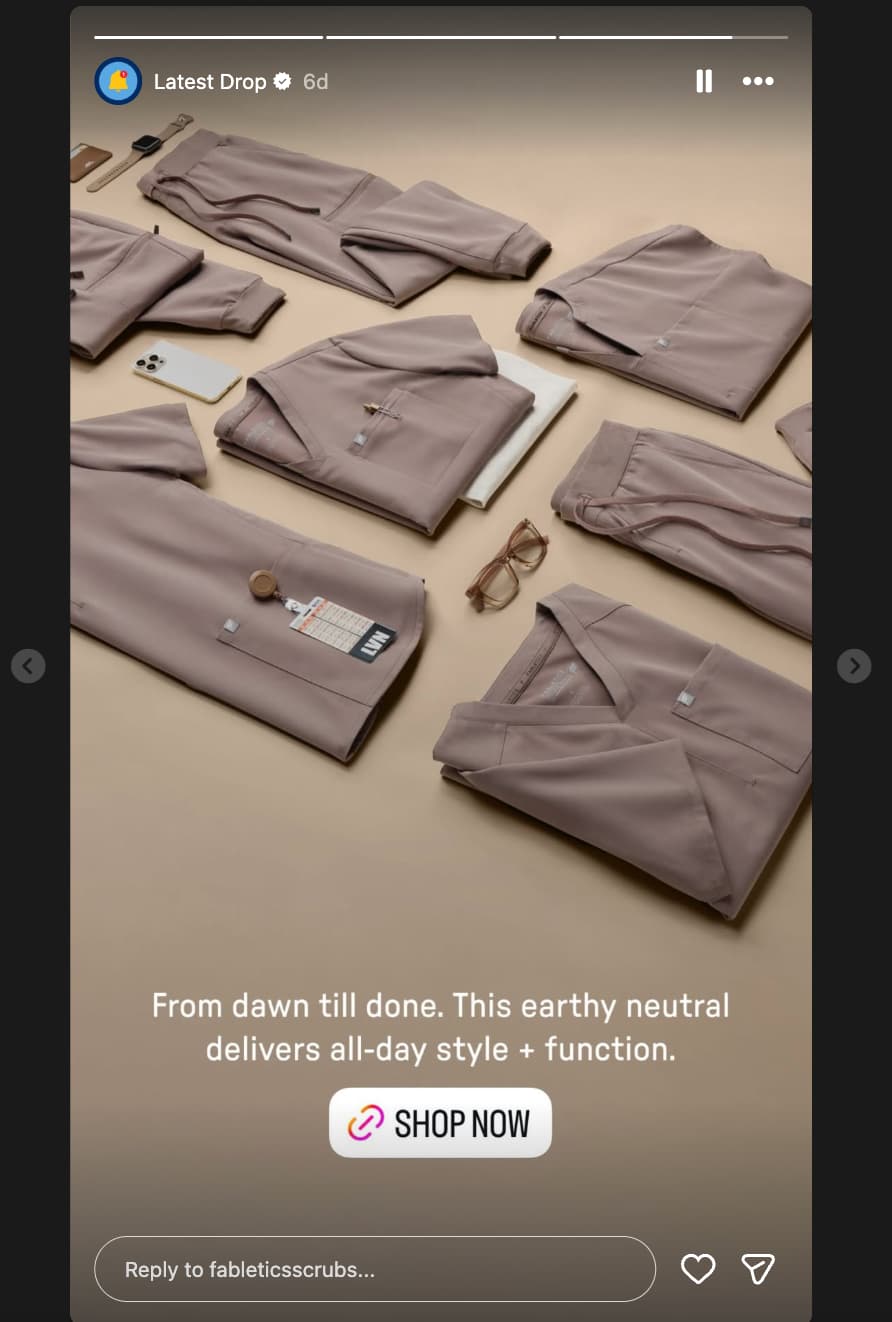
Fabletics Scrubs has used this format for new color drops, pairing product imagery with a direct “Shop now” link.
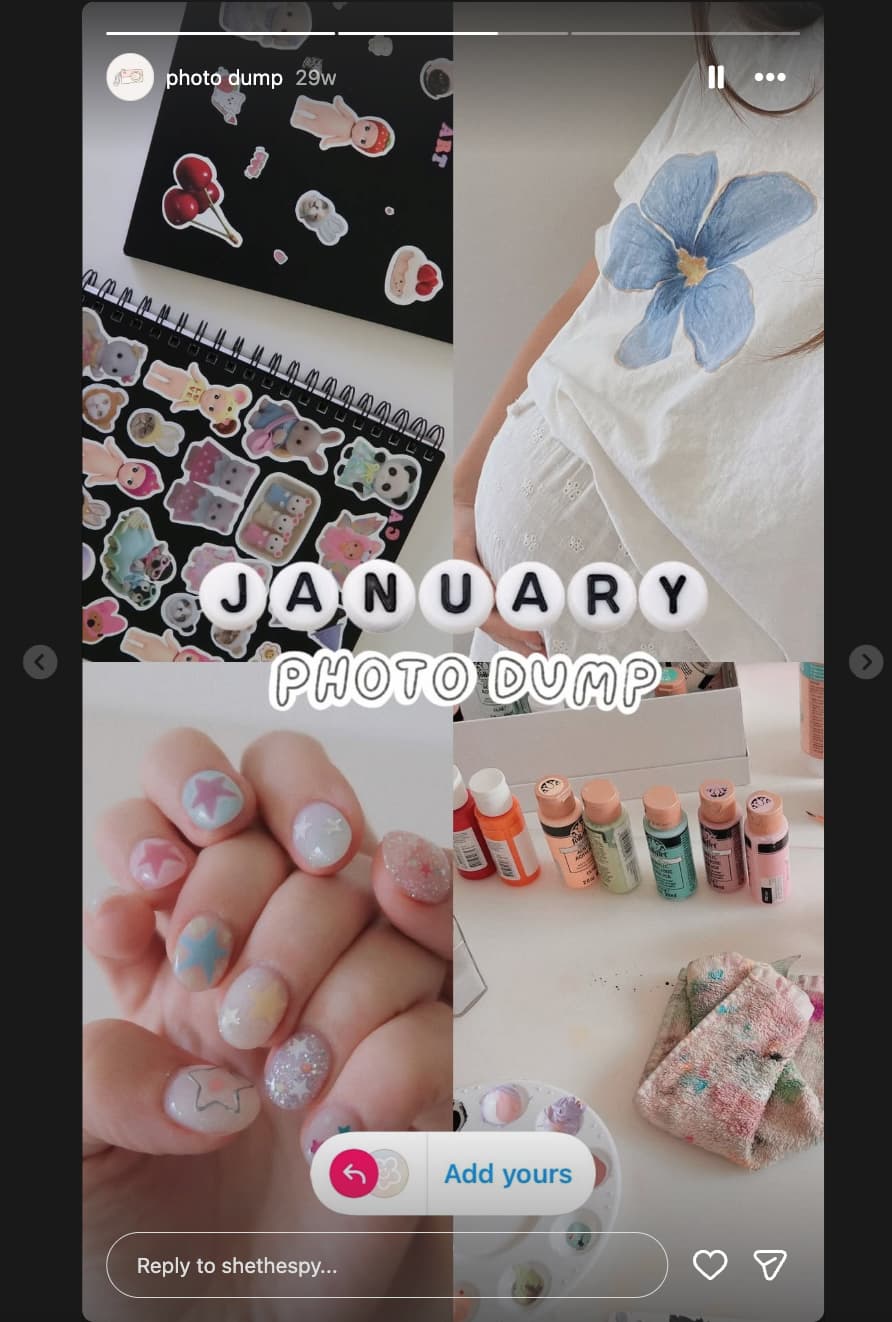
14. Create a Monthly Photo Dump
Not every Story needs a campaign behind it.
At the end of each month, gather some of your favorite photos and moments into a simple recap. Think new products, team moments, customer photos, events, office chaos, milestones, or anything else that tells the story of your month.
This works for businesses and individual creators alike. You can even add an “Add Yours” sticker and invite followers to share their own monthly highlights.
15. Test Your Audience With a Quiz
Instagram’s quiz sticker gives followers something more interesting to do than simply tap through your Stories.
Create a few questions about your industry, products, or brand. A coffee shop could test followers on different coffee beans. A fitness brand could ask which exercise targets a particular muscle. A software company could turn common industry misconceptions into a quick true-or-false game.
Quizzes can also introduce your products without making the Story feel like an advert. Ask followers to guess your bestselling product, the year your company started, or which feature customers use most.
Keep the questions short and make the answers interesting enough that people want to see how they did.

16. Put a Client or Team Member in the Spotlight
Logos don’t build relationships. People do.
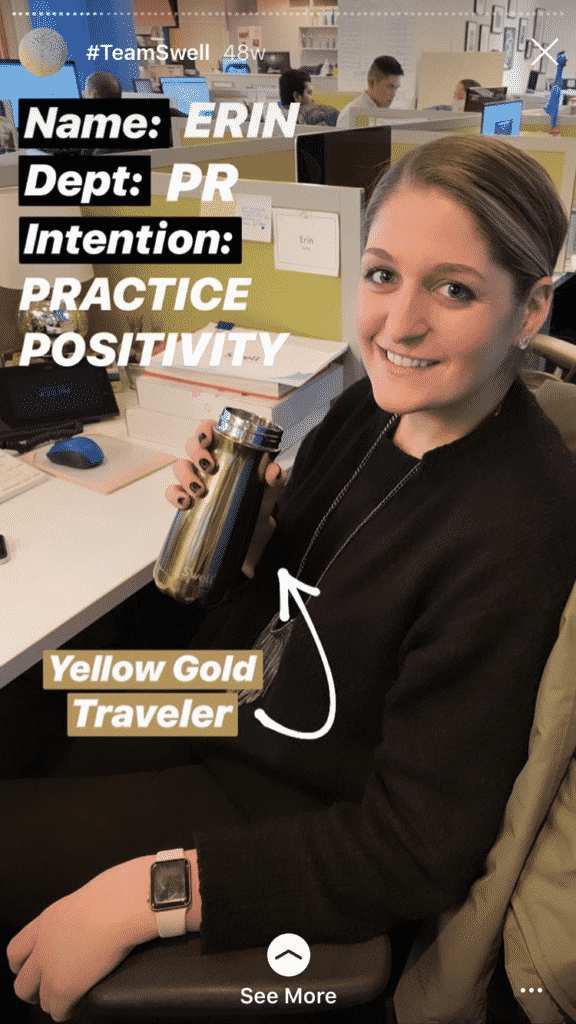
Use Stories to introduce the people behind your business. Share a team member’s photo alongside their role, favorite part of the job, an unusual hobby, or a quick answer to a fun question.
You can give customers the spotlight too. Feature a client you’ve worked with, explain what you helped them achieve, or invite them to share their experience in a short video.
For solopreneurs, client spotlights are particularly useful because they bring another face and perspective into your content. For larger companies, employee features help followers gradually get to know the people they usually only see represented by a brand logo.
17. Turn Great Reviews Into Stories
If a customer says something nice about your business, don’t leave that praise sitting on a review page where only a handful of people will see it.
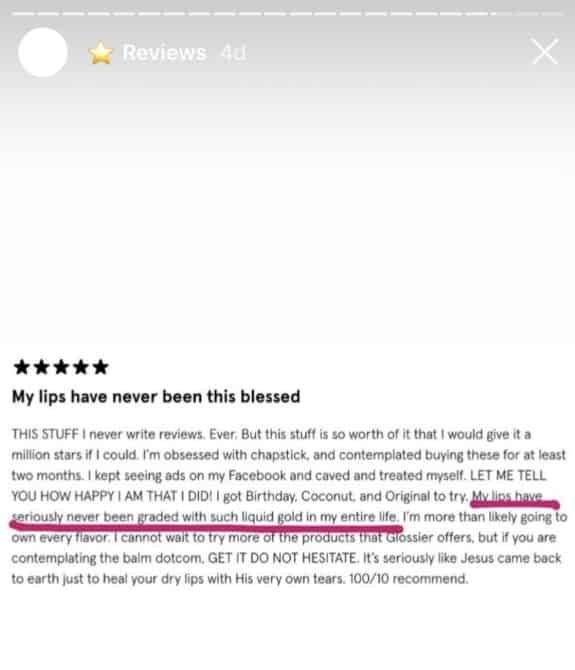
Screenshot strong reviews and testimonials and share them to your Stories. You can add the customer’s name or photo where appropriate, highlight the strongest sentence, and include a link to the product or service they’re talking about.
You don’t need an elaborate design either. Stories are temporary and informal by nature, so a clean screenshot with a little context can work perfectly well.
If you receive reviews regularly, save the best ones to a Reviews or Customer Love Highlight. New visitors then have a collection of real customer experiences to browse.
18. Get Followers Voting With Polls
Polls turn passive viewers into participants with a single tap.
You can use them for quick audience research:
- “Which color should we launch next?”
- “Which tutorial should we make this week?”
- “Morning or evening workouts?”
- “Which feature do you use most?”
They don’t always need a business purpose. Fun questions about your team, industry, or something happening that day can generate plenty of interaction too.

If you have several products, group them around a particular need, occasion, or season.
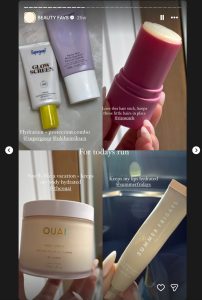
A beauty brand could share “Our summer skincare picks.” A clothing retailer might create “5 pieces we’re wearing this weekend.” A food brand could put together its favorite products for a movie night.
You can also do this without featuring your own products exclusively. Sharing tools, books, apps, or products your team genuinely uses can make the recommendation feel more personal.
Features tell people what’s included. Stories give you space to explain why those features are useful.
Choose one product and create a few frames around its strongest benefits. Keep each point short enough to understand at a glance rather than covering the screen in text.
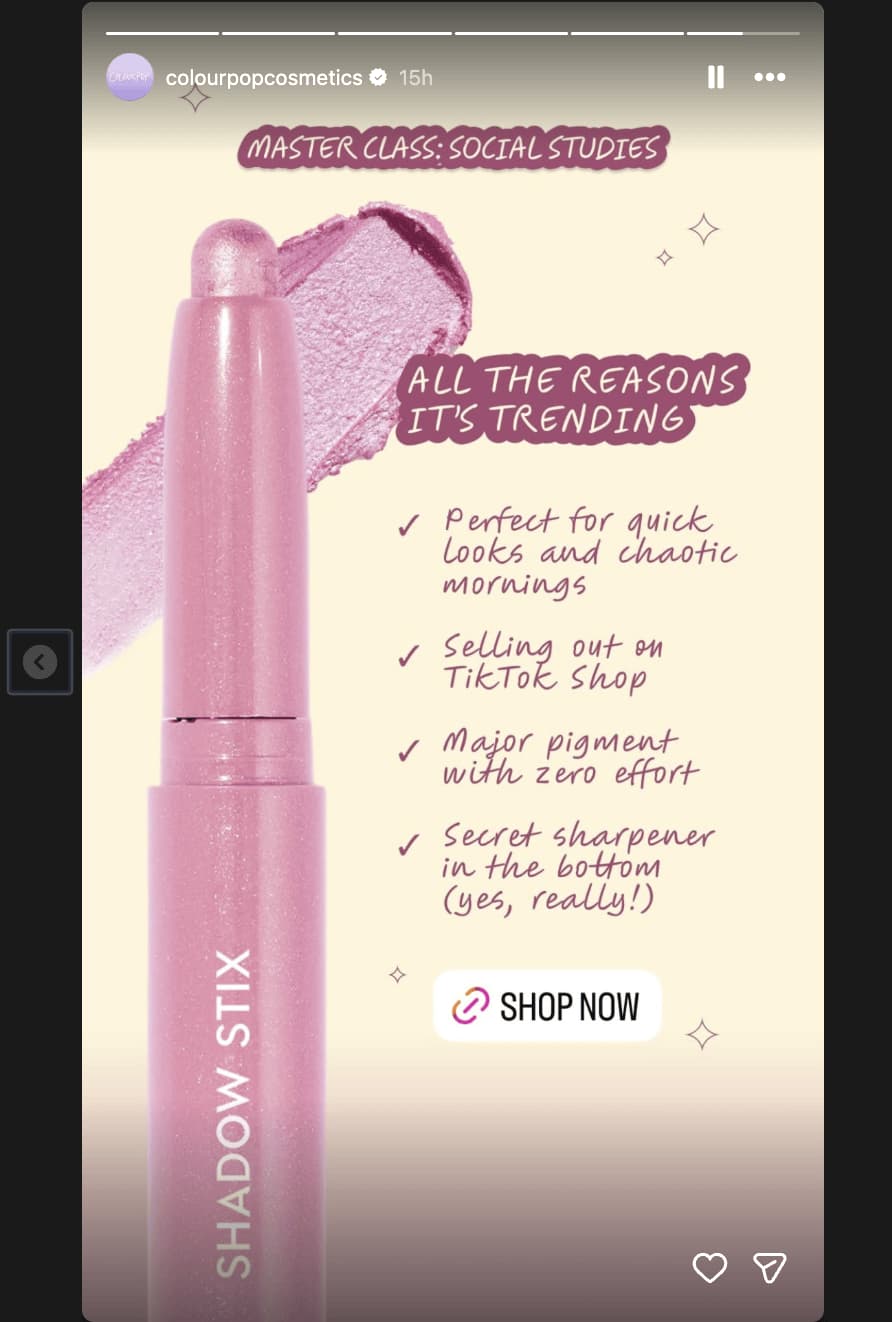
ColourPop, for example, has used Stories to call attention to the selling points behind products such as its Shadow Stix. The product remains the visual focus while short pieces of copy explain why someone might want it.
You could even turn this into a recurring format, with each Story focusing on one benefit and showing it in action.
Your customers may already be creating some of your best Instagram content.
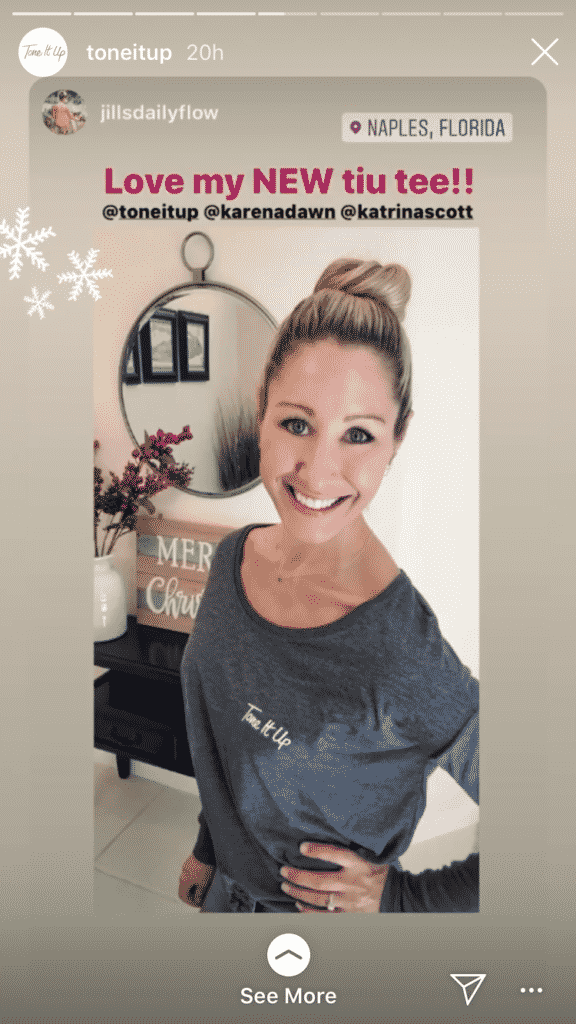
When someone posts a Story featuring your product and tags your account, reshare it to your own Story when appropriate. You get fresh content while the customer gets recognition from the brand.
UGC can also feel more natural than another polished product shoot. Followers get to see what your product looks like in someone’s home, wardrobe, routine, business, or everyday life.
Encourage more of it by telling customers what to tag, creating a branded hashtag, or occasionally asking followers to share how they’re using your product.
And don’t just repost it and move on. Add a short reaction or thank-you so the person behind the content knows you’re paying attention.
22. Urgency CTA
Sometimes your Story needs to drive an immediate action rather than simply entertain.
If a sale is ending tonight, registration closes tomorrow, or there are only a few appointment slots remaining, make that deadline clear. Pair it with a link sticker so viewers can act without hunting around your profile.
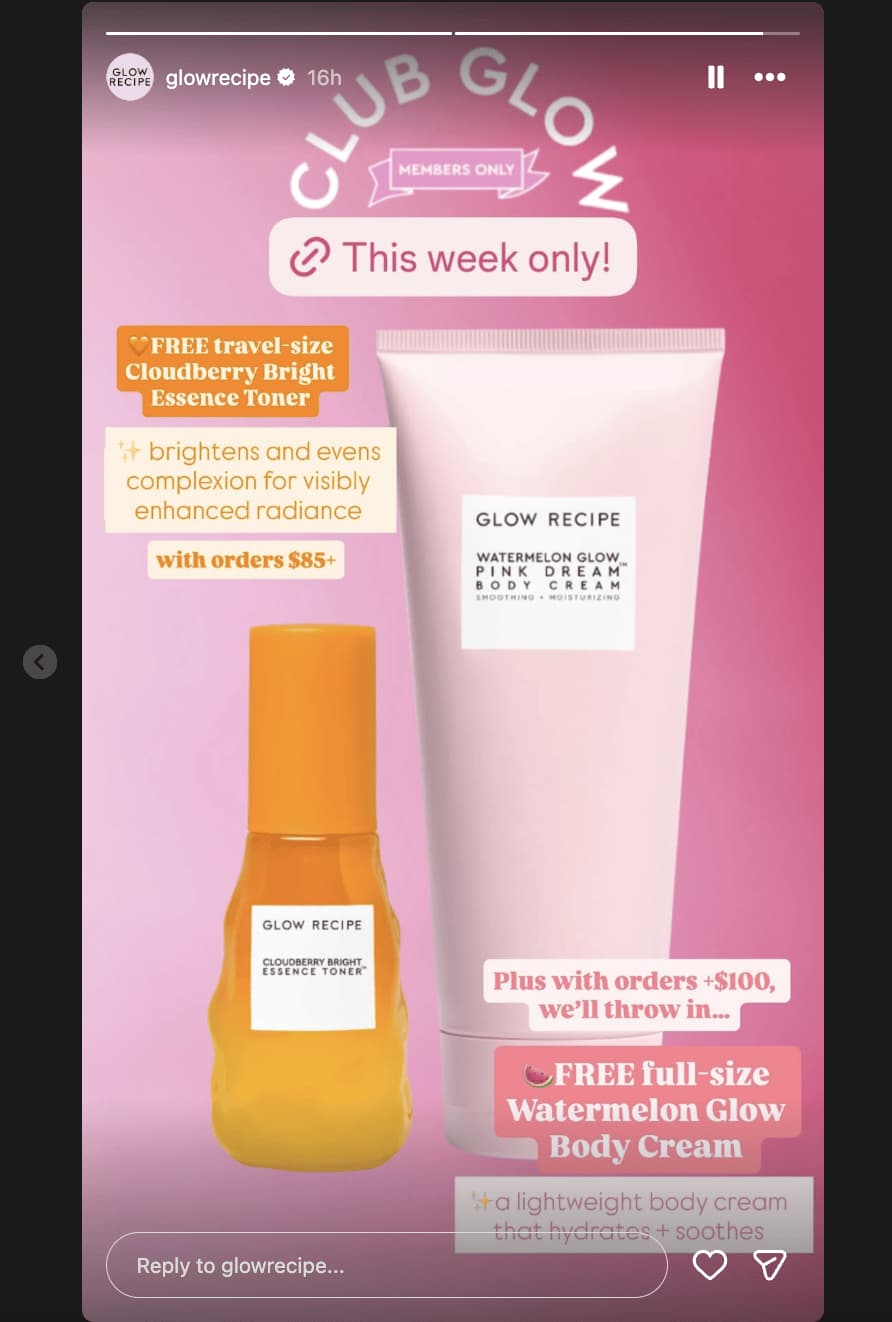
See how Glow Recipe used custom text around its link stickers to make limited-time offers clear and give followers an immediate route to the offer.
Just make sure the urgency is genuine. Constant “LAST CHANCE!” Stories for offers that mysteriously return the next morning quickly lose their effect.
Save urgency for real deadlines. When there genuinely are only three hours left, say so.
Final Thoughts
You don’t need a huge production budget to make Instagram Stories worth watching. Some of the best ideas are also the simplest: ask a question, share a customer review, show what happens behind the scenes, or give followers a quick look at something new.
The real trick is keeping enough variety in your Stories that people have a reason to keep tapping. So, mix useful content with interactive posts, product Stories, and more spontaneous moments.
And when you already know what you want to publish, OnlySocial can help you plan and schedule that content ahead of time, leaving more room for the Stories that happen naturally in the moment.